
PNG to ICO Converter: Favicons and 12 Image Formats
Turn a PNG into an ICO favicon at the standard 256 by 256 size, or convert between PNG, JPG, WebP, AVIF, GIF, BMP, TIFF and ICO in a batch. Preview each file, then download everything as a ZIP. Free, no signup, and PNG, JPG, and WebP convert right in your browser.
How to Convert PNG to ICO and Other Formats
Upload Your Images in Bulk
Drag in one image or a whole batch. Mixed input formats are fine, so a folder of PNG, WebP, and AVIF can all go in together and each file converts on its own.
Pick One Output Format
Choose PNG, JPG, WebP, AVIF, ICO, or any of the 12 supported formats. Your choice applies to the entire batch at once.
Preview and Download the ZIP
Check the previews, then download files one by one or grab the whole batch as a single ZIP with original filenames kept.
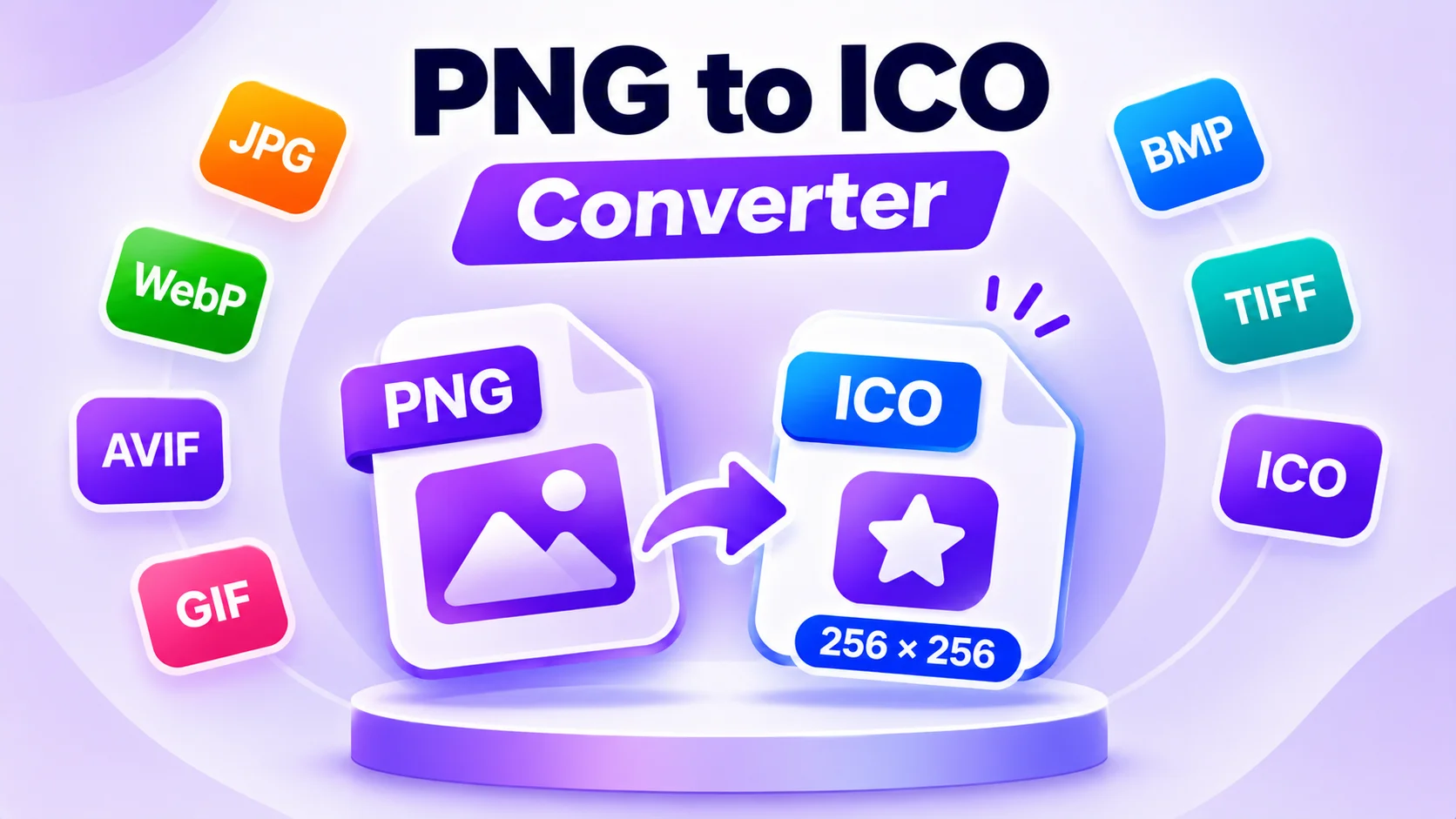
PNG to ICO, Plus Every Other Format You Need
You export a logo as a PNG, then the favicon upload asks for an ICO file. That mismatch is the most common reason people reach for a converter. This PNG to ICO converter handles it in one step: upload the PNG, pick ICO, and download a 256 by 256 pixel ICO, a size that covers the favicon sizes browsers show (commonly 16, 32, and 48 pixels) and high-DPI screens. Google recommends a square icon that is a multiple of 48 pixels, which a 256 pixel icon meets (see the Google favicon guidelines and MDN link rel docs).
It is a full image converter too, reading PNG, JPG, WebP, AVIF, GIF, BMP, TIFF, ICO and more, and writing to any of them. Drop in a whole folder, pick one output format, and it applies to the entire batch.
PNG, JPG, and WebP convert right inside your browser, so those files never leave your computer and there is no size cap. Richer formats like ICO, AVIF, and TIFF are processed on our server and deleted the moment the conversion finishes. Either way, you preview every result before downloading, one file at a time or all of them zipped together.
How do I convert AVIF, WebP, or TIFF to JPG?
Pick the source files, click JPG, and download. JPG opens in every app and browser, which is why these three conversions come up most often:
- AVIF to JPG: AVIF is a newer format many apps and older browsers still cannot open, so JPG makes the image usable everywhere.
- WebP to JPG: hand a WebP to someone whose software will not open it, and a JPG just works.
- TIFF to JPG: turn a large TIFF scan into a small JPG that is easy to email or upload.
Which image format should you pick?
Use PNG for logos and icons that need transparency, JPG for photos where small file size matters, WebP or AVIF for website images at about half the size, ICO for favicons, and TIFF for print or high-quality scans. The table below breaks down each one.
| Format | Best for | Transparency | Notes |
|---|---|---|---|
| PNG | Logos, icons, screenshots | Yes | Lossless, larger files |
| JPG | Photos | No | Smallest for photos, slightly lossy |
| WebP | Website images | Yes | About half the size of PNG or JPG |
| AVIF | Modern websites | Yes | Smallest size, newer browser support |
| ICO | Favicons and app icons | Yes | Saved at 256 by 256 pixels |
| TIFF | Scans and print | Yes | Very high quality, large files |
Last updated November 2026. Maintained by Pixellize.
Why Use This Image Converter
Batch Convert in One Pass
Upload dozens of images at once and convert the whole set with a single click. No feeding files in one at a time, the batch runs together and comes back together.
12 Formats, In and Out
PNG, JPG, WebP, AVIF, GIF, BMP, TIFF, ICO, PSD and more, as input or output. Convert AVIF to JPG, WebP to JPG, or PNG to ICO without hunting for a separate tool.
Preview Before You Download
Every converted image shows a preview first, so you catch a lost transparency or a wrong format before it ever reaches your downloads folder.
Download Everything as a ZIP
Batch results come down as one ZIP with the original filenames kept, ready to drop straight into a project. One file beats forty separate downloads.
WebP and AVIF Built In
The modern formats that cut web page weight by about half are first-class options here, so converting images to WebP or AVIF for a faster site takes one click.
Private by Default
PNG, JPG, and WebP convert inside your browser and never upload. Other formats are processed on our server and deleted the moment your conversion is done.
Similar Tools
More Image tools you might find useful.
Frequently Asked Questions
Common questions about converting PNG to ICO, making favicons, and image formats.
How do I convert a PNG to an ICO file?
Upload the PNG, click ICO, and download the icon. The converter writes a standard 256 by 256 pixel ICO, the size browsers and Windows use for a favicon or app icon. Start from a square PNG with a transparent background so the icon stays sharp.
What size should a favicon be?
Browsers display favicons at 16, 32, and 48 pixels, and Google recommends a square icon that is a multiple of 48 pixels. This converter outputs a 256 by 256 pixel ICO, which covers those sizes and high-DPI screens. Start from a square image at least 256 pixels wide for the crispest result.
How do I convert AVIF to JPG?
Drop your AVIF files in, click JPG, and download. AVIF is a newer format many apps and older browsers still cannot open, so converting to JPG makes the image work everywhere. For an animated AVIF the first frame is kept, since JPG is a still format.
How do I convert several images at once?
Upload the whole batch, pick one output format such as PNG, JPG, or WebP, and click convert. Every file runs in the same pass, and you download them together as a single ZIP. There is no need to convert one image at a time or repeat the steps.
What image formats can I convert between?
Input and output cover PNG, JPG, WebP, AVIF, GIF, BMP, TIFF, ICO, PSD, TGA, JP2, and PBM, 12 formats in all. You can mix input types in one batch, and a single output choice then applies to every file you uploaded.
Will converting reduce image quality?
Converting to a lossless format like PNG keeps every pixel. Converting to JPG, WebP, or AVIF applies compression, set here to a high 90 percent quality, so the loss is hard to spot. WebP and AVIF usually cut file size by about half at the same visible quality.
Does converting WebP to JPG keep transparency?
No. JPG has no transparency, so transparent areas turn into a white background when you convert WebP, PNG, or AVIF to JPG. To keep a transparent background, convert to PNG, WebP, or AVIF instead, since all three preserve the alpha channel.
Are my images uploaded to a server?
PNG, JPG, and WebP convert entirely inside your browser, so those files never upload anywhere. Other formats like ICO, AVIF, and TIFF are processed on our server and deleted automatically the moment the conversion finishes. Nothing is stored after your session.