
Add Name and Date on Photo
Put a name and a date on any photo in your browser. Pick the text, size, and color, then download. Nothing is uploaded.
How to add a name and date to a photo
Upload your photo
Click Choose Photo or drag an image onto the box. JPG, PNG, WebP, and GIF all work, and the file stays on your device.
Add the name and date
Type the name, pick the date, then set the size and color for each so it looks the way you want.
Download the photo
Click Download Photo to save it. Press Esc to close the editor and start again.
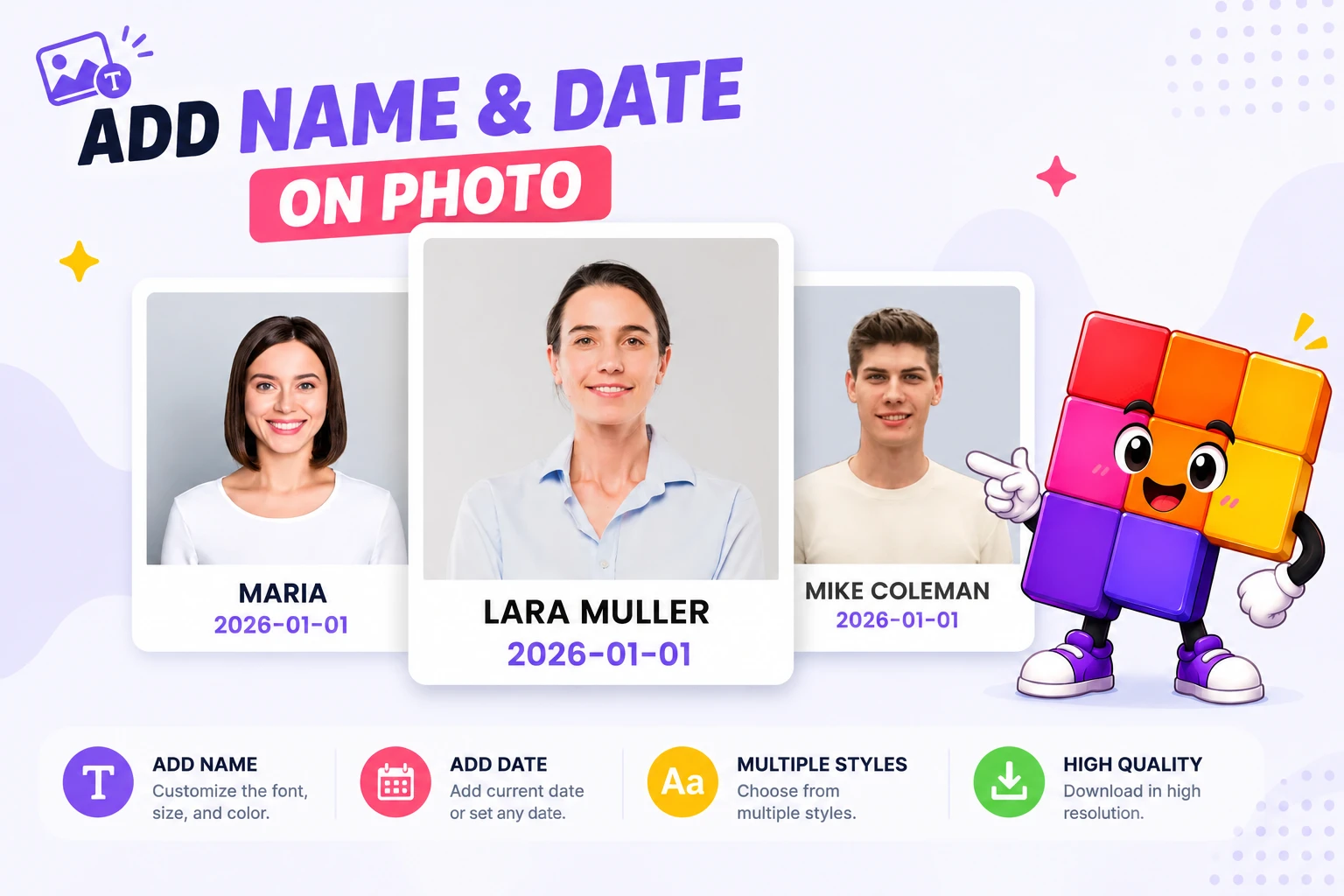
Add a name and date to a photo the easy way
Labeling a photo with a name and a date used to mean opening a heavy photo editor and fighting with text layers. This tool makes it simple. Upload a picture, type the name, pick the date, and it appears on the photo right away. You set the size and color, then download, all without leaving the page.
It works well for school and event photos, ID and passport pictures, product shots, and any image you want to caption clearly. You can add a clean white strip below the photo so the text sits neatly under it, or turn that off and place the name and date directly on the image.
Everything runs in your browser. Your photo is never uploaded, there is no sign up, and there is no watermark on the result. It is a fast, private way to add a name and date to a photo whenever you need one.
What this tool does
Name and date together
Add a name and a date to the same photo, styled the way you want.
Size and color control
Set the font size with a slider and pick any color for the name and the date.
Caption or overlay
Drop the text into a clean white strip below the photo, or place it right on the image.
Private by design
Your photo is edited in your browser and never uploaded to any server.
Free, no sign up
No account, no watermark, and no limits. Use it as many times as you want.
Downloads instantly
Save the finished photo as a PNG in one click, at full quality.
Similar Tools
More Image tools you might find useful.
Add Name and Date on Photo FAQ
Is my photo uploaded anywhere?
No. The photo is edited in your browser and is never uploaded, so it stays private on your device.
Can I choose where the name and date appear?
Yes. Add a white strip below the photo for a clean caption, or turn it off to place the text on the image itself.
Can I change the text size and color?
Yes. The name and the date each have their own size slider and color picker.
What image formats can I use?
JPG, PNG, WebP, and GIF. The finished photo downloads as a PNG.
Do I need an account or an app?
No. It runs in your browser with no sign up, no install, and no watermark.
Is it free?
Yes, it is completely free with no limits on how many photos you edit.