
Image Sitemap Generator
Enter your site URL, let the crawler discover every page, and download a complete image sitemap ready to submit to Google Search Console.
How to Generate Your Image Sitemap
Enter Your Website URL
Type or paste your website URL into the input field.
Let the Crawler Run
The crawler scans every page and lists every image with alt text.
Review the Results
Download the XML image sitemap and submit it to Google Search Console.
Download and Submit
Download the image-sitemap.xml file and upload it to your server root, then submit the URL to Google Search Console for indexing.
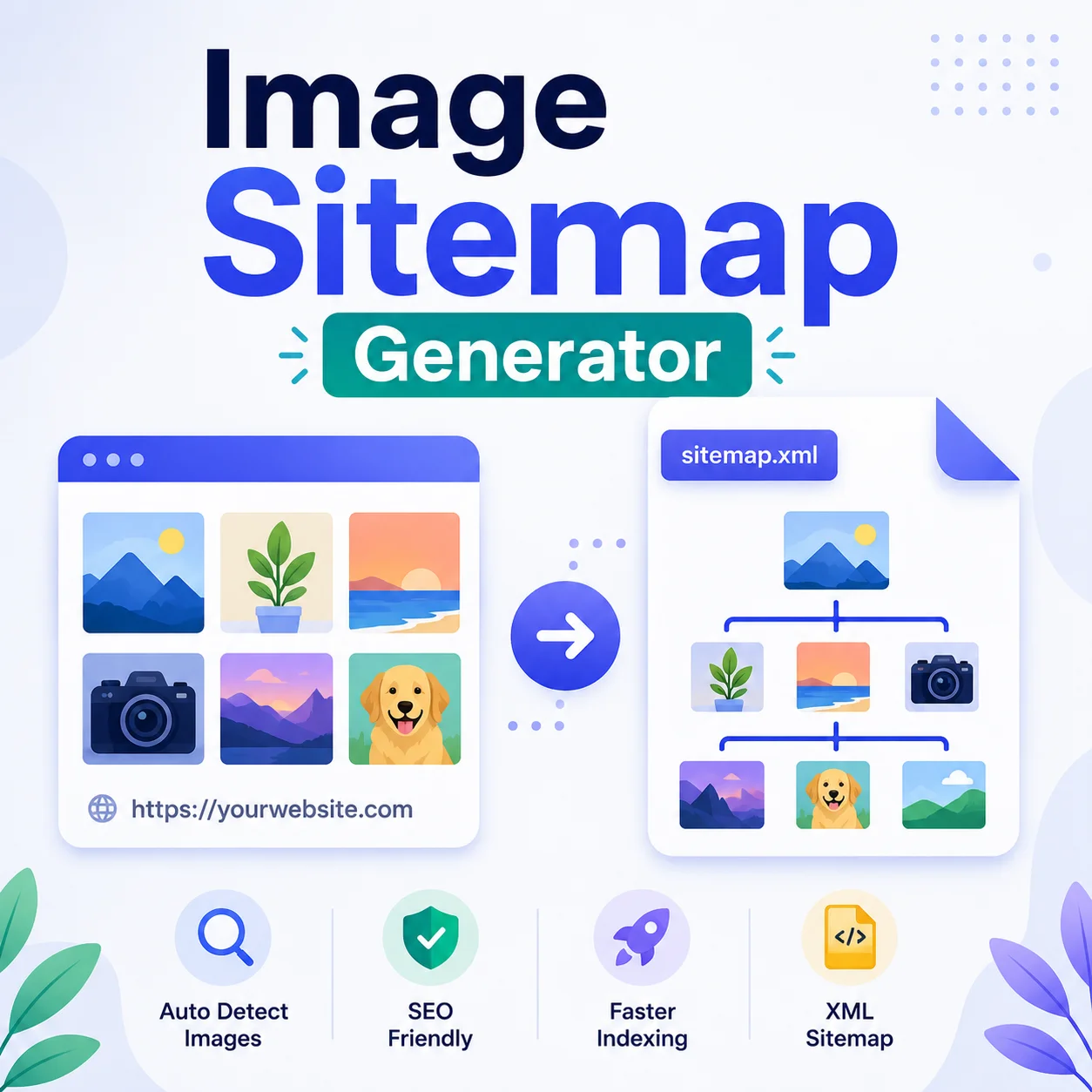
Help Google Find Every Image on Your Site
Image search is a quiet traffic source most blogs ignore. A dedicated image sitemap tells Google about every photo, illustration, and product shot, complete with captions and alt text.
Recipe blogs, photography portfolios, and ecommerce stores see the biggest lift, sometimes adding 10 to 20% extra organic visits within a few weeks.
Why Use Our Image Sitemap Generator?
Full Site Crawl
Automatically discovers all pages on your website by following internal links, no manual page list needed.
Image Extraction
Extracts all image URLs from every crawled page and includes alt text as the image title in the sitemap.
Google-Ready XML
Outputs a valid XML sitemap with the Google Image Sitemap namespace, ready to submit directly to Search Console.
Parallel Processing
Crawls up to 3 pages simultaneously to extract images quickly, keeping generation time short even for large sites.
Up to 1,000 Pages
Supports sites with up to 1,000 pages per crawl session, covering most small and medium-sized websites completely.
Copy or Download
Copy the generated XML to your clipboard or download it as image-sitemap.xml with a single click.
Similar Tools
More SEO tools you might find useful.
Frequently Asked Questions
Everything you need to know about generating image sitemaps.
What is an image sitemap?
An image sitemap is an XML file that tells search engines about all the images on your website. Submitting one to Google helps your images appear in Google Image Search results.
How many pages can it crawl?
The tool crawls up to 1,000 pages per session. For larger sites, consider splitting the crawl by section or using a dedicated sitemap tool.
Does it work on password-protected or private pages?
No. The crawler accesses pages as a guest visitor, so password-protected or login-required pages will not be crawled.
Will it crawl external pages or other domains?
No. The crawler only follows links that belong to the same domain as the URL you enter. External links are ignored.
Where should I upload the sitemap file?
Upload image-sitemap.xml to your website root (e.g. https://example.com/image-sitemap.xml), then add its URL in Google Search Console under Sitemaps.