
100% Browser-Based
Your PDF files are processed entirely in your browser using JavaScript. Nothing is ever sent to a server.
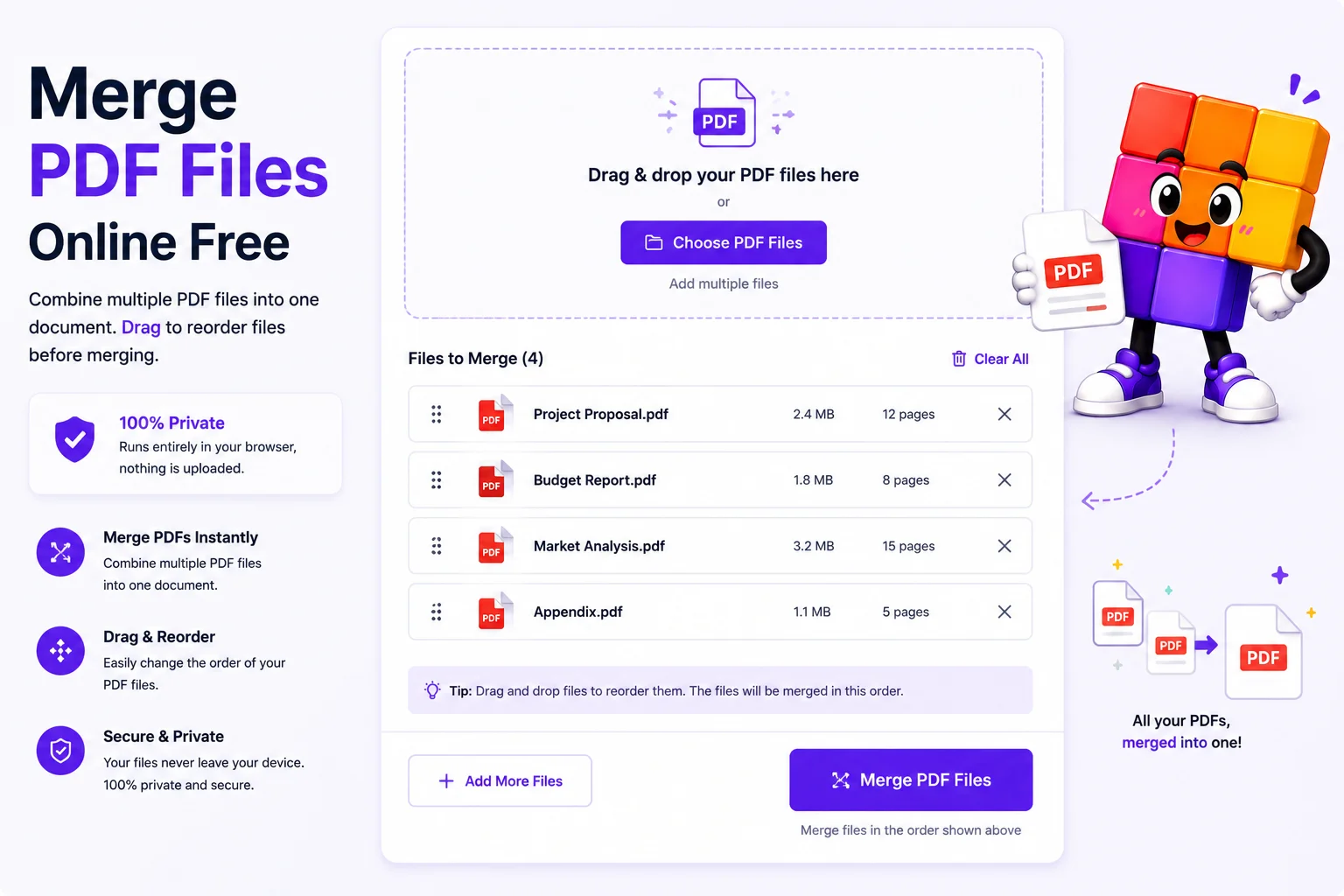
Combine multiple PDF files into one document. Drag to reorder files before merging. 100% private - runs entirely in your browser, nothing is uploaded.
Drag and drop or choose multiple PDF files at once.
Drag the files to set the order you want them merged.
Click Merge and download the combined PDF as a single file.
Click Download Merged PDF to save the combined document. The file is created entirely in your browser with no server involved.
Receipts, invoices, contracts, and homework: the easier they are to read, the more likely they are to be acted on. Drop in any PDFs, drag them into the right order, and download a single merged document.
Bookkeepers compile monthly receipts, students bundle assignments, and lawyers stitch case files into a single trial-ready PDF.
Your PDF files are processed entirely in your browser using JavaScript. Nothing is ever sent to a server.
Rearrange the order of your PDFs before merging with simple drag and drop in the sidebar.
See all pages from all uploaded files rendered live in the preview panel as you add and reorder files.
Add as many PDF files as you need. There is no hard limit on the number of files or total pages.
Use the tool instantly without signing up. Just open the page and start merging.
More PDF tools you might find useful.
Common questions about merging PDF files online.