
Calendar Link Generator: Add-to-Calendar Links Free
Build add-to-calendar links for Google, Outlook, Office 365, AOL, and Yahoo, plus an Apple-ready .ics file with reminders and repeat rules. Timezone handled correctly, nothing leaves your browser.
How to Create an Add-to-Calendar Link
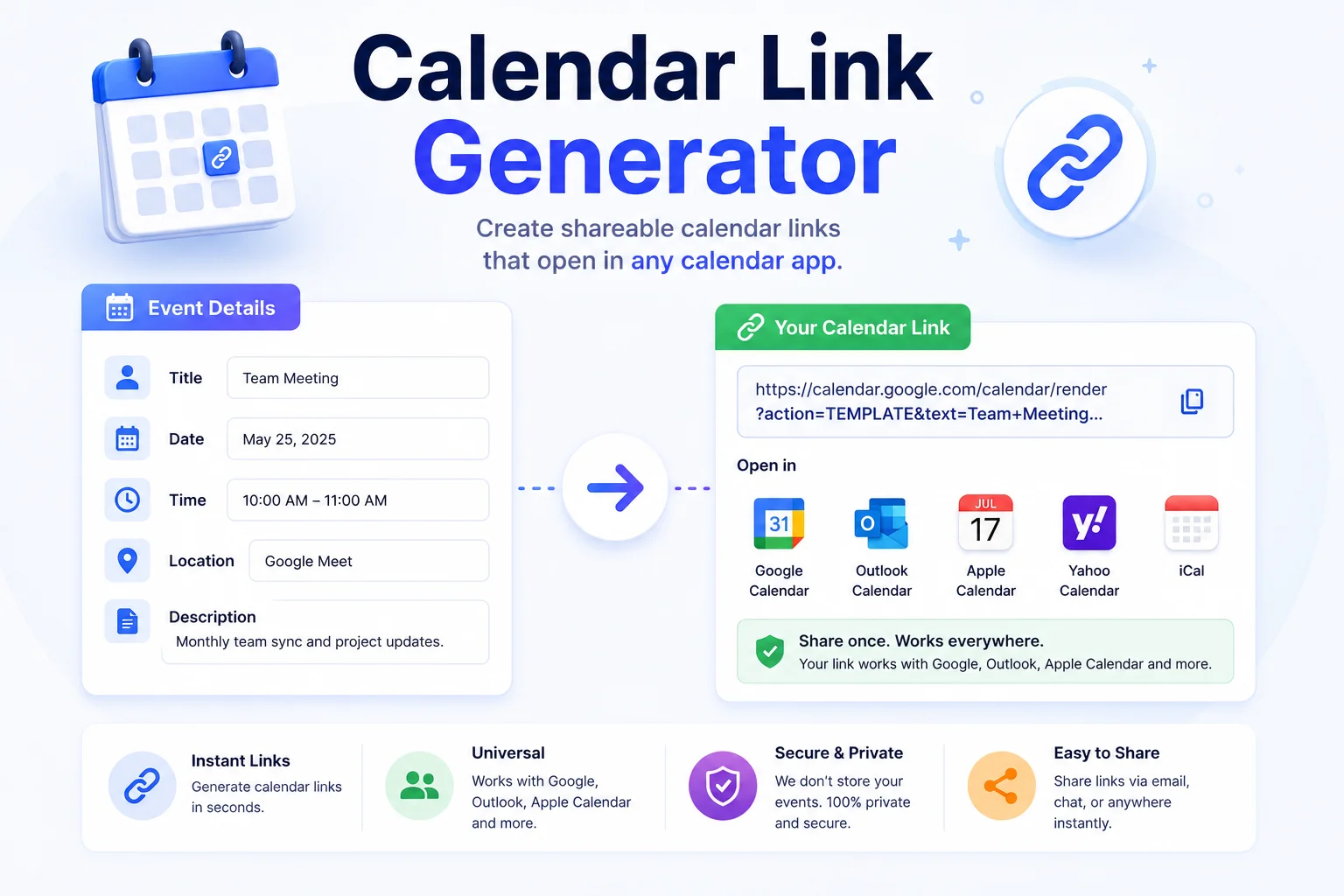
Fill In the Event
Title, dates, times, and timezone. Optional: location, description, a reminder, and a repeat rule for recurring events.
Generate the Links
One click builds links for Google Calendar, Outlook, Office 365, AOL, and Yahoo, plus an Apple-ready .ics file.
Share Where People Are
Copy any link into an email, landing page, chat, or social post. One click on the other end and the event lands in the right calendar with the right time.
One Link Beats "Please Add This to Your Calendar"
Every event email faces the same drop-off: people read it, mean to add the event, and forget. An add-to-calendar link removes that gap. The reader clicks, their calendar opens with the title, time, location, and notes already filled, and they hit save. Webinar hosts put these links in confirmation emails, recruiters send them with interview invites, and community organizers pin them in group chats.
The annoying part has always been coverage and timezones. Your audience is split across Google Calendar, Outlook, and Apple Calendar, and each wants its own link format. Worse, daylight saving silently shifts times: a link built with a fixed offset lands an hour off for half the year. This generator handles both, six calendar targets from one form, and the timezone offset is calculated for the event’s actual date, not a stale snapshot.
Sending the event by email? Pair the calendar link with a clean mailto link for RSVPs. Promoting it on a page? The QR code generator turns your event link into a poster-ready code, and the campaign URL builder tags the link so you can see which channel actually filled the seats.
Why Use This Calendar Link Generator
Six Calendar Apps Covered
Google Calendar, Outlook, Office 365, AOL, Yahoo, and Apple Calendar via the .ics file. One form, every guest covered no matter what they use.
Timezone Done Right
The offset is computed for the event's actual date, so daylight saving never shifts your meeting by an hour. A 9 AM Sydney call stays 9 AM in summer and winter.
Reminders Built In
Add a reminder from 5 minutes to 1 day before, it travels inside the .ics file so Apple Calendar and Outlook users get pinged automatically.
Repeat Rules
Daily, weekly, monthly, or yearly recurrence goes into both the Google link and the .ics file, standups and monthly reviews need only one link.
Standards-Compliant .ics
The downloadable file follows the calendar spec exactly, folded lines, proper escaping, valid alarms, so strict clients like Outlook desktop accept it without complaint.
100% In-Browser
Event details never touch a server. Links are built on your device, which matters when the event is an interview, a launch, or anything not yet public.
Similar Tools
More Developer tools you might find useful.
Frequently Asked Questions
Common questions about add-to-calendar links and timezones.
How do I create an add to calendar link for Google Calendar?
Fill in the event details and click Generate Calendar Links. The Google Calendar row gives you a URL that opens a pre-filled event, title, time, location, description, and even the repeat rule, in the reader's own Google Calendar. Copy it into any email or page.
How do add-to-calendar links work?
Each calendar service accepts event details through URL parameters. The generator encodes your title, times, timezone, and notes into the exact format each service expects, so clicking the link opens that calendar's "new event" screen already filled in. No account or API is involved.
Which link do I send if I do not know what calendar people use?
Send the Google link plus the .ics file, together they cover nearly everyone. Google Calendar dominates personal use, while the .ics file opens in Apple Calendar, Outlook desktop, and almost every other client. On a webpage, list all the links and let visitors pick.
Why do I need to pick a timezone?
So the event lands at the right local time for every guest. The generator computes the timezone's real UTC offset for the event's date, daylight saving included, and calendar apps then convert it for each viewer. Skip this and a 3 PM meeting can show up at 4 PM for half your list.
When should I use the ICS file instead of the links?
Use the .ics file for email attachments, Apple Calendar users, and corporate Outlook setups, it opens natively in every desktop calendar. Use the links on webpages and in chats where one click is smoother than downloading a file. Reminders and repeat rules travel inside the .ics.
Can I make a recurring event link?
Yes. Pick daily, weekly, monthly, or yearly in the Repeat field. The rule is embedded in both the Google Calendar link and the .ics file, so a weekly standup needs one link, not fifty-two.
Are my event details sent to any server?
No. The links and the .ics file are built entirely in your browser. Nothing is uploaded, stored, or logged, which matters when the event is confidential, an interview, a board meeting, an unannounced launch.