
Reduce Image Size in KB (20 KB, 50 KB, 100 KB)
Compress any photo to the exact KB limit your form asks for. Type 20, 50, or 100 KB and download an image that fits, without visible quality loss. Runs in your browser, nothing is uploaded.
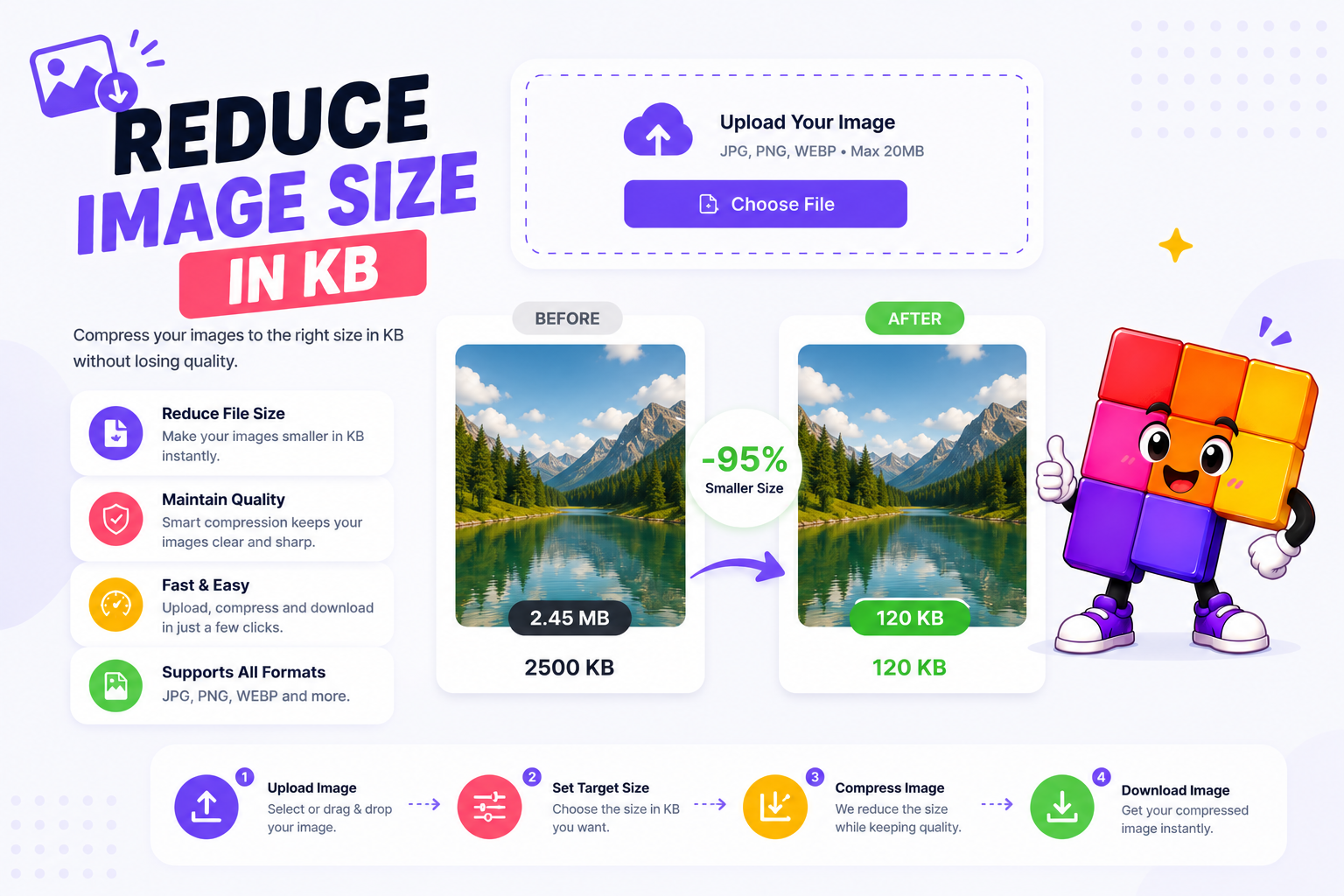
How to Reduce Image Size to a Specific KB
Upload Your Image
Drag and drop or choose a JPG, PNG, or WebP photo from your device or phone.
Type the KB Limit
Enter the exact number your form asks for, 20 KB for a signature, 50 KB for a photo, 100 KB for a document scan. The tool compresses to fit it.
Download and Upload to the Portal
Preview the result, check the final size shown next to it, and download. The file lands at or under your target, so the portal accepts it.
Common KB Limits on Indian Portals and How to Hit Them
Most rejected form uploads fail for one reason: the file is a few KB over the limit. Indian portals are strict about it. SSC and IBPS ask for photos between 20 and 50 KB and signatures between 10 and 20 KB. Passport Seva accepts photos up to 100 KB. PAN and Aadhaar-linked services, scholarship portals, and university admission forms usually sit between 50 and 200 KB. The exact number is always in the notification or upload dialog, and this tool lets you type it directly.
Enter the KB limit, and the compressor finds the highest quality that fits under it. It adjusts JPEG quality first, and only reduces dimensions when the target is very small, so a 5 MB phone photo becomes a 50 KB upload that still looks clean on the admit card. The final size shows next to the preview before you download, no surprises at the portal.
Nothing is uploaded anywhere, the whole process runs in your browser. Need the image at specific dimensions too? Pair this with the image resizer or 3.5 x 4.5 cm photo resizer, and use the photo and signature merger when the form wants one combined file.
Why Use This KB Reducer for Form Uploads
Exact KB Target
Type 20, 50, or 100 and the download lands at or under that number. No trial and error with quality sliders, the tool finds the best quality that fits your limit.
Made for Exam and Government Forms
SSC, UPSC, IBPS, RRB, passport, PAN, and scholarship portals all enforce KB limits. Match the number in your notification and the upload goes through on the first try.
Best Possible Quality
Compression works in two phases: quality is adjusted first, and dimensions shrink only if the target is very small. Your photo stays as sharp as the KB limit allows.
Live Preview with Final Size
See the compressed image and its exact file size before downloading, so there are no surprises at the portal.
100% Private, No Upload
Photos for ID forms are personal documents. Everything runs in your browser, your image never touches a server.
JPG, PNG, and WebP
Upload a JPG, PNG, or WebP and the tool compresses it to your target, saving a lightweight JPG.
Similar Tools
More Image tools you might find useful.
Frequently Asked Questions
Common questions about compressing image file size.
How do I reduce image size to 20 KB?
Upload your image, type 20 in the target field, and click compress. The tool lowers JPEG quality step by step and shrinks dimensions only if needed, so the download lands at or under 20 KB. Signatures and thumb impressions for SSC and bank forms usually need this size.
How do I compress a photo to 50 KB for exam forms?
Type 50 as the target and download. SSC, IBPS, RRB, and most state exam portals accept photos between 20 and 50 KB, so a 50 KB target passes their upload check. The preview shows the exact final size before you download.
Is my image uploaded to a server?
No. The entire compression runs in your browser. Your photo never leaves your device, which matters when it is a passport photo, signature, or ID document for a government form.
What formats are supported?
JPG, PNG, and WebP all work as input. The output defaults to JPEG because it compresses photos far better at small sizes, and every government and exam portal accepts it.
What if the compressed file is still larger than my target?
For very small targets the tool also reduces dimensions after lowering quality. If your target is below what the image can physically reach, you get the smallest possible file and can try a slightly higher KB value.
Will the image dimensions change?
Only when necessary. Quality is reduced first, and dimensions shrink only if the KB target cannot be reached otherwise. For typical 50 to 100 KB targets, most photos keep their original dimensions.
Why does the output default to JPEG?
JPEG reaches much smaller file sizes than PNG for photographs, and KB limits on portals assume it. A photo saved as PNG can be 5 to 10 times larger at the same look, which is why PNG uploads often get rejected.