
Image Compressor: Shrink JPEG, PNG, WebP up to 80%
Compress images in batch with no visible quality loss. The compressor finds the best quality for each file automatically, and the output is never larger than the original.
How to Compress Images Online
Upload Your Images
Drag and drop one image or a whole batch. JPEG, PNG, WebP, and GIF all work.
Let the Compressor Tune Each File
Every image gets its own quality search, photos compress differently from screenshots, so one fixed setting never fits all.
Check the Savings
Each file shows its before and after size with the percentage saved. Anything that cannot shrink further is returned unchanged, never larger.
Download One or All
Grab files individually or download the whole batch at once.
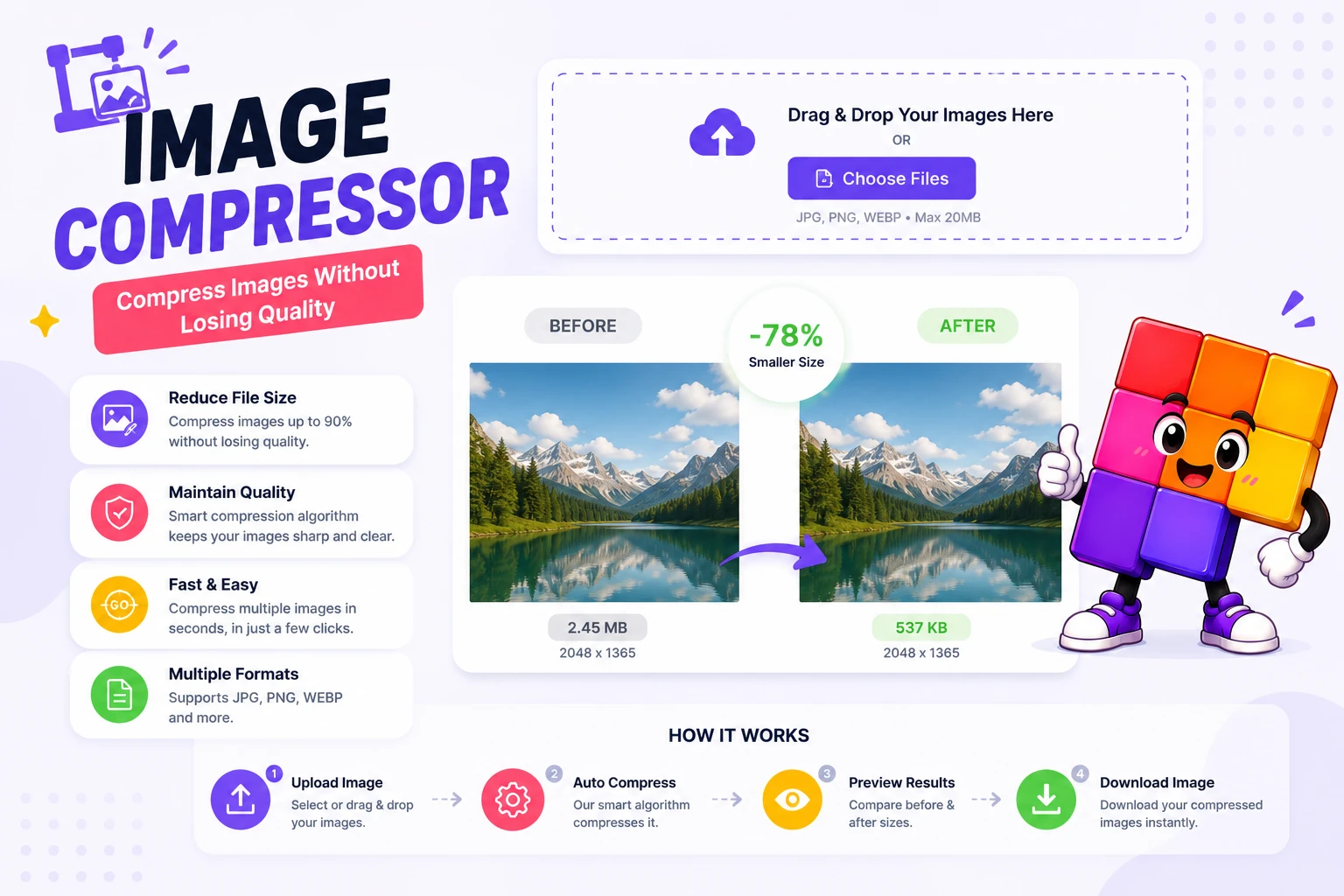
Smaller Images, Faster Pages, Same Look
Images are usually half the weight of a web page, which makes them the cheapest speed win available. A 4 MB photo from a phone camera can almost always drop to well under 1 MB with no difference you can see at normal viewing size. Faster pages convert better, rank better in Google’s page experience signals, and cost less bandwidth for visitors on mobile data.
The trick is that no single quality setting fits every image. Photos hide compression artifacts well, screenshots and text-heavy graphics do not, and logos need lossless treatment or their edges fuzz. This compressor runs a quality search per file: it encodes at several levels, measures the result, and keeps the smallest version that still looks clean. PNGs additionally try palette reduction, which alone can cut a graphic by 60 to 70 percent.
Need a file to hit an exact number instead, like 50 KB for a form upload? Use the reduce image size in KB tool. Converting formats first often helps too, the WebP converter typically beats JPEG at the same quality, and the guide on the best image format for the web shows which format wins for which job. For dimension changes in bulk, there is the bulk image resizer.
Why Use This Image Compressor
Smart Per-File Compression
Each image gets its own quality search instead of one global slider. A photo, a screenshot, and a logo all land at their own best size.
Lossless and Palette Modes
PNGs try palette reduction and lossless filters before anything lossy touches them, so graphics and logos keep their crisp edges.
Batch Processing
Drop in dozens of images at once. Compression runs through the queue with per-file results, no re-uploading one at a time.
Flexible Downloads
Download files one by one or grab everything together when the batch finishes.
Never Larger Than Source
If a file is already optimized, you get the original back. The tool never inflates a file just to claim it did something.
Auto-Deleted Files
Uploads are processed and removed automatically. Nothing stays on the server after your session.
Similar Tools
More Image tools you might find useful.
Frequently Asked Questions
Common questions about our image compressor
How do I compress an image without losing quality?
Upload it to the image compressor and let the automatic quality search do the work. It encodes each image at several quality levels and keeps the smallest one with no visible difference. PNGs get lossless and palette treatment first, so graphics keep perfectly crisp edges.
How much can an image be compressed?
Typical savings run 50 to 80 percent for camera photos and screenshots, and 30 to 70 percent for PNG graphics via palette reduction. Images that were already compressed well may only shave a few percent, and the tool tells you honestly when there is nothing left to gain.
What image formats are supported?
JPEG, PNG, WebP, and GIF. Each format gets its own strategy: quality search for JPEG and WebP, lossless filters and palette reduction for PNG. Output stays in the original format, so nothing downstream breaks.
Will compression reduce my image quality?
Not visibly. The compressor targets the smallest size that still looks identical at normal viewing size. It never applies a fixed aggressive setting, each file is tuned individually, and if a file cannot shrink cleanly you get the original back.
What does "0% savings" mean?
Your image was already well optimized, and recompressing it would either grow the file or damage quality. The tool returns the original untouched instead of inflating it, which is the correct result, not a failure.
Can I compress an image to an exact KB size?
That is a different job: use the reduce image size in KB tool on this site. You type the target, like 50 KB, and it adjusts quality to land exactly under that number. This compressor instead finds the best automatic balance per file.
Are my images stored on the server?
No. Files are processed and deleted automatically, nothing remains after your session. If you prefer images that never leave your device at all, the KB reducer on this site runs fully in your browser.