
Color Contrast Checker: Test WCAG AA and AAA Instantly
Check the contrast ratio between a text color and a background, with a live preview and clear WCAG AA and AAA pass or fail results. Free, no signup, runs in your browser.
How to check color contrast
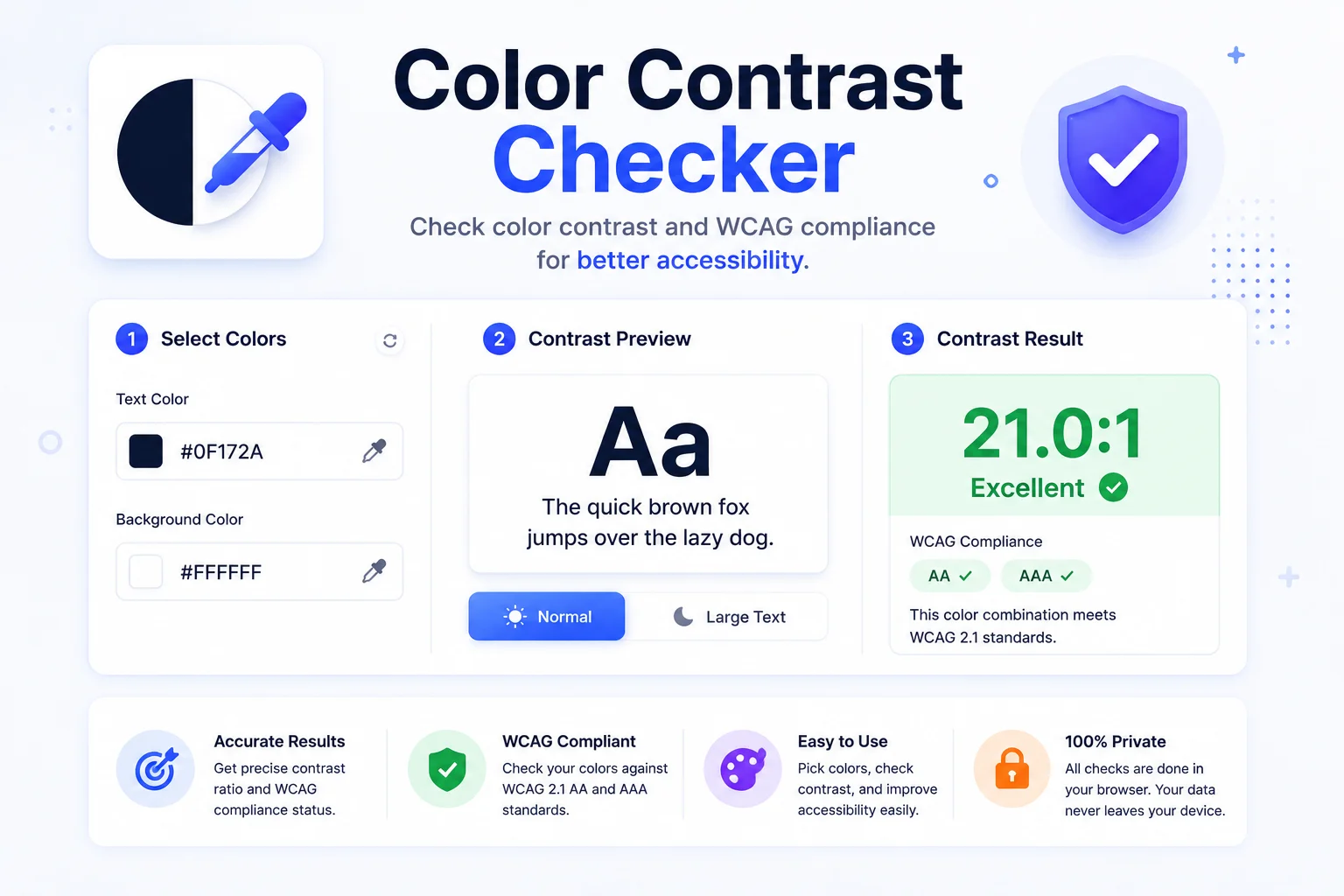
Pick Your Colors
Set the text color and the background color with the pickers or by typing a hex code. Use Swap to flip them.
Read The Ratio
The contrast ratio updates live, with a preview that shows large and normal text on your background.
Check Pass Or Fail
See clear pass or fail badges for WCAG AA and AAA at normal and large sizes, then adjust until it passes.
Make Sure Everyone Can Read Your Text
Color contrast is the difference in brightness between text and the background behind it. When that difference is too low, the text is hard to read, especially for people with low vision or color blindness, and on phones in bright sunlight. The WCAG accessibility guidelines set minimum contrast ratios so your content stays readable for everyone.
This checker measures the ratio between any two colors and tells you, in plain terms, whether the pair passes. AA normal text needs at least 4.5 to 1, AA large text needs 3 to 1, and the stricter AAA level asks for 7 to 1 and 4.5 to 1. Large means roughly 24px, or 18.66px when bold. The live preview shows both sizes so the result is easy to trust.
Contrast is one piece of a readable palette. Convert between HEX, RGB, and HSL with the color converter, and when a pair keeps failing, pull an accessible alternative from the palette generator or extract what a well-designed site uses with the palette extractor. Everything runs in your browser, nothing is sent anywhere.
Why Use Our Color Contrast Checker?
AA And AAA Results
See pass or fail for every WCAG level at once, AA and AAA, for both normal and large text.
Live Text Preview
Watch real large and normal text on your background, so you judge readability, not just numbers.
Picker Or Hex
Set colors with a visual picker or paste an exact hex code. The two stay in sync.
One-Click Swap
Flip the text and background colors instantly to test both directions of a pair.
Random Pair
Generate a random color pair for quick inspiration or to test the tool.
Private And Free
Everything runs on your device. Nothing is uploaded, and there is no signup.
Similar Tools
More Image tools you might find useful.
Frequently Asked Questions
Common questions about color contrast.
What is a good color contrast ratio?
For normal text, aim for at least 4.5 to 1 to meet WCAG AA, or 7 to 1 for the stricter AAA level. Large text can go as low as 3 to 1 for AA and 4.5 to 1 for AAA. The higher the ratio, the easier the text is to read.
What counts as large text in WCAG?
Large text is about 24 pixels or bigger, or 18.66 pixels and bold, which is roughly 18 point, or 14 point bold. Large text has lower contrast requirements because bigger letters are easier to read at the same ratio.
What is the difference between AA and AAA?
AA is the standard most sites aim for and most accessibility laws reference. AAA is a stricter, enhanced level with higher contrast requirements. Meeting AA is a solid baseline, while AAA is best for text-heavy or critical content.
How is the contrast ratio calculated?
It compares the relative luminance, or perceived brightness, of the two colors. The formula divides the lighter colors luminance plus 0.05 by the darker colors luminance plus 0.05. The result ranges from 1 to 1 for identical colors up to 21 to 1 for black on white.
Does this tool send my colors anywhere?
No. The contrast is calculated entirely in your browser. Nothing is uploaded, logged, or stored, and there is no signup required.
Is the color contrast checker free?
Yes, it is completely free with no limits. Check as many color pairs as you want.
How do I fix a failing contrast ratio?
Darken the text or lighten the background, small nudges usually do it. Moving a gray text from #777 to #595959 on white takes the ratio from 4.48 to 7 to 1. Keep the hue and adjust only lightness so the design stays intact, and recheck until the AA badge turns green. For brand colors that cannot change, increase the font size or weight so the pair qualifies under the more lenient large-text threshold.