
Text to Handwriting Converter
Turn typed text into realistic handwriting on paper, then download it as a PNG or PDF. Free, no signup, and 100% in your browser.
How to convert text to handwriting
Type or upload your text
Type in the box, paste from anywhere, or upload a .txt file. The preview updates live as you go.
Pick a style
Choose a handwriting font, an ink color, and a paper style, then set the size, line spacing, and margins.
Add the photo effect
Turn on the paper photo effect for a shadow, tilt, and grain so it looks like a real scanned page.
Download
Download a PNG, a ZIP of all pages, or a multi-page PDF. Nothing is uploaded at any point.
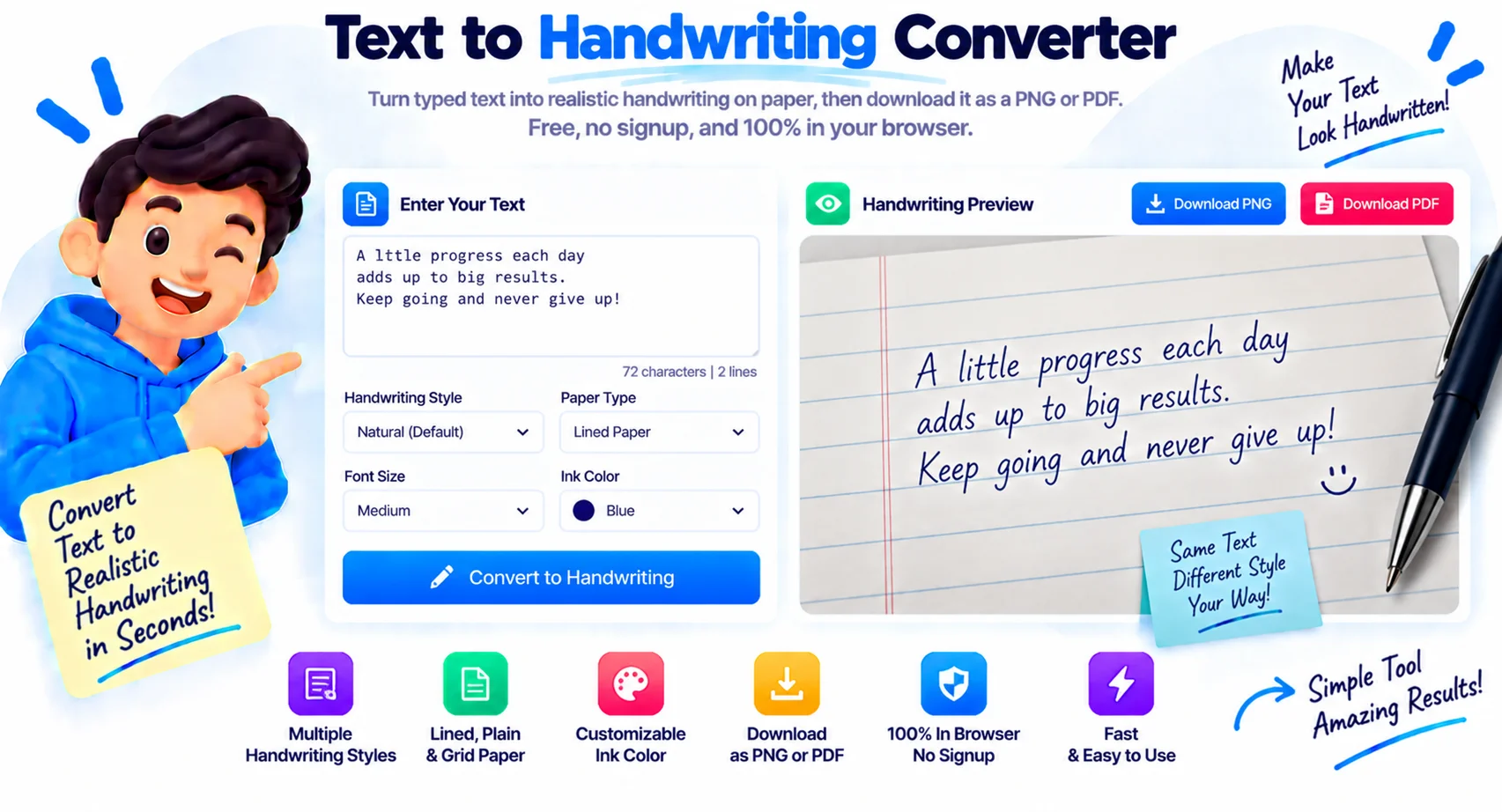
A free text to handwriting converter with a real paper look
Typing an assignment or a note is fast, but sometimes you want it to look handwritten. This text to handwriting converter takes whatever you type and draws it on paper in a handwriting font, complete with slight jitter so no two letters look identical. You pick the font, the ink color, and the paper, and the page updates as you type.
What sets this tool apart is the realism. Turn on the photo effect and the page gets a soft shadow, a slight tilt, warm light, and fine grain, so the download looks like a phone photo of a real handwritten page rather than a flat digital image. Choose from ruled, legal pad, spiral notebook, dotted, grid, or aged paper, and adjust the line spacing and margins to fit the text.
Everything runs in your browser. Your text is never uploaded to a server, whether you type it, paste it, or load a .txt file. When you are done, download a single PNG, a ZIP of every page, or a multi-page PDF. There is no signup, no watermark, and no limit on how much you convert.
Why use this handwriting converter
8 handwriting fonts
Pick from Caveat, Kalam, Homemade Apple, Patrick Hand, and more, each with a different personality.
7 paper styles
Ruled, legal pad, spiral notebook, dotted, grid, aged, or plain, with adjustable line spacing and margins.
Realistic photo effect
A shadow, slight tilt, warm light, and grain make the page look like a real photo, not a flat image.
PNG, ZIP, or PDF
Download one page as a PNG, all pages as a ZIP, or a multi-page PDF. No watermark on any of them.
100% in your browser
Your text stays on your device. Nothing is uploaded, even when you load a .txt file.
Free and unlimited
No signup and no account. Convert as much text to handwriting as you want.
Similar Tools
More Other tools you might find useful.
Text to handwriting FAQ
Is this text to handwriting converter free?
Yes. This text to handwriting converter is free with no signup and no account. There is no watermark on the images or PDF you download, and no limit on how much text you convert.
Does it make the handwriting look real?
It can. The tool adds slight jitter and ink variation so letters are not identical, and the optional photo effect adds a shadow, tilt, warm light, and grain. Together they make the page look like a photo of real handwriting rather than a flat digital image.
Can I download it as an image or a PDF?
Yes. You can download a single page as a PNG, all pages together as a ZIP file, or the whole thing as a multi-page PDF. The paper style and photo effect are baked into every file.
Can I upload a text file?
Yes. Click the upload button in the editor toolbar to load a .txt file, and its contents drop straight into the text box. The file is read on your device and never uploaded to a server.
Which handwriting fonts and paper styles are available?
There are 8 handwriting fonts, including Caveat, Kalam, and Homemade Apple, and 7 paper styles: ruled, legal pad, spiral notebook, dotted, grid, aged, and plain. You can also change the ink color, size, line spacing, and margins.
Is my text private?
Yes. Everything runs in your browser, so your text is never sent to a server, whether you type it, paste it, or load a file. Close the tab and nothing is stored.