
TikTok Video Downloader Without Watermark
Paste any public TikTok link to download the video without a watermark as an HD or SD MP4, or save the sound as an MP3. Works online in any browser, no app, no sign up.
How to Download a TikTok Video Without Watermark
Copy the TikTok link
In the TikTok app or site, tap Share and choose Copy link. On desktop, copy the video URL from the address bar.
Paste and look it up
Paste the link in the box above and click Get Video. You will see the thumbnail and the download options for that clip.
Download without the watermark
Click HD or SD for the video with no watermark, or MP3 to save the sound. The file downloads straight to your device.
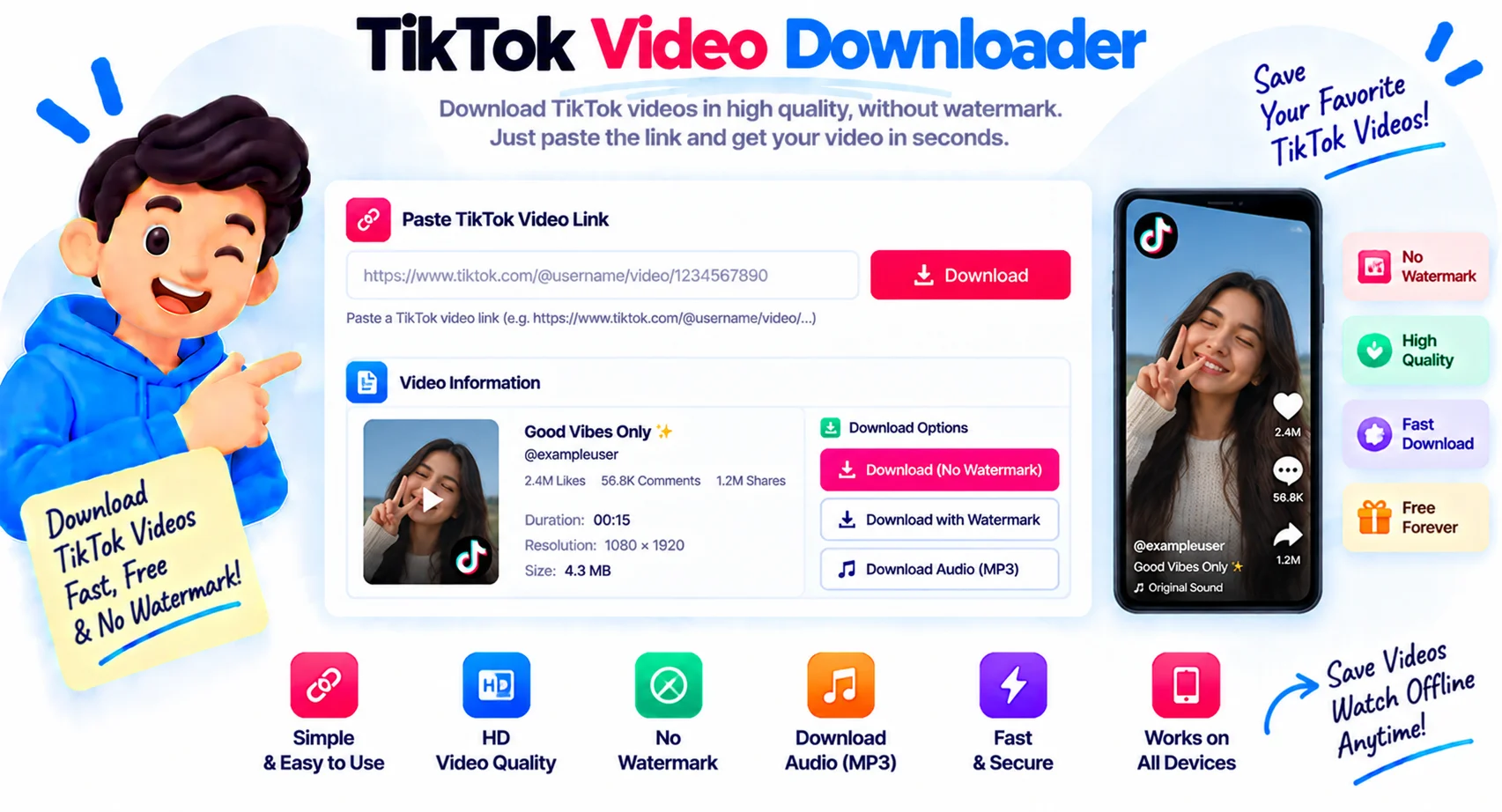
Download TikTok Videos Without the Watermark, Free
No watermark, in HD or SD
Paste a public TikTok link and you can download a TikTok as an MP4 without watermark in a couple of clicks. The tool is online and free, so you download a TikTok as an MP4 online, free, with no app and no cost. The MP4 comes back clean, with no logo or username across it. Pick HD for a sharp 1080p file when the upload supports it, or SD for a smaller download. TikTok caps most uploads at 1080p, so there is no true 4K TikTok file to download. A 4K TikTok downloader can only give you the quality TikTok actually stored, and that is exactly what you get here: the maximum HD the original upload supports. You never need the app or an account.
Save the TikTok sound as MP3
Want the audio on its own? Every result has an MP3 button, so you can save a TikTok sound or trending song as an MP3 in one click, ready to reuse in your own edits.
Download on iPhone, Android, or a computer
The downloader runs in any browser, so the same three steps work on an iPhone, an Android phone, a Mac, or a Windows PC. It also accepts vm.tiktok.com and vt.tiktok.com share links, so you can paste a link straight from the Share menu. Before you save, you see the creator, the thumbnail, and the view and like counts, so you always grab the right clip.
No app, nothing stored
Only the link you paste touches our server, and only for a moment. The video and sound download straight from TikTok to your device, so no file and no history are kept.
New to this? Our guide walks through how to download TikTok videos without watermark step by step.
Why Use This TikTok Downloader
No Watermark
The MP4 downloads clean, with no TikTok logo or username stamped across the video, so it looks like the original upload.
HD and SD MP4
Download the TikTok video in HD when the upload supports it, or pick a lighter SD file when you want a smaller download.
Save the Sound as MP3
Grab just the audio. Every result has an MP3 button, so you can download a TikTok sound or song as an MP3 in one click.
No App, No Sign Up
It runs in your browser. There is no app to install, no account, and no extension. Paste a link and download.
Preview Before You Save
See the thumbnail and details before you download, so you always save the right clip the first time.
Private, Any Device
Only the link touches our server and nothing is stored. The same steps work on iPhone, Android, and desktop.
Similar Tools
TikTok Downloader FAQ
How do I download a TikTok video without the watermark?
Copy the video link from the Share menu, paste it in the box above, and click Get Video. Choose HD or SD, and the MP4 downloads with no TikTok watermark on it.
Can I download TikTok videos in HD?
Yes. When the video was uploaded in high resolution you get an HD button for a 1080p MP4, plus an SD option when you want a smaller file.
How do I download a TikTok sound as MP3?
Paste the TikTok link, then click the MP3 button on the result. It saves the sound or song from that video as an MP3 you can keep and reuse.
Can I download TikTok videos on iPhone or Android?
Yes. It runs in your mobile browser, so there is no app to install. Copy the link from the Share menu in the TikTok app, paste it here, and save the MP4 or MP3 straight to your phone.
Does TikTok notify the creator when you download a video?
No. When you download through a link-based tool like this one, the creator is not notified. Pasting a link here does not touch your TikTok account at all.
Can I download TikTok photo or slideshow posts?
No. This tool saves standard TikTok videos and their sound. Photo and slideshow posts are not video files, so paste a link to a video post instead.
Do I need an app or account to download TikTok videos?
No. There is no app to install, no sign up, and no extension. It runs in your browser, so you paste a link and download on any device.
Can I download private TikTok videos?
No. Only public videos work. Private accounts, friends-only posts, and deleted videos cannot be downloaded.
Do you store the TikTok videos I download?
No. Only the link you paste touches our server, and only for a moment. We keep no video, no sound file, and no history.
Is there a 4K TikTok downloader?
TikTok caps almost every upload at 1080p, so a true 4K TikTok file does not exist to download. This downloader gives you the highest quality TikTok actually stored, which is HD 1080p MP4 on supported videos.
Can I download TikTok videos online without an app?
Yes. This is an online TikTok downloader that runs in your browser on any device. Paste a link and save the MP4 or the MP3, with no app, no extension, and no sign up.
Can I download a TikTok as an MP4 for free?
Yes. You download a TikTok as an MP4 free, with no sign up and no limit. The online tool runs in your browser and saves the MP4 without a watermark on any device.