
Free QR Code Generator with Logo
Create a custom QR code for a URL, text, email, phone, or SMS. Add your logo, pick your colors and dot style, then download a PNG or SVG. Free, no signup, no watermark, and every code is static so it never expires.
How to Make a QR Code with a Logo
Pick a Type and Enter Your Data
Choose URL, text, email, phone, or SMS, then enter the link or details the code should carry.
Add a Logo and Colors
Upload your logo, set the colors, and pick the dot and corner style. The preview updates as you go.
Download PNG or SVG
Download a PNG for screens or an SVG for print. The code is static and never expires.
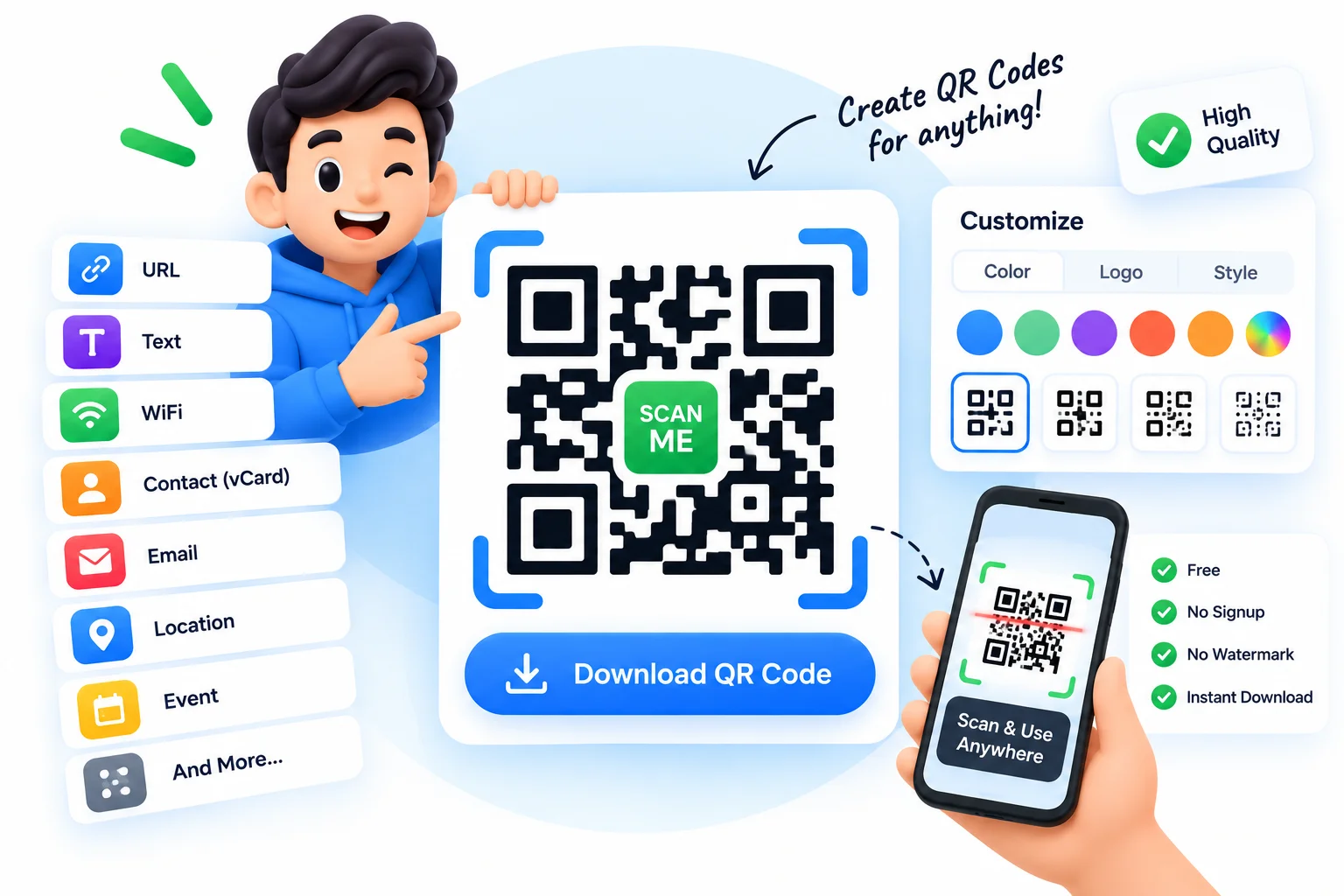
Make a Custom QR Code That Never Expires
Most free QR code generators hand you a code that expires or routes through their tracking link, so it quietly stops working the moment they turn it off. This one does not. Every QR code here is static, which means the data lives inside the code itself, so it works forever with no account and no expiry. Create a QR code with your logo in the middle, set your own colors and dot style, and download it as a sharp PNG or a scalable SVG for print.
Pick what the code should do: open a URL, show plain text, start an email, dial a phone number, or pre-fill an SMS. Drop in your logo, choose a foreground and background color, adjust the dot and corner style, and the preview updates live. The SVG download stays crisp at any size, from a business card to a poster. Everything runs in your browser, so nothing is uploaded, there is no watermark, and there are no limits on how many codes you make.
Why Use This QR Code Generator?
Add Your Logo
Drop your logo into the center of the QR code to brand it. The code stays scannable while looking like yours, not a generic black square.
Custom Colors and Shapes
Set the foreground and background colors and choose the dot and corner style, so the code matches your brand or design.
URL, Email, Phone, SMS, Text
Make a QR code that opens a website, starts an email, dials a number, pre-fills a text message, or shows plain text.
Download PNG or SVG
Save a PNG for screens or a scalable SVG that stays crisp at any size, ideal for printing on flyers, packaging, and posters.
Static, Never Expires
Every code is static, so the data is stored in the code itself. It works forever with no account, no dashboard, and no expiry date.
Free, No Signup, No Watermark
Generate unlimited codes free. It all runs in your browser, so nothing is uploaded, and there is no watermark on your QR code.
Similar Tools
More Other tools you might find useful.
Frequently Asked Questions
Logos, colors, expiry, and downloads, answered.
How do I add a logo to a QR code?
Upload your logo in the tool above and it is placed in the center of the QR code. The generator keeps enough error correction so the code stays scannable with the logo in place. Then download it as a PNG or SVG.
Do free QR codes expire?
Static QR codes never expire because the data is stored inside the code, not on a server. Every code made here is static, so it works forever. Codes that expire are usually dynamic ones that route through a company link that can be switched off.
Can I make a QR code with custom colors?
Yes. Set your own foreground and background colors and choose the dot and corner style. Keep good contrast, a dark code on a light background, so phone cameras scan it reliably.
How do I make a QR code for a URL, phone number, or email?
Pick the type tab, URL, phone, email, SMS, or text, and enter the details. The code then opens the website, dials the number, starts an email, or pre-fills a message when someone scans it.
Can I download a QR code as an SVG?
Yes. Download your QR code as a PNG for screens or as an SVG vector for print. The SVG stays perfectly sharp at any size, so it works on everything from a business card to a large poster.
Is this QR code generator free with no signup or watermark?
Yes. It is completely free with no account, no watermark, and no limit on how many codes you create. Everything runs in your browser, so your data is never uploaded to a server.