
Invoice Generator
Create a professional invoice in minutes and download it as a PDF. Free, no signup, and 100% in your browser.
How to make an invoice
Add your details
Enter your business name, address, and contact, and add your logo if you have one. Then fill in the client you are billing.
List your items
Add a line for each item or service with a description, quantity, and rate. The amount and subtotal add up automatically.
Set totals and terms
Pick your currency, add a tax rate or discount if needed, and write any notes or payment terms at the bottom.
Download the PDF
Check the live preview, then click Download PDF. You get a clean, selectable invoice ready to email or print.
A free invoice generator that keeps your data private
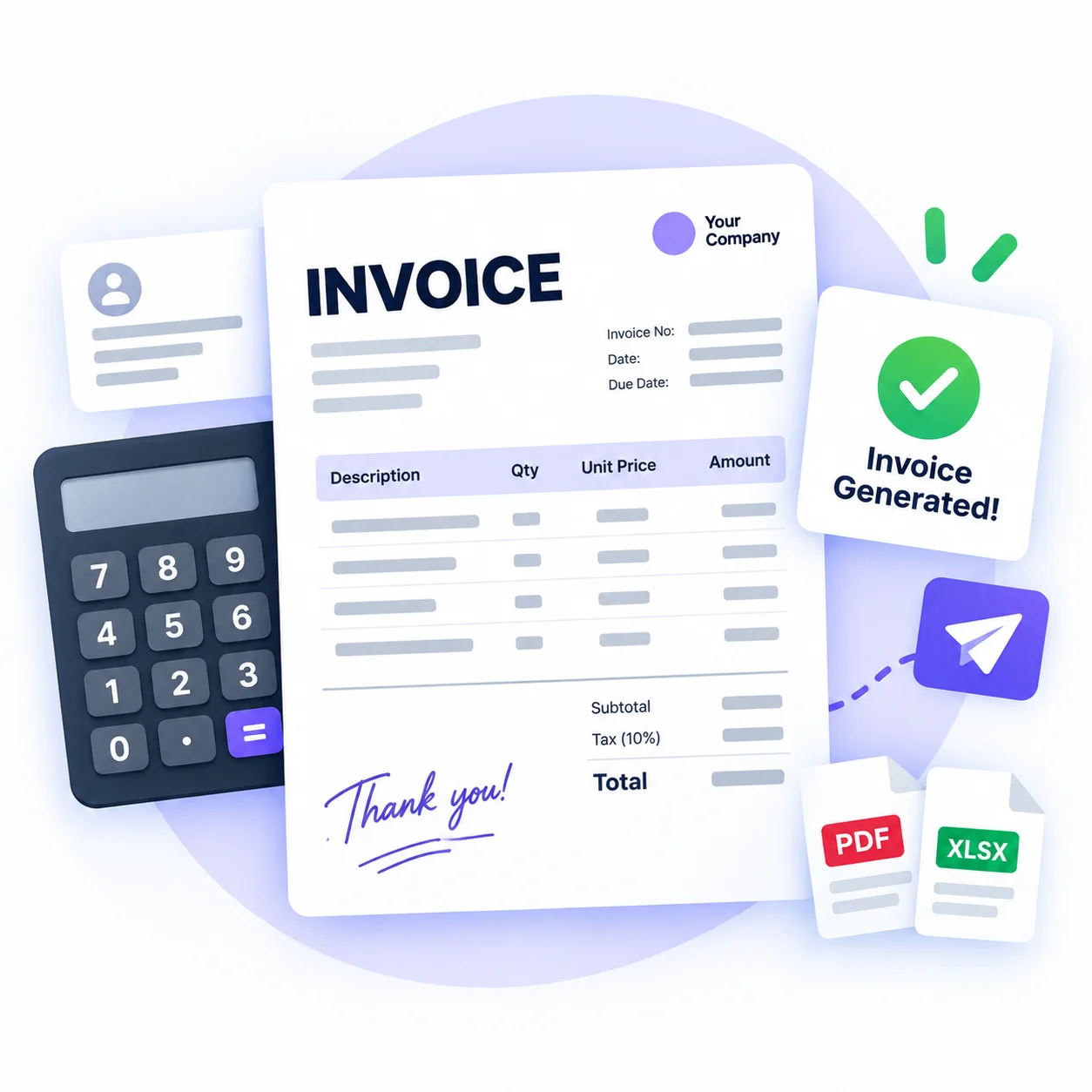
Sending a clean invoice should not mean signing up for an account or paying a monthly fee. This free invoice generator lets you fill in your business details, add your client, list your items, and download a polished PDF in a couple of minutes. It works for freelancers, contractors, small businesses, and anyone who needs to bill a client fast.
Everything runs in your browser. Type your details on the left and the invoice preview on the right updates as you go, so you always see exactly what your client will get. Add your logo, pick a currency, set tax and a discount, and the totals add up on their own. When it looks right, one click gives you a print-ready PDF with real, selectable text.
Your numbers never leave your device. The tool does not upload your invoice, your client list, or your logo to any server, so sensitive billing details stay with you. Close the tab and nothing is left behind. Make as many invoices as you want, with no limits and no watermark on the file.
Why use this invoice generator
100% in your browser
Your invoice, client details, and logo stay on your device. Nothing is uploaded to any server.
Live preview as you type
The invoice updates in real time on the right, so you always see the finished result before you download.
Multiple currencies
Bill in US dollars, euros, pounds, rupees, yen, and more, with totals that format the right way.
Automatic totals
Quantity times rate, subtotal, tax, and discount all add up on their own, so the math is always right.
Clean PDF with real text
Download a print-ready PDF with selectable text, your logo, and a tidy items table. No watermark.
Free and unlimited
Make as many invoices as you need. No signup, no account, and no limits.
Similar Tools
More Other tools you might find useful.
Invoice generator FAQ
Is this invoice generator free?
Yes. This invoice generator is completely free with no signup, no account, and no limit on how many invoices you make. There is also no watermark on the PDF you download.
Does my invoice get uploaded anywhere?
No. Everything runs in your browser. Your business details, client information, logo, and totals stay on your device and are never sent to a server. Close the tab and nothing is stored.
How do I make an invoice?
Enter your business and client details, add a line for each item with its quantity and rate, set your currency and any tax or discount, then click Download PDF. The live preview shows the result as you type.
Can I add my own logo?
Yes. Click the logo box in the form to add an image from your device. It appears on the live preview and in the downloaded PDF. The logo is not uploaded anywhere.
Which currencies are supported?
You can bill in US dollars, euros, pounds, Indian rupees, Japanese yen, Australian and Canadian dollars, and AED. The totals format correctly for the currency you pick.
Is the downloaded PDF editable text?
Yes. The PDF is built with real, selectable text, not a screenshot, so your client can copy details and it stays crisp when printed or zoomed in.