
Strong Password Generator
Create a strong, random password from 6 to 64 characters with uppercase, lowercase, numbers, and symbols. Cryptographically secure, free, with no signup, and generated entirely in your browser so nothing is ever stored.
How to Create a Strong Password
Set the Length
Drag the slider to your preferred length. Use at least 16 characters for important accounts.
Choose Character Types
Turn on uppercase, lowercase, numbers, and symbols. More types means a stronger password.
Copy Your Password
Click Generate for a fresh one, then copy it with one click and paste it where you need it.
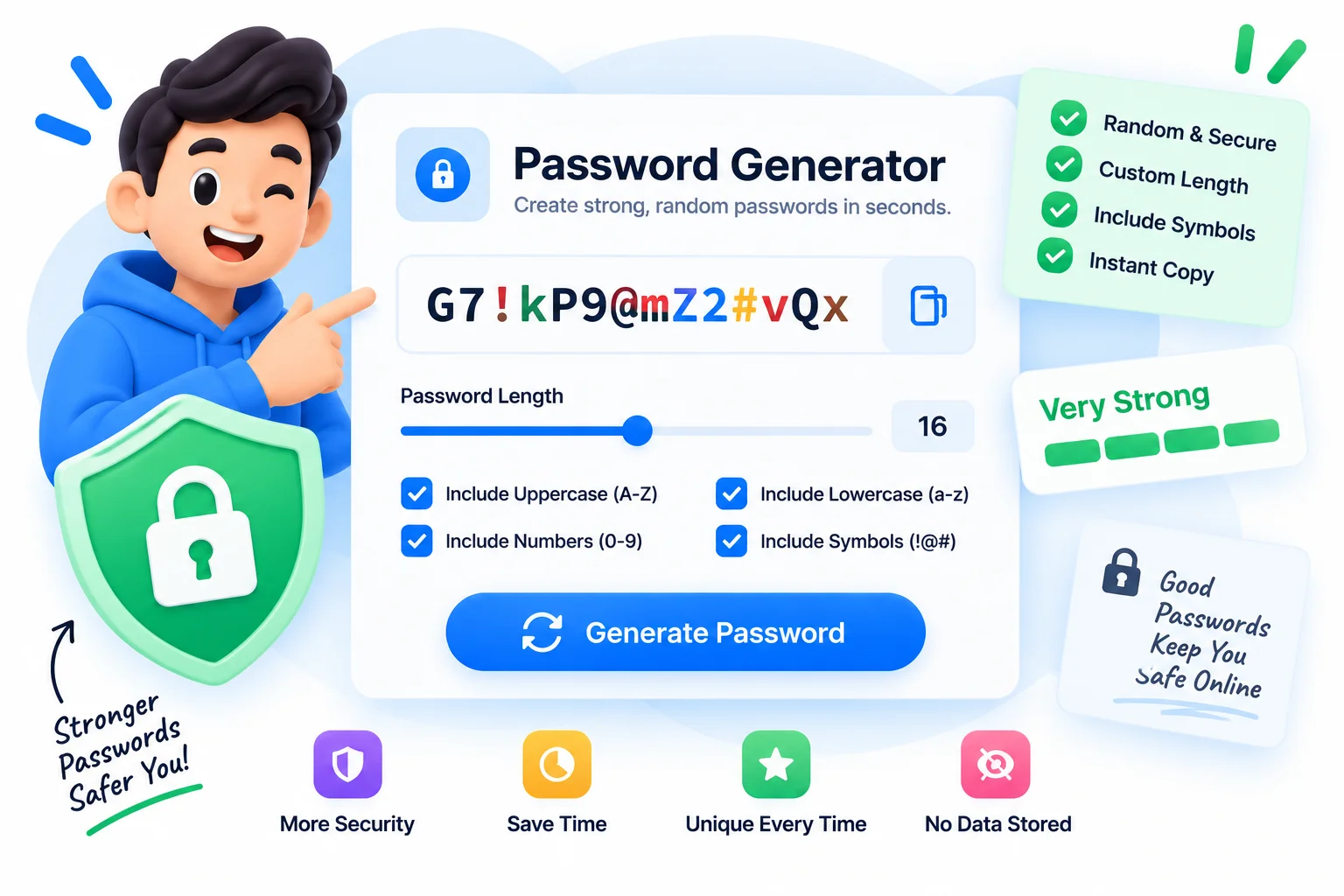
Generate a Strong Password That Never Leaves Your Browser
A password is only strong if it is long and truly random, and most people reuse the same short one everywhere. This strong password generator fixes both. Set any length from 6 to 64 characters, turn uppercase, lowercase, numbers, and symbols on or off, and get a password built from real cryptographic randomness. It uses your browser’s secure random source, not the weak Math.random that many quick scripts rely on, so every password is genuinely unpredictable.
Length matters most: security guidance points to at least 16 characters for accounts you care about, and this tool goes all the way to 64 for the ones that matter most. The live strength meter shows Weak, Good, or Strong as you adjust the settings, so you can see the effect instantly. Everything runs in your browser, which means your password is never sent to a server, never logged, and never stored anywhere. Generate it, copy it with one click, and paste it straight into your password manager.
Why Use This Strong Password Generator?
Cryptographically Secure
Passwords are built with your browser's secure random generator, real entropy, not the predictable Math.random used by many simple tools.
6 to 64 Characters
Set any length with the slider, from a quick 6-character code to a 16, 32, or 64-character password for high-value accounts.
Symbols, Numbers, Mixed Case
Toggle uppercase, lowercase, numbers, and symbols independently to match any site's password rules, and every selected type is guaranteed to appear.
Live Strength Meter
A real-time meter rates the result Weak, Good, or Strong based on length and character mix, so you know it is safe before you use it.
One-Click Copy
Copy the password to your clipboard with a single click, ready to paste into a signup form or your password manager.
100% Private, No Signup
Everything runs in your browser. Your password is never uploaded, logged, or stored, and there is no account and no limits.
Similar Tools
More Other tools you might find useful.
Frequently Asked Questions
Length, strength, and privacy, answered.
How long should a strong password be?
Aim for at least 16 characters for accounts that matter, and longer for sensitive ones. Length is the single biggest factor in password strength, which is why this generator goes up to 64 characters. A long random password is far harder to crack than a short complex one.
What makes a password strong?
Length and randomness. A strong password is long (16 or more characters), mixes uppercase, lowercase, numbers, and symbols, and is generated randomly rather than based on a word, name, or date. This tool covers all of that in one click.
Does this password generator store or send my password?
No. Every password is generated locally in your browser and is never uploaded, logged, or stored on any server. You can even disconnect from the internet and it still works, because nothing leaves your device.
How do I make a 16-character password with symbols?
Set the length slider to 16, then make sure the Symbols toggle is on along with uppercase, lowercase, and numbers. Click Generate and copy the result. You can raise the length to 32 or 64 the same way for stronger accounts.
What is a cryptographically secure password?
It is a password built from a cryptographically secure random source, the kind used for encryption keys, rather than an ordinary random function that can be predicted. This generator uses your browser's secure random generator, so each password is genuinely unpredictable.
Is the strong password generator free with no signup?
Yes. It is completely free with no account, no limits, and no watermark. Generate as many strong passwords as you like, all in your browser with nothing stored.