
Token Counter
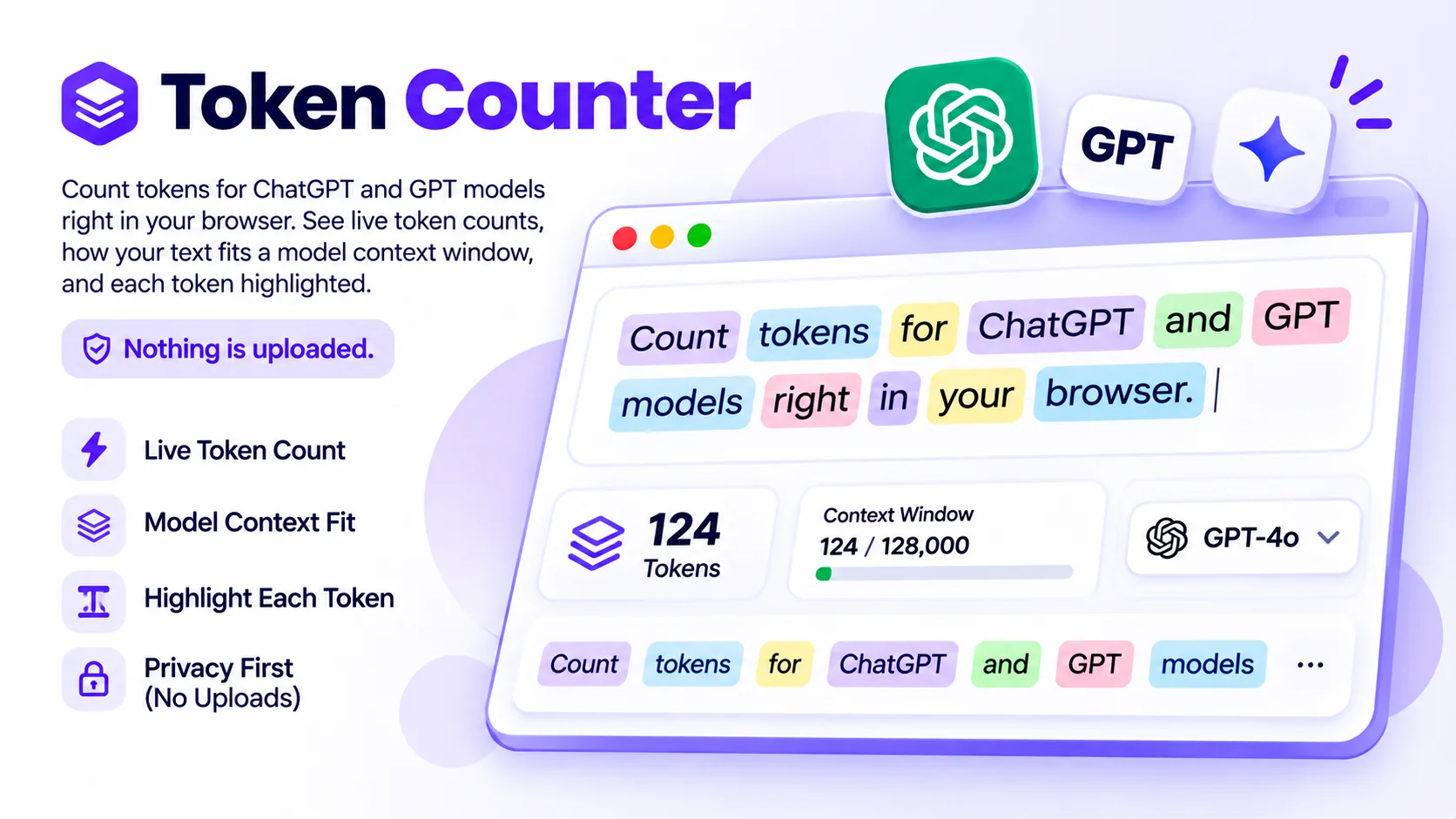
Count tokens for ChatGPT and GPT models right in your browser. See live token counts, how your text fits a model context window, and each token highlighted. Nothing is uploaded.
How to count tokens
Paste or drop your text
Type, paste a prompt, or drop a .txt, .md, or .json file into the box.
Pick your model
Choose the GPT model you plan to use, so the count and the context limit match.
Read the count
See the live token count, how it fits the context window, and each token highlighted.
About the token counter
Large language models like ChatGPT do not read characters or words. They read tokens, the small chunks a tokenizer splits text into. One token is roughly four characters of English, or about three-quarters of a word, so 1,000 words lands near 1,300 tokens. Counting tokens matters for two reasons: every model has a context window it cannot exceed, and API usage is billed per token.
What is a token, and why count them?
A token is a piece of text, often a short word or part of a word, that a model handles as one unit. Counting them tells you two things before you send a prompt: whether it fits the model context window, and roughly what it will cost, since providers bill per token. A quick rule is about 4 characters per token for English.
Why does the same text use a different number of tokens per model?
Different model families use different tokenizers. GPT-5, GPT-4.1, GPT-4o, o1, and o3 use the o200k encoding, while GPT-4 and GPT-3.5 Turbo use the older cl100k encoding. The same sentence can split into a slightly different number of tokens under each, which is why this tool lets you pick the model first.
How do I know if my prompt fits the context window?
Select your model and the context-window gauge shows your token count against that model limit, such as 3,000 of 128,000 for GPT-4o, with the number of tokens left. If you go over, the bar turns red and shows how many tokens to cut. Remember to leave room for the model reply, not just the prompt.
Why use this token counter
Live Token Counts
See tokens, characters, words, and tokens per word update as you type. The count uses the same tokenizers OpenAI models use, so the number matches what ChatGPT actually reads.
Context-Window Fit Gauge
Pick a model and a bar shows how your text fits its context window, such as 3,000 of 128,000, with the tokens remaining. You know before you send whether a prompt will fit.
See Every Token
Turn on the token view to highlight each token in its own color. It makes tokenization easy to understand and shows exactly where a long word splits into pieces.
Drop a File
Load a .txt, .md, or .json file to count a whole document at once. Handy for checking whether a long file fits a model before you paste it into an API call.
Nothing Leaves Your Device
The text is tokenized inside your browser. Nothing is uploaded to a server, so prompts and private data stay on your machine. It keeps working even after you go offline.
GPT-4o, GPT-5, and More
Switch between the o200k encoding used by GPT-5, GPT-4.1, GPT-4o, o1, and o3, and the cl100k encoding used by GPT-4 and GPT-3.5 Turbo.
Similar Tools
More Developer tools you might find useful.
Frequently Asked Questions
Common questions about counting tokens for ChatGPT and GPT models.
What is a token?
A token is a chunk of text that a language model processes as one unit, often a short word or part of a word. One token is about four characters of English, or roughly three-quarters of a word. Models read tokens, not characters, which is why counting them matters.
How many tokens is a word?
On average, one English word is about 1.3 tokens, and one token is roughly four characters. So 100 words is near 130 tokens and 1,000 words is near 1,300. Short common words are often a single token, while long or rare words split into several pieces.
Are the token counts exact?
Yes for GPT models. This tool uses the same tokenizers OpenAI models use, o200k and cl100k, so the count matches what the model actually reads. It is not an estimate. The only thing it leaves out is the small per-message overhead that chat API formatting adds.
Does this tool upload my text?
No. Your text is tokenized entirely inside your browser on your own device. Nothing is sent to a server, so prompts, code, and private data never leave your machine. You can disconnect from the internet after the page loads and it still counts tokens.
Which encoding does GPT-4o use?
GPT-4o uses the o200k_base encoding, the same one used by GPT-5, GPT-4.1, o1, and o3. GPT-4 and GPT-3.5 Turbo use the older cl100k_base encoding. Pick your model in the tool and it applies the correct encoding automatically.
How do I check if my prompt fits a context window?
Choose your model and the context-window gauge compares your token count to that model limit, such as 128,000 for GPT-4o. It shows the tokens remaining and turns red if you go over. Leave some room for the model reply, which also counts toward the limit.
Can I count the tokens in a whole file?
Yes. Drop a .txt, .md, or .json file onto the box, or use the File button, and the tool counts the entire document. This is handy for checking whether a long file or dataset will fit a model context window before you send it to an API.
Which models does this support?
It supports OpenAI GPT models: GPT-5, GPT-4.1, GPT-4o, o1, and o3 on the o200k encoding, and GPT-4 and GPT-3.5 Turbo on cl100k. Because it uses OpenAI own tokenizers, the counts are exact for ChatGPT and these GPT models.
Why does the same text use different token counts per model?
Different models use different tokenizers. The same sentence can split into slightly more or fewer tokens under o200k than under cl100k. That is why the tool asks you to choose a model first, so the count and the context limit both match what you will use.