
Hash Generator: MD5, SHA-1, SHA-256, SHA-384, SHA-512
Generate cryptographic hashes from any text in your browser. All five algorithms at once, hex or Base64 output, uppercase or lowercase, and zero uploads. Live as you type.
How to use the Hash Generator
Type or Paste Text
Enter the text you want to hash. All five algorithms compute instantly as you type.
Read All Five Hashes
MD5, SHA-1, SHA-256, SHA-384, and SHA-512 appear together, each labeled with its length.
Pick Format and Case
Choose Hex or Base64 output, and lowercase or uppercase for hex, to match your target.
Copy What You Need
Copy one hash or all five at once. Nothing is ever uploaded.
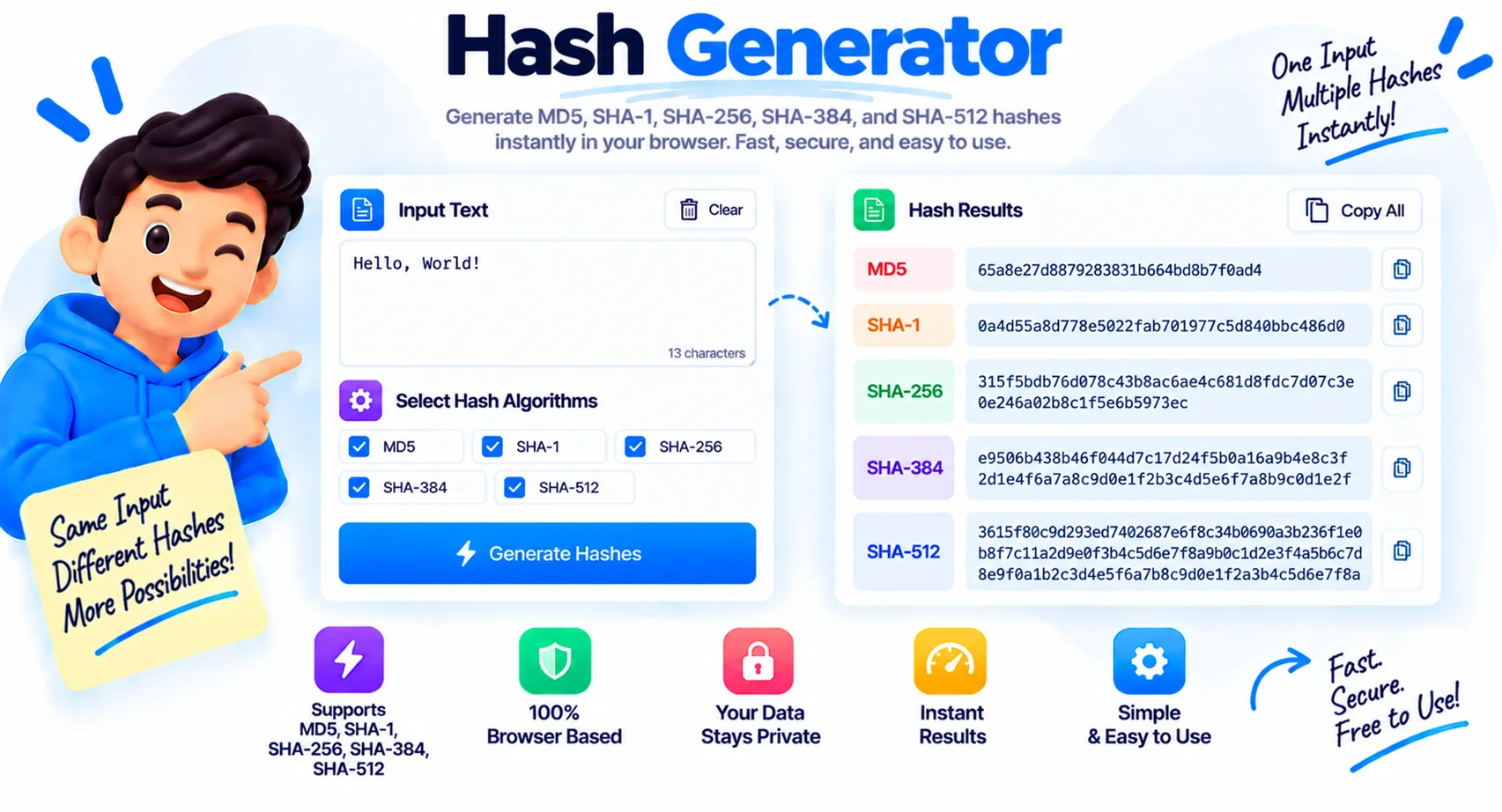
Five Hash Algorithms, Computed in Your Browser
A hash is a one-way fingerprint of data. Pass any input through a hash function and you get back a fixed-length string that changes completely if even a single byte of the input changes. Hashes are how downloads are verified, how passwords are stored, how files are deduped, and how blockchains chain together. This hash generator computes all five common algorithms from your text at once, live as you type.
What a hash generator does
You paste text and get its digest under each algorithm. A good cryptographic hash is deterministic, so the same input always gives the same hash, and one-way, so you cannot work backward from the hash to the original text. Type Hello and again with a lowercase h and every algorithm produces a completely different result, which is exactly the point: the fingerprint is tied to the exact bytes. All five run on your device, so nothing you paste is sent anywhere.
The five algorithms, and which to use
MD5 and SHA-1 are fast and still show up in old systems and non-security checks like deduplication, but both are cryptographically broken and should not be used to protect anything. SHA-256, SHA-384, and SHA-512 are part of the SHA-2 family and are the right choice for integrity checks and security work today.
| Algorithm | Output size | Hex length | Status |
|---|---|---|---|
| MD5 | 128-bit | 32 chars | Broken, legacy only |
| SHA-1 | 160-bit | 40 chars | Broken, legacy only |
| SHA-256 | 256-bit | 64 chars | Secure |
| SHA-384 | 384-bit | 96 chars | Secure |
| SHA-512 | 512-bit | 128 chars | Secure |
Hex or Base64, upper or lowercase
Every hash is shown as hexadecimal by default, the format checksums and command-line tools use. Switch to Base64 when you need the shorter, mixed-character form that fits in headers, tokens, or JSON. For hex you can also flip between lowercase and uppercase to match whatever you are comparing against, since a lowercase and uppercase hex string represent the same value.
Hashing is not encryption
This trips people up. Encryption is reversible with a key, so ciphertext can be turned back into the original. Hashing is one-way by design, there is no key and no way back. That is why hashes are used to store passwords and verify files rather than to hide data you need to read later. If you see a site claiming to decrypt a hash, it is really just looking the value up in a table of pre-computed hashes, not reversing the math.
What This Hash Generator Gives You
All Five at Once
MD5, SHA-1, SHA-256, SHA-384, and SHA-512 are all computed from the same input, side by side.
Live as You Type
Every hash updates instantly on each keystroke, with no Generate button to press.
Hex or Base64
Switch the output between hexadecimal and Base64 to match checksums, headers, or tokens.
Upper or Lowercase
Flip hex output between lowercase and uppercase so it matches whatever you are comparing against.
Copy One or Copy All
Copy a single hash, or grab all five at once labeled by algorithm, in one click.
Web Crypto Accuracy
SHA hashes use the browser native Web Crypto API, so the output matches command-line tools exactly.
UTF-8 Safe
Text is encoded as UTF-8 before hashing, so emoji and non-English characters hash correctly.
Runs in Your Browser
Every byte stays on your device. Nothing is uploaded, logged, or stored.
Similar Tools
More Developer tools you might find useful.
Hash Generator FAQ
What is a hash generator?
A hash generator computes a fixed-length fingerprint of your input using a cryptographic hash function. This one produces MD5, SHA-1, SHA-256, SHA-384, and SHA-512 from any text at once, live in your browser.
Is MD5 still safe to use?
No, not for security. MD5 is cryptographically broken and collisions can be created deliberately. It is fine for non-security tasks like deduplication or quick checksums, but use SHA-256 or stronger for anything that needs to be secure.
What is the difference between SHA-256 and SHA-512?
Both are from the SHA-2 family and both are secure. SHA-256 produces a 256-bit hash and SHA-512 a 512-bit hash. SHA-512 is often faster on 64-bit systems and gives a longer digest, while SHA-256 is the common default and produces a shorter string.
Can you reverse a hash back to the original text?
No. Hashing is one-way by design, so there is no way to compute the input from the hash. Sites that claim to decrypt a hash are really just looking it up in a table of pre-computed values, which only works for common inputs.
Is hashing the same as encryption?
No. Encryption is reversible with a key, so the original can be recovered. Hashing is one-way and has no key. Hashes are used to verify data and store passwords, not to hide information you need to read back later.
What is the difference between Hex and Base64 output?
They are two ways to display the same bytes. Hex uses 0-9 and a-f and is what checksums and command-line tools show. Base64 uses a larger character set and is shorter, which suits headers, tokens, and JSON.
Does my text get uploaded anywhere?
No. Every hash is computed in your browser with the Web Crypto API and a built-in MD5 function. Your text is never sent to a server, logged, or stored, so it is safe for sensitive input.
Is this hash generator free?
Yes, it is completely free with no signup and no limits. Everything runs in your browser, so your data stays on your device and is never sent to a server.