
Barcode Generator
Create a barcode from text or numbers in your browser. Pick a format like Code 128, EAN-13, or UPC, style the bars and colors, then download it as a PNG or SVG. Free, no signup, nothing uploaded.
How to generate a barcode
Type Your Value
Enter the text or number you want to encode, like a product code, SKU, or ID.
Pick The Format
Choose a barcode type such as Code 128, EAN-13, or UPC-A. The preview updates as you type.
Download PNG Or SVG
Adjust the size, colors, and text, then download a crisp PNG for print or an SVG for scaling.
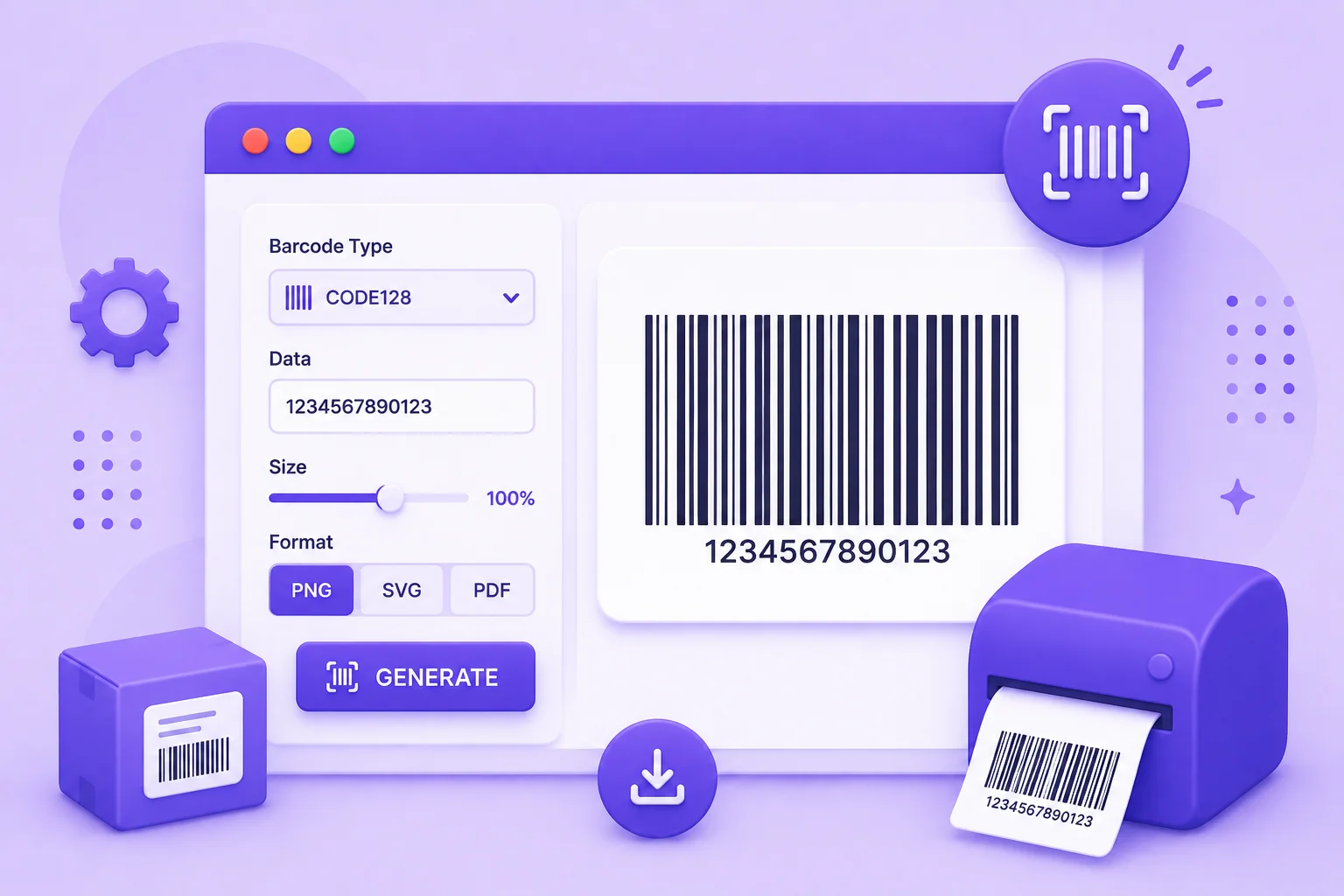
The Right Barcode For Products, Labels, And Inventory
A barcode is just a value written in bars a scanner can read. The trick is picking the right format for the job. Code 128 is the flexible one, it takes any text or number and packs it tightly, which makes it the go-to for shipping labels and internal inventory codes. EAN-13 and UPC-A are the retail standards you see on products at the store, and they expect a specific number of digits. Code 39 is common on ID cards and industrial parts because it is simple and forgiving.
This generator covers all of those and a few more. You type a value, choose a format, and the barcode appears right away. From there you can set the bar width and height, add or hide the text under the bars, and change the colors to match a label design. When it looks right, download a PNG for printing or an SVG that stays crisp at any size.
Everything is worked out in your browser, so the codes you generate, whether product SKUs, asset tags, or ticket numbers, never leave your device. There is no account to make and no limit on how many you create.
Why Use Our Barcode Generator?
Many Barcode Formats
Generate Code 128, Code 39, EAN-13, EAN-8, UPC-A, ITF-14, MSI, Pharmacode, and Codabar from one tool.
Live Preview
The barcode updates the moment you type or change a setting, so you see exactly what you will get.
Style The Bars
Set the bar width, height, and margin, show or hide the value text, and pick the bar and background colors.
PNG And SVG Output
Download a PNG for labels and print, or a sharp SVG that scales to any size without blurring.
Format Checking
Each format has its own rules, and the tool tells you right away if a value does not fit, like too few digits for EAN-13.
Private And Free
Everything runs in your browser. Your product codes and IDs are never uploaded, and there is no signup or watermark.
Similar Tools
More Developer tools you might find useful.
Frequently Asked Questions
Common questions about generating barcodes.
How do I generate a barcode?
Type the text or number you want to encode, choose a format like Code 128, EAN-13, or UPC-A, and the barcode appears in the preview. Adjust the size, colors, and text if you like, then download it as a PNG or SVG. It all happens in your browser.
Which barcode format should I use?
Use Code 128 for general text and numbers, such as shipping labels and internal inventory codes, since it accepts any characters. Use EAN-13 or UPC-A for retail products, Code 39 for ID cards and industrial parts, and ITF-14 for shipping cartons. Each has its own input rules.
What is the difference between EAN-13 and UPC?
Both are retail product barcodes. UPC-A is 12 digits and used mainly in the United States and Canada, while EAN-13 is 13 digits and used worldwide. UPC-A codes are actually a subset of EAN-13, so a 12-digit UPC can be represented as an EAN-13 with a leading zero.
Should I download the barcode as PNG or SVG?
Choose PNG for a ready-to-use image that prints cleanly on labels and documents at the size you set. Choose SVG when you need to scale the barcode up or down without any blurring, for example in a design tool or on a large sign, since SVG stays sharp at any size.
Why does my barcode show an error?
Most formats require a specific kind of value. EAN-13 needs 12 or 13 digits, UPC-A needs 11 or 12, and EAN-8 needs 7 or 8. If your value does not fit the chosen format, the tool shows a message so you can fix it or switch to Code 128, which accepts almost anything.
Is my data uploaded to a server?
No. The barcode is generated entirely in your browser, so the values you enter, like product codes and IDs, are never uploaded or stored. It is free to use with no signup, no watermark, and no limit on how many barcodes you make.