
YouTube Timestamp Link Generator
Paste a YouTube link, set a start time in hours, minutes, and seconds, and get a shareable link that jumps straight to that moment. Copy the short youtu.be link or the full watch URL. Free, no signup.
How to Add a Timestamp to a YouTube Link
Paste the YouTube Link
Drop in any youtu.be or youtube.com video link. The video preview loads instantly.
Set the Start Time
Enter the hours, minutes, and seconds where you want the video to begin.
Copy the Link
Copy the short or full timestamped link and share it. It opens the video at your chosen moment.
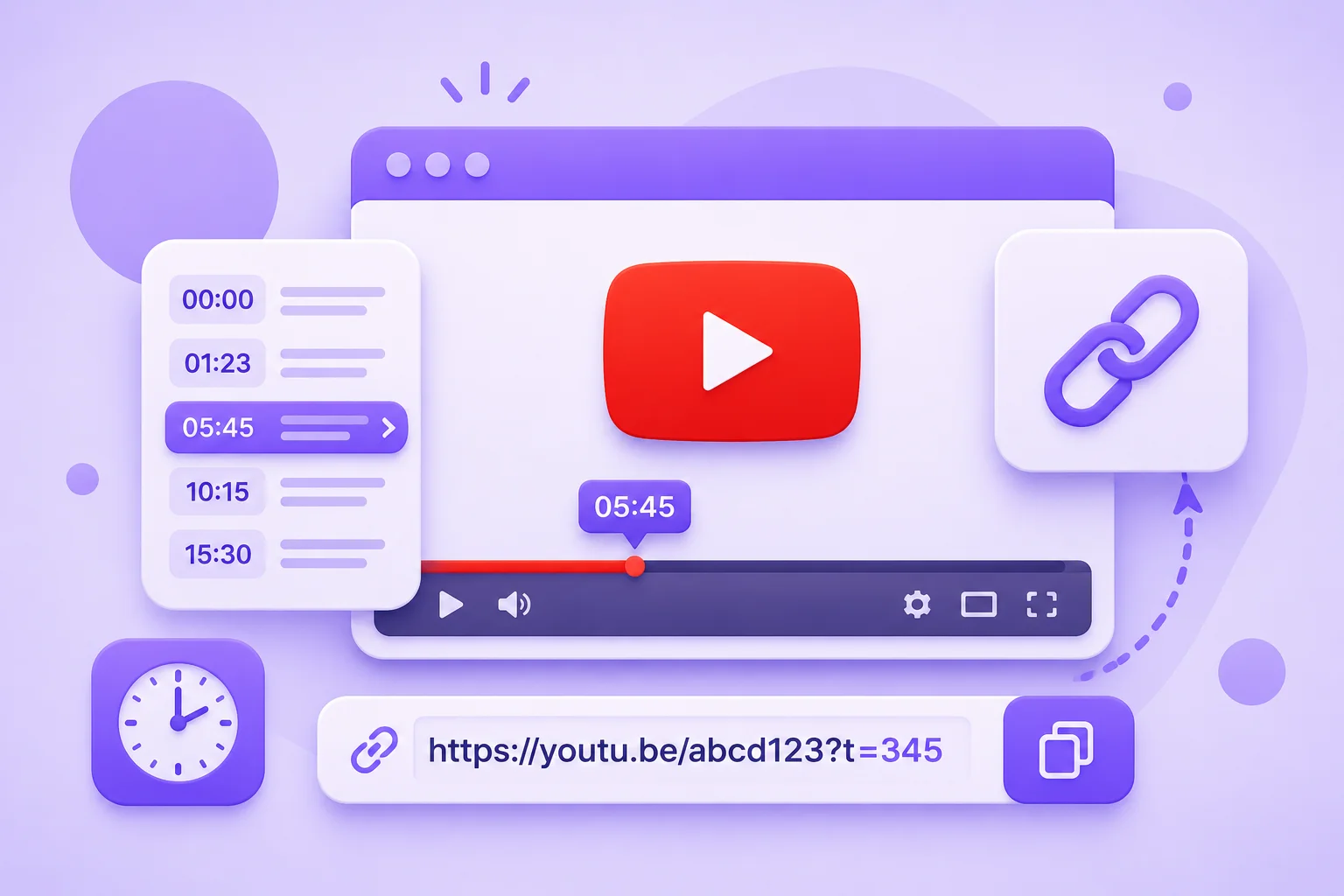
Make a YouTube Link That Starts at a Specific Time
Sharing a long video and only the last two minutes matter? Instead of telling people to skip ahead, this YouTube timestamp link generator builds a link that opens the video already at the moment you choose. Paste any YouTube URL, set the start time in hours, minutes, and seconds, and copy a link that jumps straight there. It is the fastest way to add a timestamp to a YouTube link without editing the URL by hand.
You get two ready-to-share links: a short youtu.be link with a ?t= timestamp, and the full youtube.com/watch URL with the time added. Both open the video at your chosen second on desktop and in the mobile app. If you paste a link that already has a time on it, the tool reads it and fills the fields for you. Everything runs in your browser, with no signup and nothing to install. Set the time once, copy, and share the exact moment.
Why Use This YouTube Timestamp Link Generator?
Start at Any Timestamp
Set the exact hour, minute, and second, and the link opens the video right at that point, so viewers skip straight to what matters.
Short and Full Link
Get a clean youtu.be short link and the full youtube.com/watch URL, both with the timestamp added, ready to paste anywhere.
One-Click Copy
Copy either timestamped link with a single click, no manual URL editing and no risk of a broken time code.
Reads Existing Timestamps
Paste a link that already has a time on it and the tool detects the timestamp and fills the start-time fields automatically.
Works With Every YouTube URL
Handles youtu.be short links and full youtube.com/watch links, and the result works on desktop and in the YouTube app.
Free, No Signup
Runs entirely in your browser. There is no account, no limits, and nothing is uploaded or stored.
Similar Tools
Frequently Asked Questions
Timestamps, start times, and how the links work, answered.
How do I make a YouTube link start at a specific time?
Paste the video link into the generator above, set the hours, minutes, and seconds where you want it to begin, and copy the result. The link opens the video at that exact moment, with no manual URL editing.
How do I add a timestamp to a YouTube link?
A timestamp is added with a ?t= value in the URL, measured in seconds. This tool builds it for you: set the start time and it outputs a youtu.be short link and a full watch link, both with the timestamp already added.
What does ?t= mean in a YouTube URL?
The ?t= parameter tells YouTube where to start playing, in seconds. For example, ?t=90 starts the video at 1 minute 30 seconds. The generator converts your hours, minutes, and seconds into that value automatically.
Can I set an end time on a YouTube link?
A normal YouTube share link only supports a start time, not an end time, so this tool sets the start moment. Stopping at an end time is only possible with an embedded player using an &end= parameter, not with a standard shareable link.
Does it work with youtu.be short links and the mobile app?
Yes. You can paste a youtu.be or youtube.com link, and the tool outputs both formats. The timestamped link opens at the right moment on desktop browsers and in the YouTube mobile app.
Is the YouTube timestamp link generator free?
Yes, it is completely free with no signup and no limits. Everything runs in your browser, so no video data is uploaded and nothing is stored.