
JSON Repair
Fix broken JSON online, right in your browser. Paste messy JSON and this free JSON repair tool returns valid, formatted output, with nothing uploaded.
How to use the JSON repair tool
Paste or upload your broken JSON
Drop your messy JSON into the left box, upload a .json file, or drag one in. It can have trailing commas, single quotes, comments, or unquoted keys. The repair runs as you type.
Review what was fixed
Valid, formatted JSON appears on the right. Problem lines are marked red on the left and the repaired lines show green on the right, and the status bar lists every fix applied.
Copy or download the result
Choose 2 spaces, 4 spaces, tab, or minified, then copy the clean JSON or download it as a .json file, ready for your project.
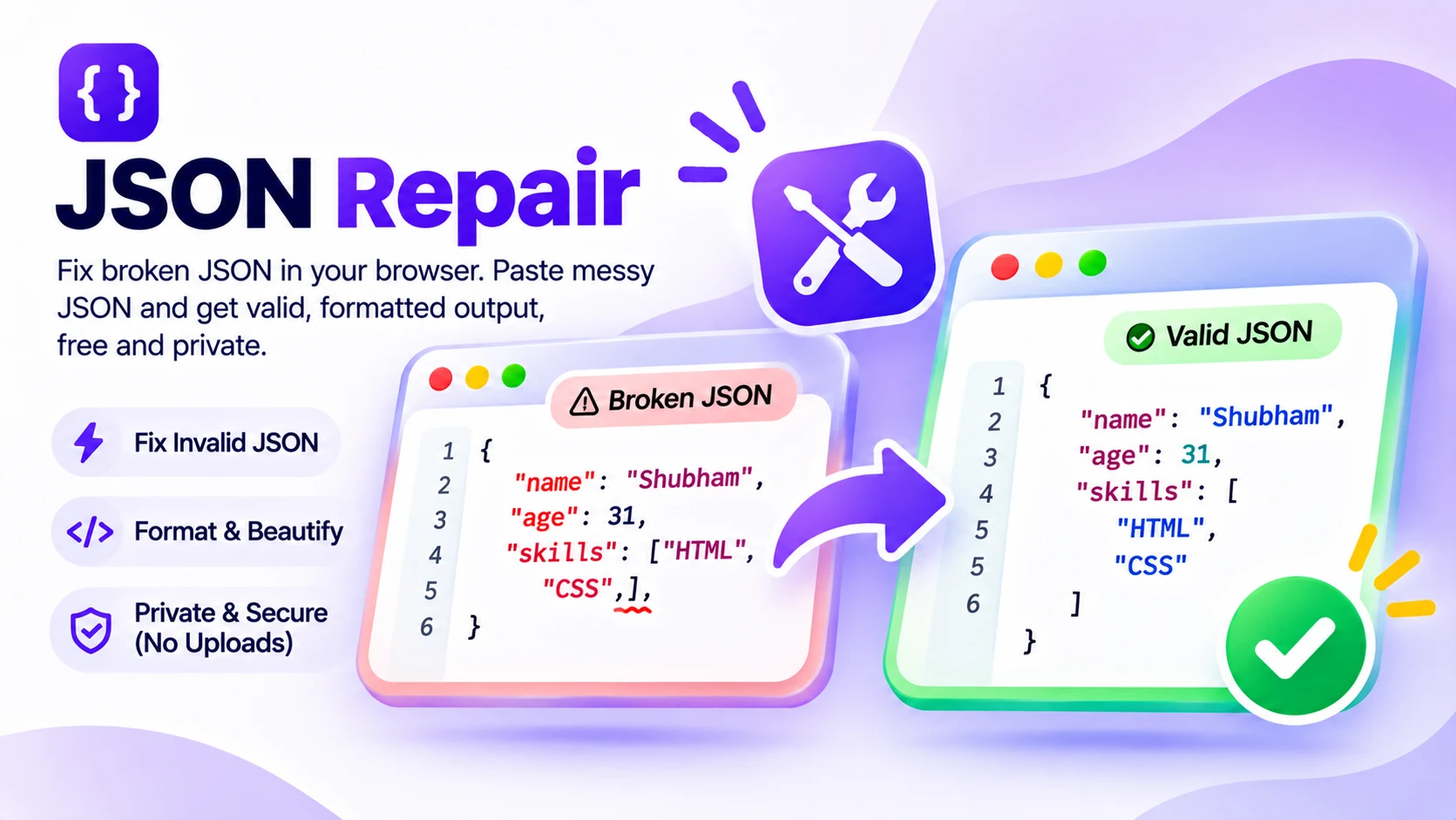
Why JSON breaks, and how to repair it
Most JSON breaks on small, human mistakes: a trailing comma after the last item, single quotes instead of double, an unquoted key, or a // comment pasted from code. Any one of them makes the parser throw, and the error rarely points at the real line. That is where a JSON repair tool helps.
Paste your broken JSON and this tool fixes the structure for you. It swaps single quotes for double, quotes bare keys and values, drops trailing commas and comments, turns Python-style True, False, and None into true, false, and null, adds missing commas, and closes brackets left open. It even strips Markdown code fences from AI output and combines several objects into one array.
Everything runs in your browser, so the JSON never leaves your device. Broken lines light up red on the left and the repaired lines show green on the right, so you see exactly what changed. Paste it, upload a .json file, or drag one in, then copy the clean result.
Features
Fixes every common JSON error
Trailing commas, single quotes, unquoted keys and values, comments, and missing commas, all in one pass.
Repairs AI and Python output
Strips Markdown code fences, converts Python True, False, and None, and unwraps values like ObjectId and NumberInt.
See what changed
Broken lines turn red, repaired lines turn green, and the status bar names each fix with its line number.
Paste, upload, or drag a file
Load JSON by paste, by choosing a .json file, or by dropping one onto the editor.
Private by default
Every repair runs in your browser, so your JSON is never uploaded to a server.
Format your way, free
Output as 2 spaces, 4 spaces, tabs, or minified. No sign up, no limits, no watermark.
Similar Tools
More Developer tools you might find useful.
JSON repair FAQ
How do I fix broken JSON?
Paste it into a JSON repair tool that fixes the structure automatically. This one removes trailing commas, converts single quotes to double, quotes bare keys, strips comments, adds missing commas, and closes open brackets, then formats the result in about a second, entirely in your browser.
What does this JSON repair tool fix?
It fixes the common breakers: trailing commas, single quotes, unquoted keys and values, comments, Python literals like True and None, missing commas, empty values, and unclosed brackets or strings. It also strips Markdown code fences and combines multiple JSON objects into one array.
Why is my JSON invalid?
The usual causes are a trailing comma after the last item, single quotes instead of double quotes, unquoted keys, comments, or a missing closing bracket. JSON is strict, so any one of these makes the parser fail. This tool fixes all of them at once.
Can I fix JSON from ChatGPT or other AI output?
Yes. AI often wraps JSON in Markdown code fences or adds trailing commas and comments. Paste it and the tool strips the fences, repairs the structure, and returns valid JSON. It also handles Python-style dict output with single quotes and True, False, None.
Is this JSON repair tool free and private?
Yes, it is completely free with no sign up, no limits, and no watermark. The repair runs entirely in your browser, so nothing you paste or upload is sent to a server. You can use it on private config files or API responses safely.
Can it repair JSON online without installing anything?
Yes. This is an online JSON repair tool that works in any modern browser, with no install, extension, or account. Paste or upload your broken JSON, read the fixed output, and copy it. It works the same on Windows, Mac, and Linux.
Does JSON allow trailing commas or comments?
No. Standard JSON does not allow trailing commas or comments, unlike JavaScript. They are the most common reasons a parser throws an error. This repair tool removes both automatically, while keeping any that appear inside string values.