
SQL Formatter
Clean up messy SQL in your browser. Format queries with clause-aware indentation and uppercase keywords, or minify them to one line. Free, no signup, nothing uploaded.
How to use the SQL formatter
Paste or Upload SQL
Drop in your query, or upload a .sql file. The formatted result appears right away.
Pick Format or Minify
Choose Format to break the query across clauses with indentation, or Minify to collapse it to one line. Set the indent and keyword case.
Copy or Download
Copy the result or download it as a .sql file, ready to paste into your editor or migration.
Readable Queries, Without the Reformatting
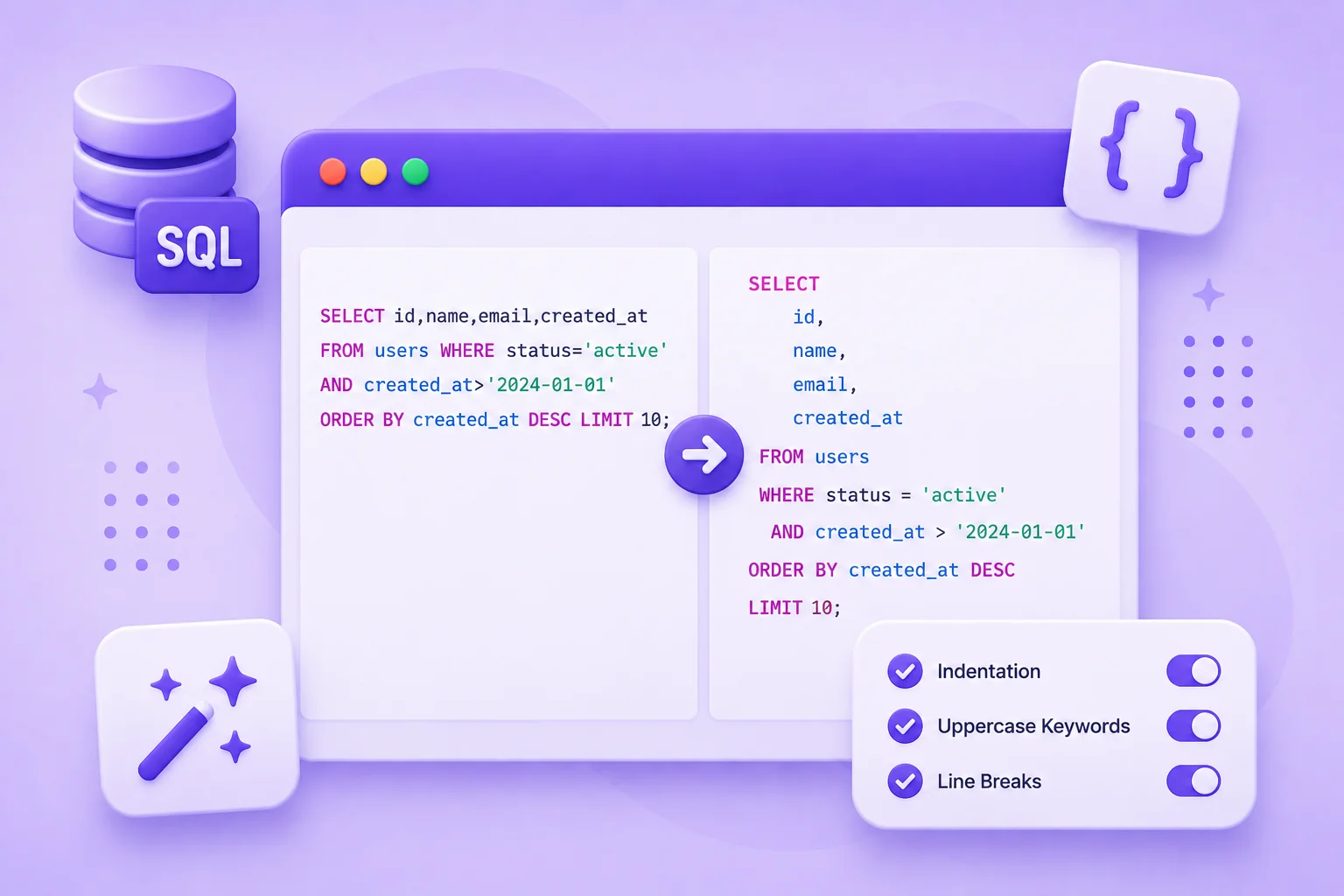
SQL has a habit of arriving as one dense line, copied from an ORM log, a stored procedure, or a teammate who never hits enter. Reading a query like that, or spotting why a join is wrong, means scanning a wall of text for the keywords that mark each clause.
This formatter rebuilds the query so the structure is obvious. Each clause starts on its own line, conditions under WHERE are indented, and subqueries are nested so you can see exactly where one query sits inside another. Quoted strings and comments are left exactly as they are.
You control the style. Uppercase the keywords for the classic look or keep them lowercase, choose your indent size, and switch to minify when you need a single-line version for a script. It all runs in the browser, so queries with real table and column names stay on your machine.
Why Use Our SQL Formatter?
Clause-Aware Layout
Each clause, SELECT, FROM, WHERE, JOIN, GROUP BY, starts on its own line, with conditions and subqueries indented.
Uppercase Keywords
Turn SQL keywords into uppercase for a clean, consistent style, or keep them as they are.
Format or Minify
Beautify a tangled query, or minify it to a single compact line for logs and scripts.
Keeps Strings Intact
Quoted values and comments are preserved exactly, so your data and notes are never altered.
Syntax Highlighting
Keywords, strings, numbers, and comments are colored so the query is easy to read.
Runs in Your Browser
Your SQL is formatted on your device. Nothing is uploaded, logged, or stored.
Similar Tools
More Developer tools you might find useful.
Frequently Asked Questions
Common questions about formatting SQL.
What does formatting SQL do?
It rewrites your query with each clause on its own line and consistent indentation, so the structure is easy to follow. It does not change what the query does, only how it reads.
Does it work with my database?
It formats standard SQL, so queries for MySQL, PostgreSQL, SQL Server, SQLite, and others all work. It tidies the layout rather than checking against any one database.
Will it change my strings or comments?
No. Anything inside quotes and any comments are kept exactly as they are. Only the spacing and line breaks around them change.
Can I keep keywords lowercase?
Yes. Turn off the uppercase keywords switch and keywords are left in lowercase, while still being placed on their own lines.
Does it validate my SQL?
No. It formats the text you give it and does not run or check the query against a database. Make sure the SQL is correct before you use it.
Is this SQL formatter free?
Yes, it is completely free with no signup and no limits. Everything runs in your browser, so your queries stay on your device.