
YAML to JSON Converter
Convert YAML to JSON and JSON back to YAML, side by side, as you type. It reads real config files, handles the YAML quirks that trip up quick scripts, and lets you set the indent. Free, no signup, runs in your browser.
How to convert YAML to JSON
Paste or Upload Your YAML
Drop in your YAML text, or upload a .yaml or .yml file. The JSON appears right away, colored and formatted.
Pick Direction and Indent
Switch between YAML to JSON and JSON to YAML, and set the indent to 2 or 4 spaces to match your style.
Check the Colored Output
Scan the syntax-highlighted result to confirm the structure and values converted the way you expect.
Copy or Download
Copy the output to your clipboard or download it as a file. Nothing is ever uploaded.
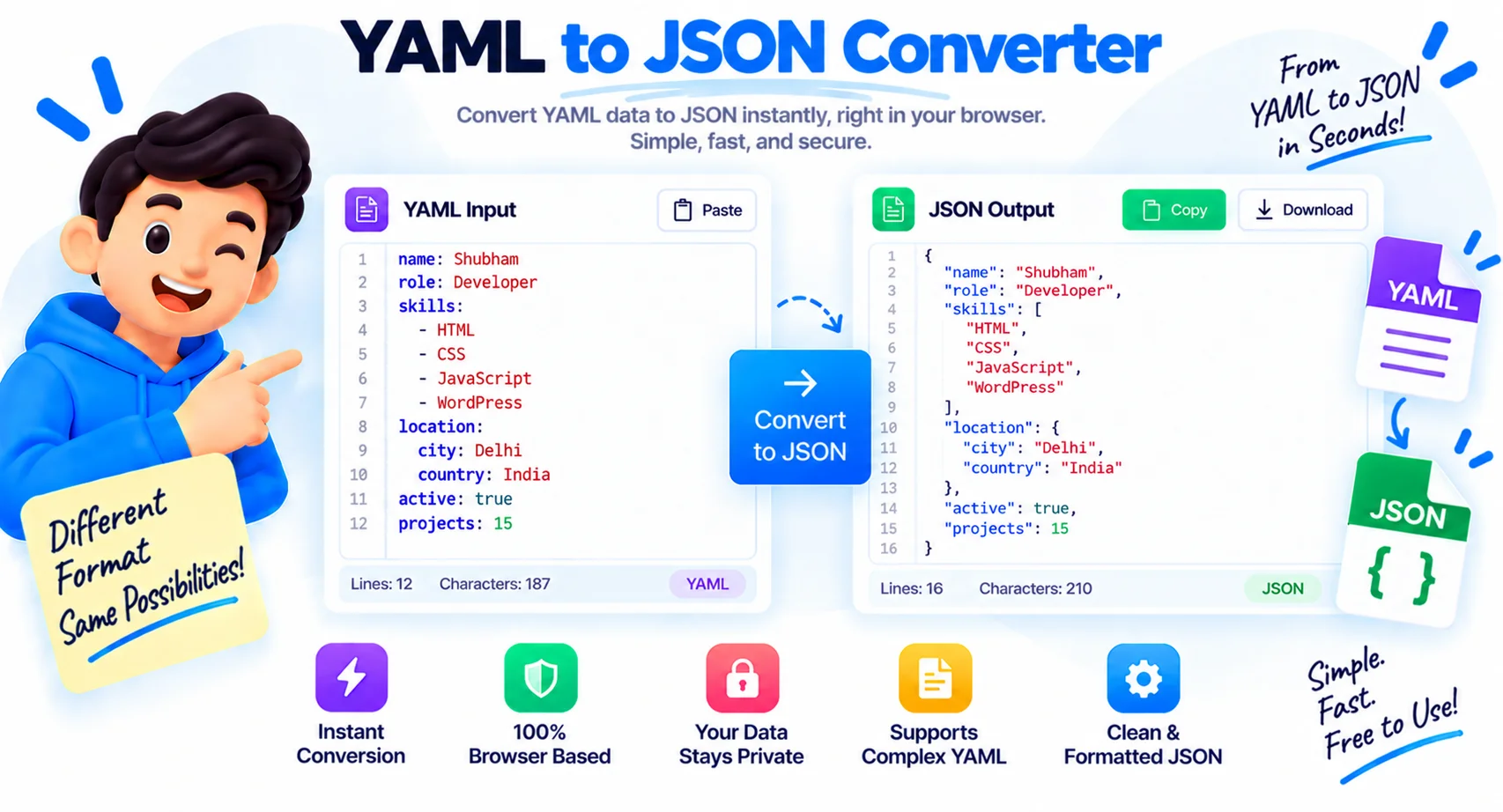
Move Between YAML and JSON Without the Headache
YAML and JSON describe the same data, but they live in different places. Config files, CI pipelines, Ansible playbooks, and Kubernetes manifests lean on YAML because it is easy to read and write. APIs, JavaScript, and most tooling expect JSON. Sooner or later you need to move a block of data from one to the other, and doing it by hand is slow and easy to get wrong, usually because of indentation. This YAML to JSON converter does it live, in both directions, and gets the awkward cases right.
How the YAML to JSON conversion works
Paste YAML on the left and clean JSON appears on the right as you type, or paste JSON and get tidy YAML back. The swap button flips the direction and carries the result across, so you can round-trip a file in one click. Set the indent to 2 or 4 spaces to match your house style, and both panes are syntax colored so the structure is easy to scan. Nothing is submitted, the conversion happens on each keystroke.
YAML versus JSON, and what changes in the trip
YAML uses indentation and allows comments, anchors, and multi-line strings. JSON uses braces and brackets and allows none of that. The most common surprise is that comments do not survive the conversion, because JSON has no place to put them. Data types carry over cleanly, so a YAML list becomes a JSON array and a YAML mapping becomes a JSON object, but anything that only exists to help humans read the file is dropped on the way to JSON.
The tricky YAML cases it gets right
Real YAML has traps, and this is where quick scripts fall apart. The best known is the Norway problem: unquoted no, off, and yes get read as booleans, so a country code like NO can silently turn into false. Numbers with leading zeros, version strings like 1.20, and dates are other common trip-ups. The parser follows the YAML spec, so quoted values stay strings and the output matches what your code will actually load.
Where you use YAML to JSON conversion
The usual reasons are feeding an API or a JavaScript app that only accepts JSON, debugging a Kubernetes manifest by seeing it as plain JSON, checking a Docker Compose or GitHub Actions file, and converting config between tools that expect different formats. I reach for it most when a pipeline error only makes sense once the YAML is flattened into JSON. Because everything runs in your browser, manifests and secrets never leave your device.
Why Use Our YAML to JSON Converter?
Converts Both Directions
Turn YAML into JSON or JSON back into YAML, and hit swap to round-trip a file in one click.
Live as You Type
The output updates on every keystroke, so you see the result instantly with no convert button to hunt for.
Syntax Highlighting
Both panes are color coded, so keys, strings, numbers, and structure are easy to scan and check.
Choose Your Indent
Set JSON output to 2 or 4 spaces to match your project style before you copy it.
Handles YAML Gotchas
It follows the YAML spec, so the Norway problem, leading zeros, and quoted values convert the way your code expects.
Paste, Upload, or Drop
Type it in, paste it, or drop a .yaml, .yml, or .json file straight from your computer.
Copy or Download
Copy the result to your clipboard or save it as a .json or .yaml file in one click.
Runs in Your Browser
Manifests and secrets are converted on your device. Nothing is uploaded, logged, or stored.
Similar Tools
More Developer tools you might find useful.
Frequently Asked Questions
Common questions about converting YAML and JSON.
Does it also convert JSON to YAML?
Yes. It works in both directions. Switch the toggle to JSON to YAML, or press swap to flip the current result and convert it back. You can round-trip a file between the two formats in a couple of clicks.
Are YAML comments kept in the JSON?
No. JSON has no syntax for comments, so any # comments in your YAML are dropped during conversion. Everything that holds data, including keys, values, lists, and nested maps, is preserved.
What is the Norway problem, and does this handle it?
The Norway problem is when unquoted values like no, off, and yes are read as booleans, so a code like NO can become false. This converter follows the YAML spec, so quoted values stay strings and convert the way your code expects.
Can I convert Kubernetes or Docker Compose YAML?
Yes. Paste a Kubernetes manifest, a Docker Compose file, or a GitHub Actions workflow and you get the JSON equivalent instantly. Seeing config as flat JSON often makes a pipeline error easier to spot.
Can I choose the indentation?
Yes. Pick 2 or 4 spaces for the output before you copy it. The setting applies to both YAML to JSON and JSON to YAML so the result matches your project style.
Does my YAML get uploaded anywhere?
No. The whole conversion runs in your browser on your own device. Nothing is sent to a server, logged, or stored, which makes it safe for manifests and config files that hold secrets.
Why convert YAML to JSON in the first place?
YAML is easy for people to read, but most APIs, JavaScript, and tooling expect JSON. Converting lets you keep human-friendly config while still feeding the systems that only accept JSON.
Is this YAML to JSON converter free?
Yes, it is completely free with no signup and no limits. Everything runs in your browser, so your data stays on your device and is never sent to a server.