
Base64 Encode and Decode
Convert text to Base64 and decode Base64 back to text right in your browser. Encode files and images too, switch to the URL-safe variant, and copy or download the result in one click. UTF-8 safe, free, nothing uploaded.
How to encode and decode Base64
Pick Encode, Decode, or File
Choose whether you are encoding text, decoding a Base64 string, or encoding a whole file.
Paste or Upload
Type or paste your text, or drop a file into the panel. The result appears live in the second pane.
Set the Options
Turn on URL-safe when encoding for links, or add the data URI prefix when encoding an image for HTML or CSS.
Copy or Download
Copy the output to your clipboard or download it as a file. Nothing is ever uploaded.
What Base64 Is and When You Need It
Base64 is a way to write any data, text, images, or files, using only 64 plain characters that survive being passed through systems built for text. It is not encryption and it hides nothing. It just repackages bytes into a form that email, URLs, JSON, and config files can carry without choking on special characters. This tool encodes and decodes it both ways, and it handles the cases a quick script usually gets wrong.
How Base64 encoding works
Base64 takes your data three bytes at a time and rewrites each group as four characters from a 64-symbol alphabet: A to Z, a to z, 0 to 9, plus the two symbols + and /. Because four characters carry three bytes, the output is about a third larger than the input. When the data does not divide evenly into groups of three, one or two = padding characters are added at the end so the length stays a clean multiple of four.
Encode text, decode text, and encode files
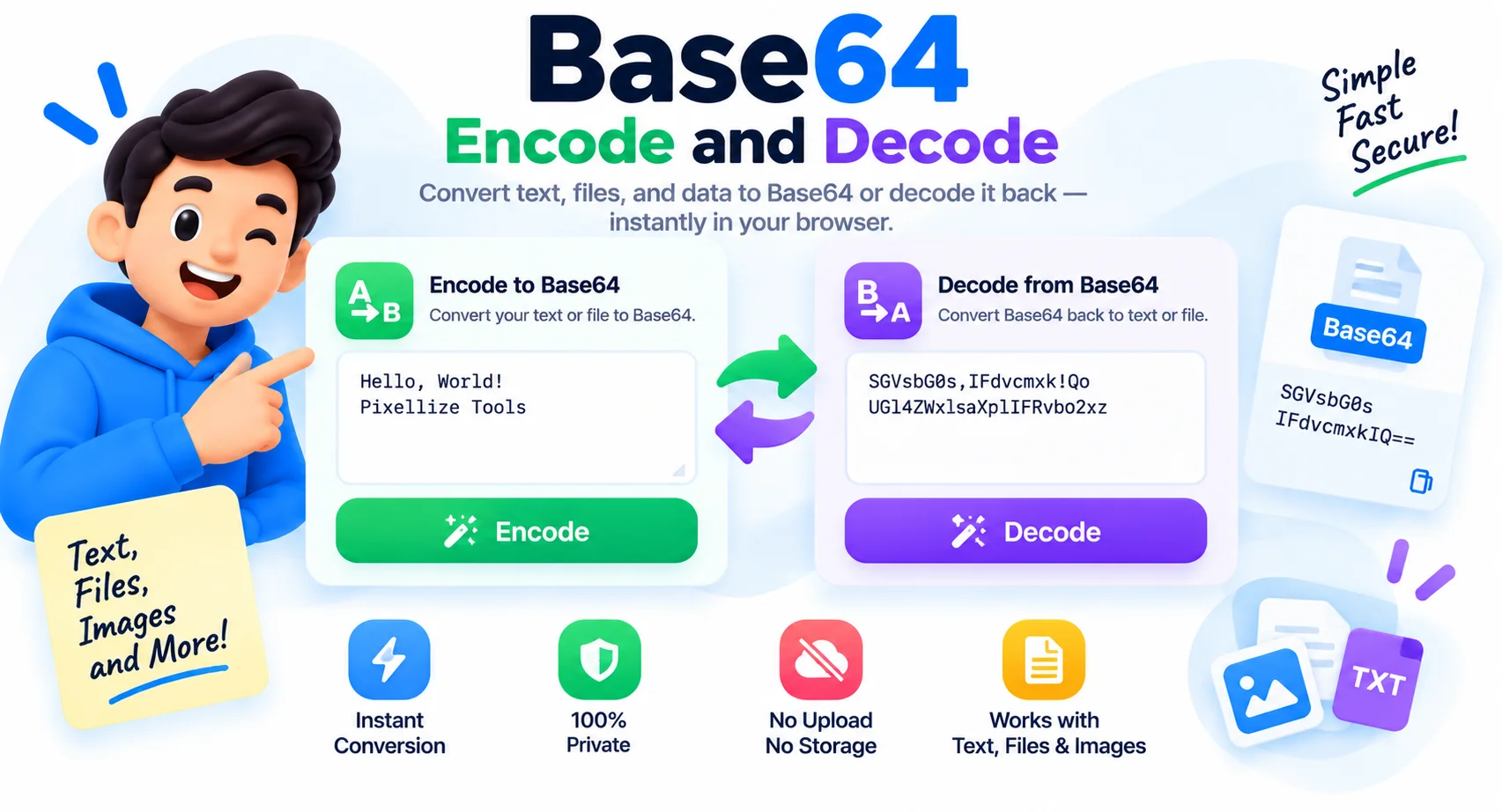
Switch between three modes. Encode turns text into Base64, decode turns a Base64 string back into readable text, and file mode reads any file in your browser and outputs its Base64. In file mode you can add a data URI prefix, which is the exact string you paste into HTML or CSS to embed an image without a separate request. Encoding is fully UTF-8 safe, so accented letters, emoji, and non-English text round-trip cleanly instead of turning into garbage.
Standard versus URL-safe Base64
Standard Base64 uses + and / and pads with =, which is fine inside JSON or an email but breaks when the value goes into a URL, since those characters have their own meaning there. The URL-safe variant swaps + for – and / for _ and drops the padding, so the result can sit in a query string or a path without being mangled. Flip the URL-safe switch when encoding for links, JWTs, or filenames.
Base64 is encoding, not encryption
This trips people up, so it is worth saying plainly. Anyone can decode Base64 in a second, exactly like this tool does, so it protects nothing. Do not use it to hide passwords, API keys, or personal data. It is a transport format, not a lock. If you need to keep something secret, encrypt it first, then Base64 the ciphertext if a text-only channel needs it.
Why Use This Base64 Encoder and Decoder
Encode Text to Base64
Turn any text into a clean Base64 string, ready to drop into JSON, headers, or config.
Decode Base64 to Text
Paste a Base64 string and read the original text back, so you can see what a token or payload actually holds.
File and Image to Base64
Encode any file in your browser and add a data URI prefix to embed images straight into HTML or CSS.
URL-Safe Variant
Switch to the URL-safe alphabet (- and _, no padding) so the result is safe in links, JWTs, and filenames.
UTF-8 and Emoji Safe
Accented letters, emoji, and non-English text encode and decode cleanly instead of turning into garbage.
Swap in One Click
Send the output back to the input to flip between encoding and decoding without retyping.
Copy or Download
Copy the result to your clipboard or save it as a .txt file in a single click.
Runs in Your Browser
Every conversion happens on your device. Nothing is uploaded, logged, or stored.
Similar Tools
More Developer tools you might find useful.
Frequently Asked Questions
Common questions about Base64 encoding and decoding.
What is Base64?
Base64 is a binary-to-text encoding that represents any data using 64 plain characters (A to Z, a to z, 0 to 9, plus + and /). It lets binary data travel safely through text-only channels like email, URLs, JSON, and HTML.
How do I encode text to Base64?
Choose Encode, then type or paste your text. The Base64 output appears instantly in the second pane, ready to copy or download. Everything runs in your browser, so the text is never uploaded.
How do I decode Base64 to text?
Choose Decode and paste your Base64 string. The tool converts it back to the original text right away. It accepts both standard and URL-safe Base64, with or without padding.
Is Base64 encryption or secure?
No. Base64 is encoding, not encryption. Anyone can decode it in a second, so it protects nothing. Never use it to hide passwords or secrets. Encrypt sensitive data first, then Base64 the result only if a text-only channel needs it.
What is URL-safe Base64?
URL-safe Base64 replaces the + and / characters with - and _ and drops the = padding, because the standard symbols have special meaning in URLs. Use it for values that go into links, query strings, JWTs, or filenames.
Does it handle emoji and non-English text?
Yes. The encoder is UTF-8 safe, so accented letters, emoji, and characters from any language encode and decode cleanly. Many quick scripts corrupt these, which is a common source of garbled output.
Can I encode a file or image to Base64?
Yes. Switch to File mode and drop in any file to get its Base64. Turn on the data URI prefix to get the exact string you can paste into HTML or CSS to embed an image without a separate request.
Is this Base64 tool free and private?
Yes, it is completely free with no signup and no limits. Every conversion happens in your browser, so your text and files stay on your device and are never sent to a server.