
CSS Compressor in Your Browser
A free CSS compressor and minifier. Paste your code or upload a .css file and compress CSS online in three levels, from light cleanup to maximum. See the exact size saved, then copy or download the .min.css. No signup, nothing uploaded.
How to compress your CSS
Add your CSS
Paste a stylesheet into the input area, or switch to "Upload .css file" and drop the file from your computer. Both modes feed into the same compressor.
Pick a compression level
Light keeps formatting and only removes comments. Standard strips whitespace, shortens hex colors, and trims redundant semicolons. Maximum also drops empty rules and license blocks.
See the result instantly
The minified output appears underneath as you type. The line above it shows the original size, the new size, and exactly how much you saved.
Copy or download
Use Copy to send the minified CSS to your clipboard, or Save .min.css to download it as a file. The filename matches whatever you uploaded.
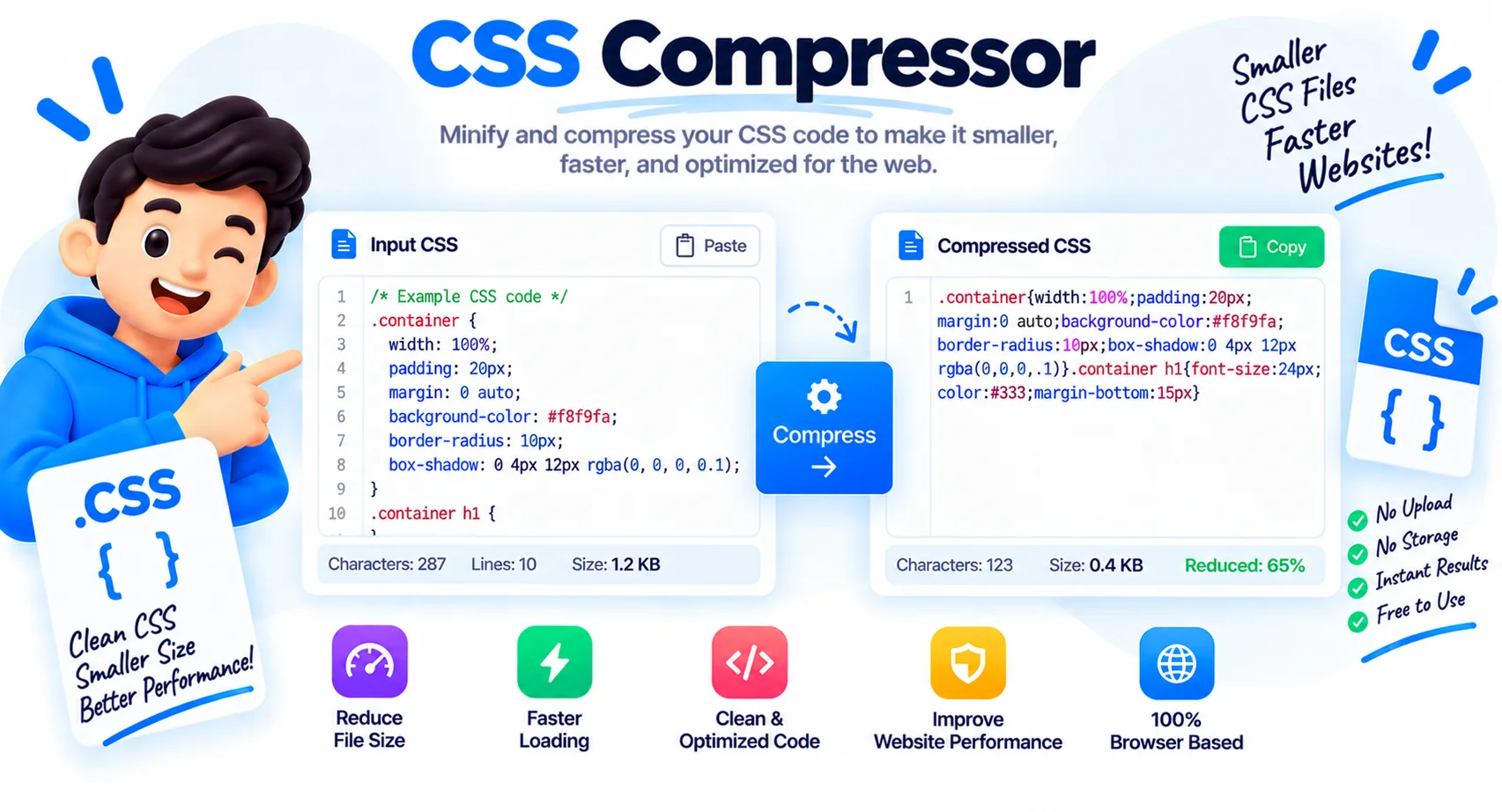
Compress CSS Online, Smaller Files, Faster Pages
This CSS compressor shrinks your stylesheet by removing everything the browser does not need: comments, line breaks, indentation, and extra spaces, plus small optimizations like shortening #ffffff to #fff and 0px to 0. The result is a smaller .css file that downloads and parses faster, which is one of the simplest page-speed wins. Paste your code or upload a file and the minified output appears instantly, with the exact bytes saved.
Why compress CSS?
Smaller stylesheets mean less to download and less for the browser to process before it can paint the page. On a typical file you save 20 to 40 percent, more on well-commented code. That cuts bandwidth, speeds up load time, and improves Core Web Vitals like First Contentful Paint, which matters most on mobile.
Three levels of compression
Choose how aggressive to be. Light strips comments and whitespace only, keeping the code fairly readable. Standard also shortens hex colors, removes trailing semicolons, and drops zero units for a smaller file. Maximum additionally removes empty rules and license comments for the smallest possible output.
Compress vs gzip
Compressing rewrites your CSS to be smaller in the file itself. Gzip or Brotli is a separate server step that shrinks the file again in transit. They stack: minify your CSS first, then let your server gzip it, for the smallest download your visitors actually receive.
Will it break my styles?
No. The compressor protects the parts that need their spacing, so calc(), min(), max(), clamp(), and the contents of strings and url() stay intact and valid. Your styles render exactly the same, just from a smaller file. Everything runs in your browser, so your CSS is never uploaded.
Why Use This CSS Compressor
Compress CSS Instantly
Paste or upload and the minified CSS appears live as you type, with comments, whitespace, and redundant characters stripped out.
Three Levels
Light, Standard, or Maximum. Choose readable cleanup, full optimization, or the smallest possible file.
See the Savings
Every run shows the original size, the compressed size, and the exact percent and bytes saved.
Safe by Design
It protects calc(), clamp(), strings, and url() values, so your styles render exactly the same after compressing.
Copy or Save
Copy the minified CSS with one click or download it as a ready-to-ship .min.css file.
Private and Free
Everything runs in your browser. Your CSS is never uploaded, and there is no sign-up or limit.
Similar Tools
More Developer tools you might find useful.
Frequently Asked Questions
Quick answers about CSS minification, what gets changed, and how privacy works here.
How do I compress CSS online?
Paste your CSS or upload a .css file, pick a compression level, and the minified output appears instantly. Then copy it or download the .min.css. It is free, runs in your browser, and nothing is uploaded.
What does compressing CSS do?
It removes characters the browser does not need, comments, whitespace, and line breaks, and applies small optimizations like shortening hex colors and zero units. The stylesheet renders the same but from a smaller file.
What is the difference between the levels?
Light strips comments and whitespace. Standard also shortens hex colors, drops trailing semicolons, and removes zero units. Maximum additionally removes empty rules and license comments for the smallest file.
Will compressing break my styles?
No. The tool protects calc(), min(), max(), clamp(), strings, and url() values that rely on their spacing, so your CSS stays valid and renders identically.
What is the difference between minify and gzip?
Minifying rewrites the CSS source to be smaller. Gzip or Brotli compresses the file in transit at the server. Use both: minify first, then let your server gzip for the smallest download.
How much can I save?
A typical stylesheet shrinks by 20 to 40 percent, and heavily commented CSS can save more. The tool shows the exact percent and bytes saved on every run.
Why are my license comments kept?
On Light and Standard, comments that start with /*! (license or legal banners) are preserved so you stay compliant. Maximum removes them for the smallest output.
Is this CSS compressor free?
Yes, completely free with no sign-up and no limits. Compress as many stylesheets as you like.