
JSON to CSV Converter
A free JSON to CSV converter. Paste a JSON array of objects or upload a .json file and get clean CSV instantly, with nested objects flattened, your choice of delimiter, and a live table preview. Copy or download the CSV. Nothing is uploaded.
How to convert JSON to CSV
Paste or Upload JSON
Drop in a JSON array of objects, or upload a .json file. The CSV and a table preview appear right away.
Set Your Options
Pick the delimiter, keep nested objects flattened with dot notation, and choose whether to include a header row.
Copy or Download
Copy the CSV or download it as a .csv file, ready to open in a spreadsheet.
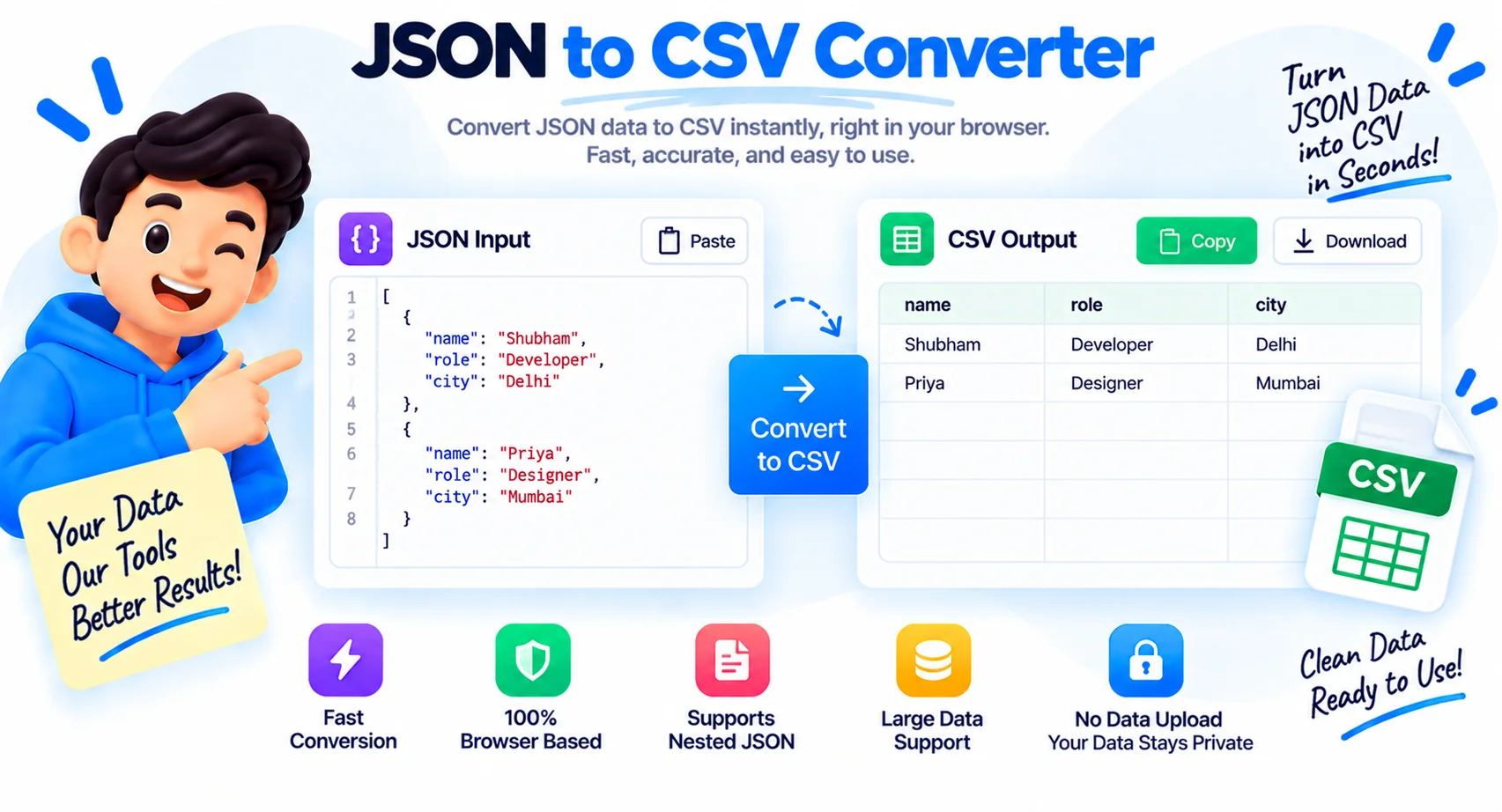
Convert JSON to CSV Online, Ready for Any Spreadsheet
This JSON to CSV converter turns an array of JSON objects into clean, spreadsheet-ready CSV, right in your browser. Paste your JSON or upload a .json file and the CSV appears instantly, with a live table preview so you can check the columns before you download. It is built for the everyday job of getting API data or an export into Excel, Google Sheets, or a database.
How nested objects and arrays are flattened
Real JSON is rarely flat. When an object contains other objects or arrays, this converter flattens them into dotted column names, so {"address":{"city":"London"}} becomes an address.city column, and a tags array becomes tags.0, tags.1, and so on. Turn flattening off and nested values are kept as JSON inside a single cell instead. Either way, every row lines up under one consistent set of columns.
Pick your delimiter and header
CSV is not always commas. Choose comma, semicolon, tab, or pipe to match what your spreadsheet or import tool expects, semicolon is common in European locales, tab for TSV. Keep the header row on so column names come through, or turn it off for a values-only file. Values that contain the delimiter, quotes, or line breaks are automatically escaped so the file stays valid.
Where CSV is useful, and converting back
CSV opens in every spreadsheet and imports into almost any database or analytics tool, which is why it is the format teams share data in. Need a different target? Use JSON to Excel for a ready .xlsx workbook, or go the other way with CSV to JSON. Each runs in your browser the same way, with nothing uploaded.
What This JSON to CSV Converter Does
Flattens Nested Objects
Nested objects become dotted columns like address.city, and arrays become tags.0, tags.1, so complex JSON maps cleanly to a flat table.
Live Table Preview
See the CSV as a real table before you download, so you can check the columns and rows are exactly what you expect.
Choose Your Delimiter
Comma, semicolon, tab, or pipe, plus an optional header row, so the output matches your spreadsheet or import tool.
Proper CSV Escaping
Values with commas, quotes, or line breaks are safely quoted and escaped, so the file never breaks on import.
Paste or Upload
Type or paste JSON, or drop a .json file. Copy the CSV to your clipboard or download it as a .csv file.
Private and Free
Everything runs in your browser. Your JSON is never uploaded, with no sign-up and no limit.
Similar Tools
More Developer tools you might find useful.
Frequently Asked Questions
Common questions about converting JSON to CSV.
How do I convert JSON to CSV?
Paste your JSON array or upload a .json file, pick a delimiter, and the CSV appears instantly with a live table preview. Then copy it or download the .csv. It is free and runs in your browser.
What JSON format does it need?
An array of objects works best, like [{"name":"Ada"},{"name":"Linus"}], where each object becomes a row. A single object becomes one row. Keys across the objects become the columns.
How are nested objects and arrays handled?
With flattening on, nested objects become dotted columns (address.city) and arrays become indexed columns (tags.0, tags.1). With it off, nested values are kept as JSON in a single cell.
Can I change the delimiter?
Yes. Choose comma, semicolon, tab, or pipe to match your spreadsheet or import tool, and toggle the header row on or off.
Does it handle commas inside values?
Yes. Any value that contains the delimiter, a quote, or a line break is automatically wrapped in quotes and escaped, so the CSV stays valid.
Can I convert CSV back to JSON, or to Excel?
Yes. Use the CSV to JSON tool to go the other way, or JSON to Excel to get a .xlsx workbook. Both run in your browser with nothing uploaded.
Is my data uploaded anywhere?
No. All parsing and conversion happen locally in your browser tab, so you can safely convert sensitive JSON. Nothing is sent to a server.
Is this JSON to CSV converter free?
Yes, completely free with no sign-up and no limits. Convert as many files as you like.