
XML Formatter
Format messy XML with clean indentation, or minify it, right in your browser. It checks that the XML is well formed, shows it with syntax highlighting and line numbers, and keeps CDATA and comments intact. Free, no signup, nothing uploaded.
How to use the XML formatter
Paste or Upload Your XML
Drop in your XML text, or upload a .xml, .svg, .rss, or .xsl file. The formatted result appears right away.
Pick Beautify or Minify
Choose Beautify and set the indent to 2, 4, or tab, or switch to Minify for a compact one-line version.
Check the Result
Read the color-coded output and the well-formed status to confirm the markup is clean before you use it.
Copy or Download
Copy the XML to your clipboard or download it as a .xml file. Nothing is ever uploaded.
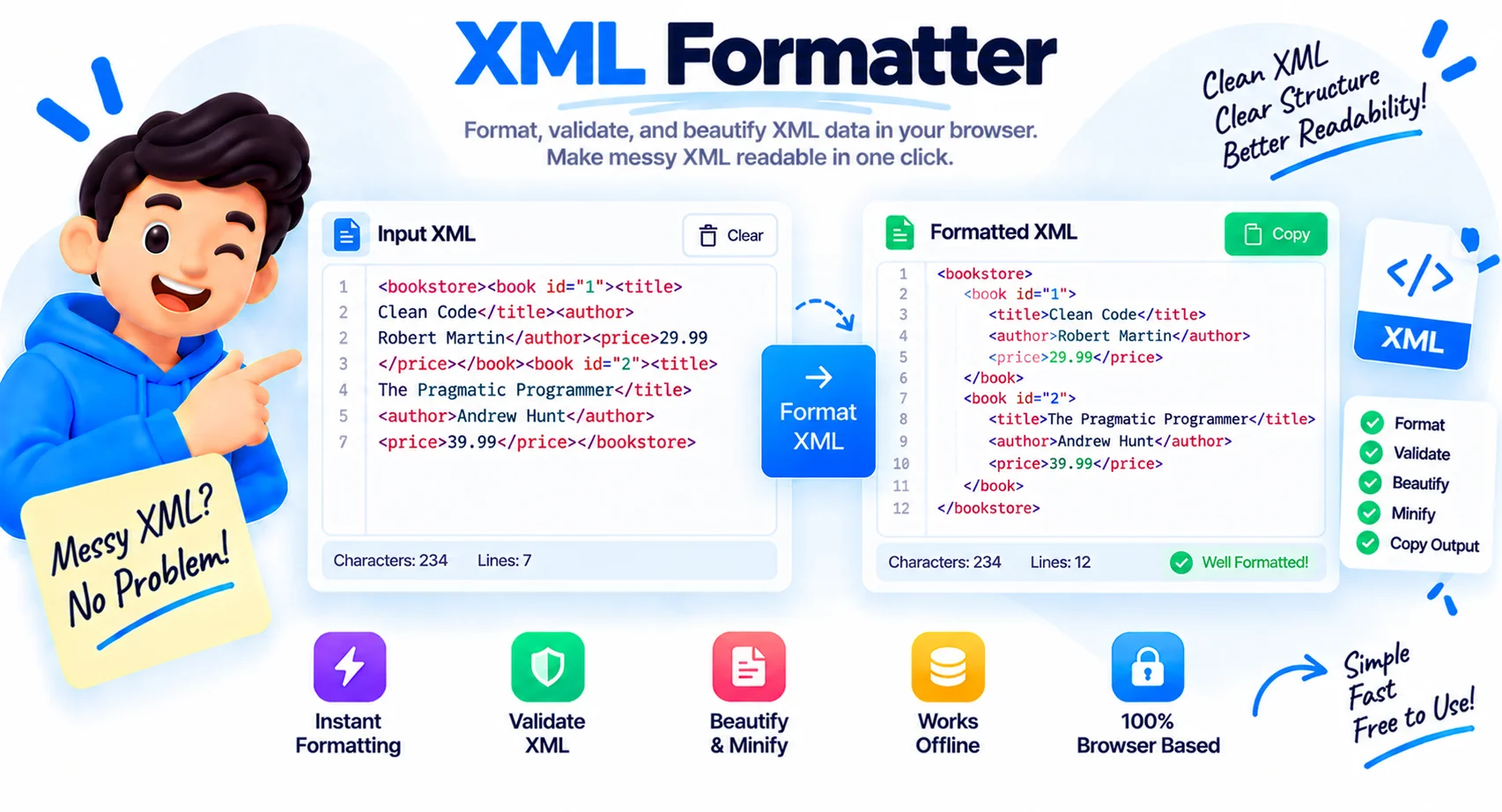
Readable XML, and a Check That It Holds Together
XML turns up everywhere: config files, RSS feeds, SVG graphics, SOAP and API responses, sitemaps, and data exports. When it arrives on one long line with no spacing, working out which element sits inside which becomes guesswork, and a single misplaced tag is hard to spot. This XML formatter rebuilds the markup so the structure is obvious, and it flags problems before they bite.
How the XML formatter works
Paste your XML and the tool lays it out with one element per line and indentation that mirrors the document tree, so nesting is clear at a glance. It formats live as you type, colors the tags, attributes, and values, and numbers every line in both panes. The XML declaration, comments, and CDATA sections are handled correctly, with their contents kept exactly as they were while everything around them is tidied.
Beautify or minify, with your indent
Two modes cover both directions. Beautify expands dense XML into a readable tree, and you choose 2 spaces, 4 spaces, or a tab to match your project. Minify strips the whitespace between elements and drops comments to produce the smallest valid output, which is what you want for a production SOAP payload or a config you are shipping over the wire.
Well-formed versus valid XML
This is the part most tools skip over. The checker tells you whether your XML is well formed, meaning every tag is closed, nesting is correct, and quotes and entities are right. That is different from being valid, which means the document also matches a specific DTD or XSD schema. This tool confirms well-formedness, which is what you need for a formatter, but it does not check your XML against a schema.
Where formatting XML helps
The common jobs are reading a SOAP or WSDL response, cleaning up an SVG or RSS feed, tidying a Maven pom or an app config, and debugging an API that returns XML instead of JSON. I reach for it most when a one-line response hides a mismatched tag. Because the whole thing runs in your browser, config files and payloads that hold sensitive values never leave your machine.
Why Use Our XML Formatter?
Beautify With Clean Indent
Expand dense XML into a readable tree with one element per line and indentation that mirrors the structure.
Minify to One Line
Strip whitespace and comments to produce the smallest output, ready for a production payload or config.
Well-Formedness Check
A clear status tells you if a tag is unclosed or a quote is missing, instead of a silent error later.
Indent 2, 4, or Tab
Pick the indentation that matches your project style before you copy the result.
Syntax Highlighting
Tags, attributes, values, comments, and CDATA are color coded so the markup is easy to scan.
Line Numbers Both Sides
Every line is numbered in both panes, so pointing to a spot in a large document is simple.
CDATA and Comment Safe
Contents of CDATA sections and comments are preserved exactly while everything around them is tidied.
Runs in Your Browser
Your XML is formatted on your device. Nothing is uploaded, logged, or stored.
Similar Tools
More Developer tools you might find useful.
Frequently Asked Questions
Common questions about formatting XML.
What is an XML formatter?
An XML formatter takes dense or single-line XML and lays it out with one element per line and indentation that mirrors the document tree. This makes the nesting readable and misplaced tags easy to spot. This one also minifies and checks well-formedness.
What is the difference between beautify and minify?
Beautify expands XML with indentation and line breaks so it is easy to read. Minify does the opposite, stripping whitespace between elements and removing comments to produce the smallest output for production use or transmission.
Does it validate my XML?
It checks that your XML is well formed, meaning tags are closed, nesting is correct, and quotes are right. That is different from being valid against a DTD or XSD schema, which this tool does not check. Well-formedness is what a formatter needs.
What indentation options are there?
You can format with 2 spaces, 4 spaces, or a tab. Pick whichever matches your project style, and the whole document is re-indented to match before you copy it.
Does it handle SVG, RSS, SOAP, and WSDL?
Yes. All of these are XML under the hood, so the formatter handles SVG graphics, RSS feeds, SOAP and WSDL, Maven pom files, sitemaps, and any other well-formed XML the same way.
Are comments and CDATA preserved?
Yes when you beautify. The contents of comments and CDATA sections are kept exactly as they were while the markup around them is re-indented. Minify removes comments, since the goal there is the smallest output.
Does my XML get uploaded anywhere?
No. The whole thing runs in your browser on your own device. Nothing is sent to a server, logged, or stored, so it is safe for config files and payloads that hold sensitive values.
Is this XML formatter free?
Yes, it is completely free with no signup and no limits. Everything runs in your browser, so your data stays on your device and is never sent to a server.