
Unlock PDF Password Free: Online PDF Unlocker That Runs in Browser
A free PDF unlocker that removes the password from any PDF entirely in your browser. Drop in a locked PDF, type the password, and download a clean unrestricted version. The file never leaves your device, so it is safe to use on bank statements, contracts, invoices, and any other confidential PDF you would normally hesitate to upload to a server.
How to Unlock a PDF
Upload Your PDF
Drag and drop or choose any password-protected PDF.
Enter the Password
Type the password used to open the file.
Download the Unlocked File
Click Unlock and download the PDF without any password.
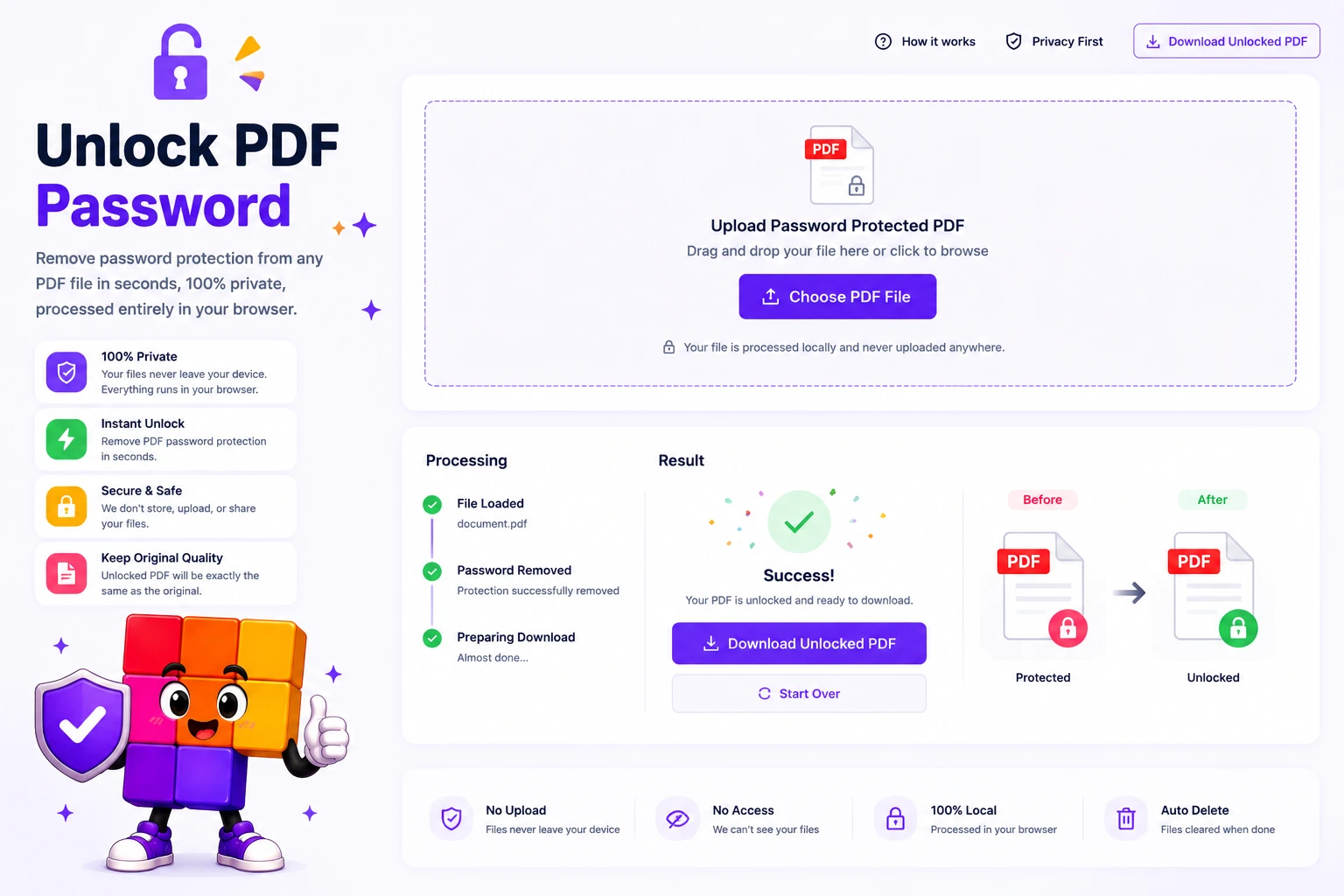
Unlock PDF password without uploading your file
PDF password protection is built on real encryption (AES-256 in modern PDFs, AES-128 or RC4 in older ones). This Unlock PDF tool removes the password by decrypting the file locally with the key you provide, then exporting a clean unrestricted copy. The decryption runs as JavaScript and WebAssembly inside your browser tab. Your file never touches a server.
That privacy angle is the reason to skip uploading bank statements, contracts, or work invoices to a SaaS PDF site. The unlocker reads the PDF from local memory, applies the matching decryption pipeline (AES-256, AES-128, RC4-128, RC4-40), and writes the unlocked output back to local memory. Close the tab and nothing is retained anywhere.
Why this PDF unlocker beats uploading to a SaaS PDF site
100% in-browser, no upload to a server
Your PDF stays on your device. Decryption and re-export happen as JavaScript and WebAssembly inside the browser tab. Confidential documents (bank statements, contracts, invoices, work files) never leave your computer, which matters for any PDF you would not casually email to a stranger.
Keeps the Exact Look
Every page is rendered at high resolution and rebuilt into a clean PDF, so the layout and images match the original. Selectable text may be flattened to page images.
AES-256 and AES-128 supported, plus legacy RC4
Modern PDFs encrypted with AES-256 or AES-128 unlock in seconds once you provide the password. Older files using RC4-40 or RC4-128 work too. The tool reads the encryption metadata, applies the correct decryption pipeline, and writes a clean unrestricted PDF.
Free, no account, no watermark
No signup, no email collection, no daily limit, no watermark on the output. Upload-style flow with drag and drop, type your password once, download the unlocked PDF, done. The decrypted file is yours to use anywhere with no attribution required.
Preview Before You Download
As soon as the password is accepted, every unlocked page shows in a thumbnail rail and a full preview, so you confirm it worked before you save.
Works on Any Device
Runs in any modern browser on desktop, tablet, or phone. Nothing to install, no plugin, and no account to create.
Similar Tools
More PDF tools you might find useful.
Frequently Asked Questions
Common questions about unlocking PDFs, password types, encryption, and legal use.
Is it safe to use this tool with confidential PDFs?
Yes. The unlocker runs entirely in your browser using JavaScript and WebAssembly. Your PDF file is read from your device memory and never transmitted to a server. Once you close or refresh the tab, nothing is retained anywhere. This makes it safe for bank statements, contracts, invoices, and any other sensitive PDF you would normally avoid uploading.
What is the difference between a user password and an owner password?
The user password (also called the open password) is what you type to open a PDF at all. The owner password (also called the permissions password) controls copy, print, and edit restrictions after the file is open. This tool removes user passwords when you provide the correct password. Owner-password-only restrictions can usually be cleared by re-exporting the PDF, which the tool also does.
Can you unlock a PDF without knowing the password?
No, and you should be skeptical of any site that claims to. Modern PDFs use AES-128 or AES-256 encryption, which is mathematically infeasible to break without the key. Sites claiming to unlock any PDF without a password either run a slow brute-force attack that almost always fails, or only work on very old files with weak owner-password-only protection. This tool requires the correct password.
Which PDF encryption levels are supported?
All standard PDF encryption levels: AES-256 (most modern PDFs), AES-128, RC4-128 (older but still common), and RC4-40 (legacy). The tool detects the encryption type automatically from the PDF metadata and applies the correct decryption pipeline. You only need to provide the user password.
Why does the unlocked PDF look slightly different from the original?
For maximum compatibility across all PDF features, the tool renders each page at high resolution and embeds it in a fresh PDF. Visual layout, fonts, and images are preserved exactly. Selectable text and form fields may be flattened to images in the output. If you need a text-selectable unlocked PDF, use a desktop tool that supports PDF metadata-stripping (Adobe Acrobat, qpdf).
Is it legal to unlock a PDF?
Removing the password from a PDF you own or have permission to access (your bank statements, work documents, ebooks you bought, scanned contracts) is legal in almost every jurisdiction. Removing protection from documents you do not have rights to access is a copyright and computer-misuse issue in most countries, regardless of how the tool works. Use the tool only for files you legitimately own or are authorized to handle.
Is there a file size limit?
No hard limit is enforced by the tool, but processing happens in your browser, so very large PDFs (over 50 MB or several hundred pages) may be slow or cause the browser tab to use significant memory. For files under 20 MB, expect the unlock to complete in under 10 seconds on a modern laptop or phone.
Do I need to install any software to use this PDF unlocker?
No. The PDF unlocker is a web tool, no install, no extension, no account. Open the page, drop your PDF, type the password, download the unlocked file. Works in Chrome, Firefox, Safari, Edge, and any other modern browser on Windows, Mac, Linux, iOS, and Android.