
Protect PDF with Password: AES-128, In Your Browser
Add a password to any PDF in seconds. Real AES-128 encryption, applied entirely in your browser, your file never touches a server. Free, no signup.
How to Password Protect a PDF
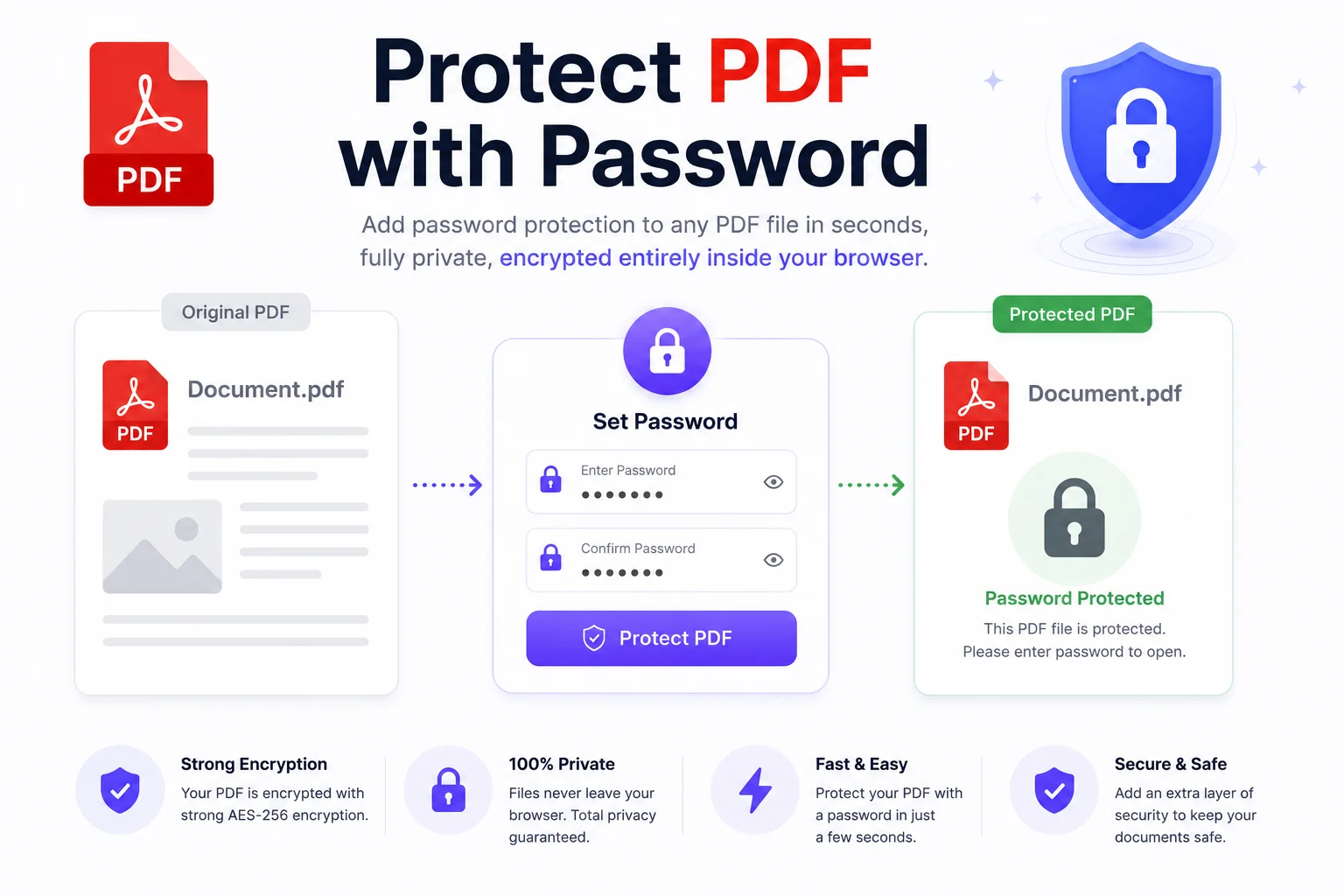
Upload Your PDF
Drag and drop or choose the file. It stays on your device, encryption runs in the browser.
Set a Strong Password
Type the password that will be required to open the file. Longer is stronger: a 12+ character phrase beats a short complex one.
Download the Encrypted PDF
Click Protect and download. Anyone opening the file, in any PDF reader, now needs the password.
Lock Sensitive PDFs Before You Send Them
Salary slips, contracts, medical reports, ID scans, the PDFs most worth protecting are exactly the ones you should never upload to a random website. That is the quiet problem with most online PDF protectors: you send your confidential file to their server, they encrypt it there, and you trust them to delete it. This tool removes that trust exercise entirely. The encryption runs in your browser, and the file never leaves your device.
The protection is real AES-128 encryption, the standard used for classified data, not a viewer-level lock. Once protected, every PDF reader, Adobe, Chrome, Preview, phones, demands the password before showing a single page. You can also set permissions separately: let people read a contract but block printing, copying, and editing. One honest warning: there is no recovery. If you forget the password, the content is gone, that is what strong encryption means. Store the password in a password manager before you send the file.
Working with PDFs in the other direction too? The unlock PDF tool removes a password you already know, the redact PDF tool permanently blacks out text before sharing, and the sign PDF tool adds your signature, all in the browser, same privacy model.
Why Use This PDF Password Protector
100% Private, No Upload
Encryption happens inside your browser. The PDF never leaves your device, which is the whole point when the document is sensitive enough to need a password.
Real AES-128 Encryption
The same encryption standard banks and governments use, not a soft lock. Without the password, the file contents are unreadable, not just hidden.
Permissions Control
Beyond the open password, restrict printing, copying, and editing, useful for contracts and reports you want readable but not reusable.
Instant Processing
No queue, no server round-trip. Even large PDFs encrypt in seconds because the work happens locally.
Works in Every Reader
The output is a standard encrypted PDF. Adobe Reader, Chrome, Preview, and mobile readers all prompt for the password and open it normally.
Free, No Signup
No account, no watermarks, no file limits that matter. Protect as many PDFs as you need.
Similar Tools
More PDF tools you might find useful.
Frequently Asked Questions
Common questions about PDF password protection.
How do I password protect a PDF for free?
Upload the PDF to this tool, type a password, and click Protect. The file gets AES-128 encryption applied in your browser and downloads immediately. Every standard PDF reader will then require the password to open it. No signup, no watermark, no upload to any server.
Is my PDF safe to process with this tool?
Yes, and verifiably so: the file never leaves your device. Encryption runs inside your browser, there is no upload, no server copy, and nothing to delete afterwards. For documents like contracts and ID scans, that is safer than any tool that processes files server-side.
What encryption standard does this tool use?
AES-128, the current standard for protecting sensitive data. It encrypts the actual file contents, so without the password the document is unreadable everywhere, not just hidden behind a prompt in one specific reader.
Can a password protected PDF be cracked?
With a weak password, yes, tools exist that try millions of guesses per second. With a strong one, practically no. Use 12 or more characters, ideally a phrase with numbers mixed in. The encryption itself has no known shortcut; the password is always the weakest link.
Can the password be recovered if I forget it?
No. Strong encryption has no back door, which is precisely what makes it trustworthy. Save the password in a password manager the moment you set it, and when emailing a protected file, share the password through a different channel, like a message.
Can I protect a PDF that is already password-protected?
Remove the existing password first with the unlock PDF tool (you need to know the current password), then protect it again with the new one. Encrypting an already-encrypted file directly is not supported by the PDF format.
What is the difference between the open password and permissions?
The open password controls who can view the file at all. Permissions control what viewers can do after opening: printing, copying text, and editing can each be blocked. Permissions are enforced by PDF readers, so treat them as a strong deterrent rather than absolute protection.