
.htaccess Redirect Generator
Build 301 and 302 redirect rules for Apache .htaccess or Nginx, plus presets for HTTPS and www, then copy or download. Free, no signup, nothing uploaded.
How to generate redirect rules
Pick Your Server
Choose Apache .htaccess or Nginx so the output matches what your server expects.
Add Your Redirects
Enter the old path and the new URL for each redirect and set 301 or 302. Turn on presets like force HTTPS or www if you need them.
Copy or Download
Copy the generated rules or download the file, then add it to your server config.
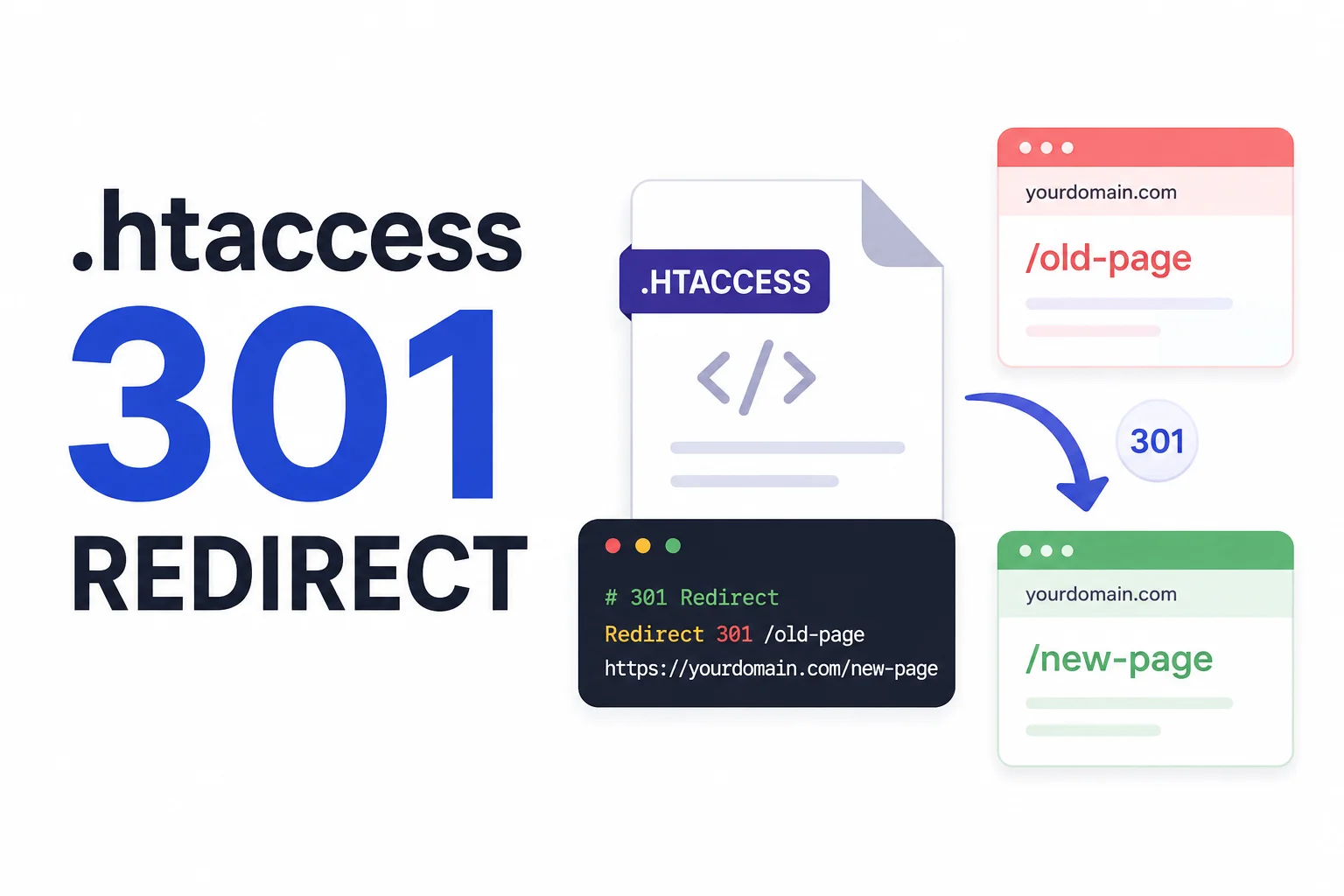
Set Up Redirects Without the Guesswork
Redirects keep links working and pass SEO value when pages move. But the exact syntax is easy to get wrong, Apache uses Redirect and RewriteRule directives, while Nginx uses return and rewrite inside the server block. A small typo can break a whole site.
This generator writes the rules for you. Pick your server, add each old path and the new URL, and choose 301 for a permanent move or 302 for a temporary one. Common needs like forcing HTTPS or adding and removing www are one checkbox each. If you paste a full old URL, it is trimmed to the path automatically.
The output updates live, so you can review it, then copy it or download a ready file. Everything runs in your browser, so nothing about your site is sent anywhere.
Why Use Our Redirect Generator?
Apache or Nginx
Switch between .htaccess rules and Nginx config with one click, no syntax to memorize.
301 and 302
Set each redirect as a permanent 301 or a temporary 302, the right choice for SEO.
Built-in Presets
Force HTTPS, force www, or remove www with ready-made site-wide rules.
Many Redirects
Add as many old-to-new rules as you need, with old full URLs trimmed to a path for you.
Copy or Download
Grab the rules with one click or download a .htaccess or .conf file.
Live Output
The rules update as you type, so you can check them before going live.
Similar Tools
More SEO tools you might find useful.
Frequently Asked Questions
Common questions about redirects.
What is the difference between 301 and 302?
A 301 is a permanent redirect and passes most SEO value to the new URL. A 302 is temporary and tells search engines the original may return, so the value stays with the old URL.
Where do I put .htaccess rules?
Add them to the .htaccess file in your site root on an Apache server. For Nginx, paste the rules into the relevant server block and reload Nginx.
What do the presets do?
Force HTTPS redirects http traffic to https, force www adds www to the domain, and remove www strips it. Each adds a site-wide rule for your chosen server.
Can I redirect a whole path?
Yes. Enter the old path and the new URL. For Apache the Redirect directive matches the path, and for Nginx an exact location block is created.
Does it send my data anywhere?
No. The rules are generated entirely in your browser. Nothing is uploaded, logged, or stored on a server.
Is this redirect generator free?
Yes, it is completely free with no signup and no limits. Everything runs on your device.