
XML Sitemap Generator
A free XML sitemap generator. Crawl any site to build a sitemap from scratch, or fetch and download an existing sitemap.xml. Auto priority and last-modified, live broken-link status, and export to XML, CSV, or TXT.
How to Generate a Sitemap
Enter the Website URL
Paste any website URL into the input field.
Click Generate Sitemap
Click Generate and the tool crawls every page automatically.
Download or Copy
Download the XML file or copy the contents to upload to your site.
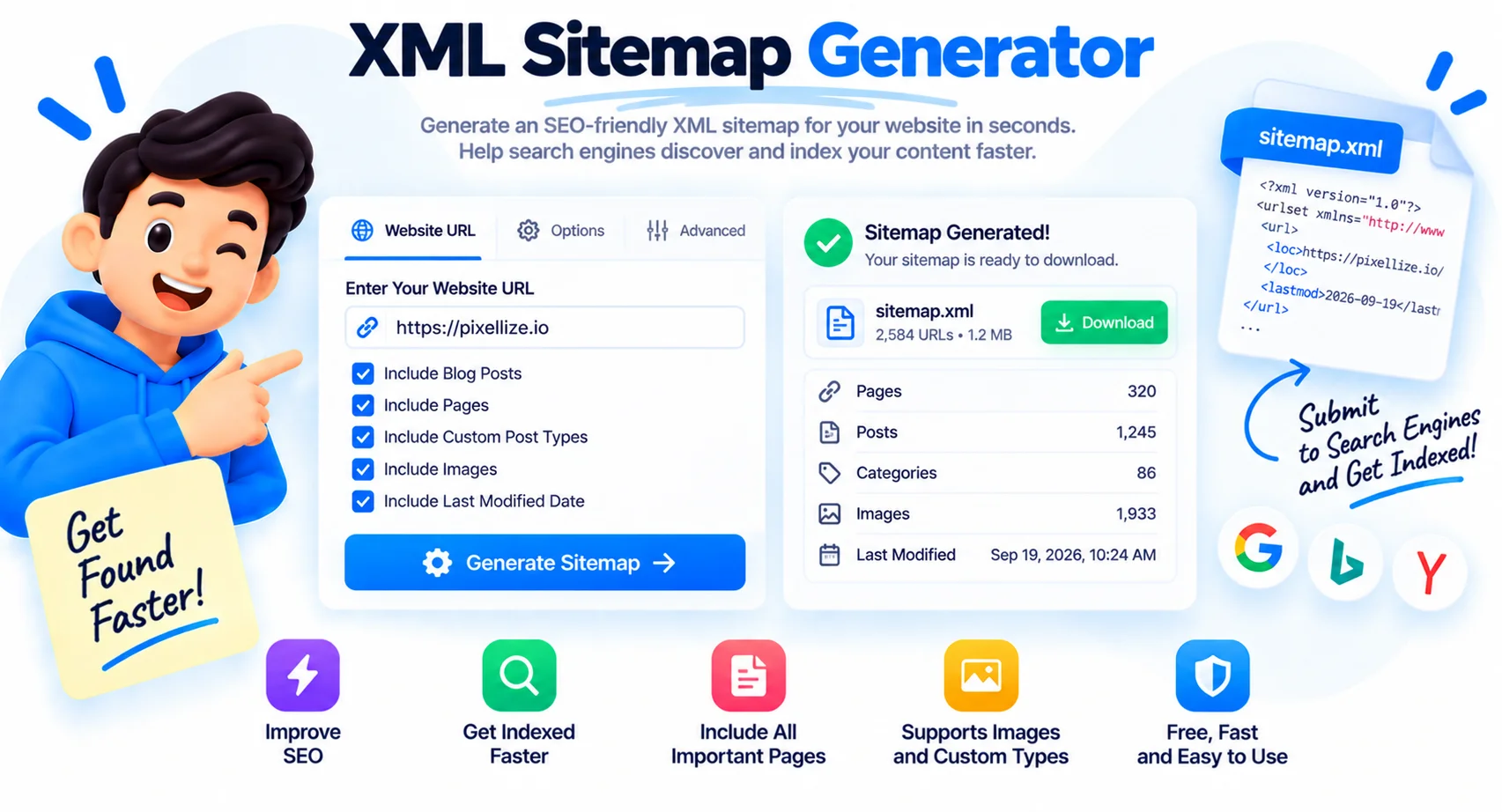
Generate or Fetch an XML Sitemap for Any Site
An XML sitemap is a file that lists the important pages on a site so search engines like Google and Bing can find and crawl them faster. This XML sitemap generator gives you two ways to get one: crawl a site to build a sitemap from scratch, or fetch and download an existing sitemap.xml. Either way you get a clean, valid file ready to submit, plus a live view of every URL.
Two ways to build your sitemap
If your site has no sitemap yet, use Crawl the site. It starts at the homepage, follows internal links, respects your robots.txt, and stops at the page and depth limits you set. If a sitemap already exists, use From sitemap.xml to fetch it, expand any sitemap index into its child sitemaps, and list every URL. Each URL gets an automatic priority (by depth) and a last-modified date.
Check for broken links as you go
As URLs are discovered, the tool status-checks each one in the background, so you see 200, 301, or 404 right in the table. That turns a plain sitemap into a quick audit: spot 404s to remove, redirects to clean up, and pages that should not be in the sitemap at all.
How to submit your sitemap to Google
Download the sitemap.xml and upload it to the root of your domain so it loads at yoursite.com/sitemap.xml. Then open Google Search Console, go to Sitemaps, and submit that URL. Add a Sitemap: line to your robots.txt too, so other crawlers find it. Google re-reads the file on its own schedule after that.
Sitemap limits worth knowing
A single sitemap can hold up to 50,000 URLs and must stay under 50MB uncompressed. Larger sites split into multiple sitemaps joined by a sitemap index. Keep only canonical, indexable URLs in the file, drop redirects, 404s, and noindex pages, so crawlers spend their budget on pages that matter.
What This Sitemap Generator Does
Crawl to Generate
No sitemap yet? Crawl the site from the homepage, follow internal links, respect robots.txt, and build a fresh sitemap with your chosen page and depth limits.
Fetch an Existing Sitemap
Already have one? Enter the URL and the tool fetches sitemap.xml, follows every child sitemap in an index, and lists all URLs to view and download.
Live Broken-Link Status
Every URL is status-checked automatically as it is found, so 200, 301, and 404 responses show inline. Catch broken links and redirect chains at a glance.
Sort, Filter and Search
Sort by URL, status, priority, or last-modified. Filter by path (like /blog/) or by status, and search any URL instantly.
Export XML, CSV or TXT
Download a valid sitemap.xml, a CSV with status and priority for auditing, or a plain URL list. Copy the XML too.
Free and Private
No sign-up and no limits on how often you use it. Auto priority and last-modified are set for you on every URL.
Similar Tools
More SEO tools you might find useful.
Frequently Asked Questions
How do I generate an XML sitemap?
Enter your website URL and choose a mode. Crawl the site builds a sitemap from scratch by following internal links; From sitemap.xml fetches an existing one. Then download the sitemap.xml, or export CSV or TXT. It is free with no sign-up.
How do I get a sitemap from a website?
Type the site URL and use From sitemap.xml. The tool fetches the site's sitemap.xml, follows every child sitemap in an index, and lists all URLs so you can view, filter, and download them.
How do I submit my sitemap to Google?
Upload the downloaded sitemap.xml to the root of your domain (yoursite.com/sitemap.xml), then add it in Google Search Console under Sitemaps. Adding a Sitemap line to robots.txt helps other search engines find it too.
How many URLs can a sitemap have?
A single XML sitemap can contain up to 50,000 URLs and must be under 50MB uncompressed. Larger sites use several sitemaps combined in a sitemap index file, which this tool reads automatically.
What is the difference between a sitemap and a sitemap index?
A sitemap lists page URLs. A sitemap index lists other sitemaps, used when a site has more URLs than one file can hold. Enter a URL with an index and the tool expands it and pulls in every child sitemap.
Does a sitemap help SEO?
Yes, indirectly. A sitemap helps search engines discover and crawl your pages faster, which is valuable for large sites, new sites, or pages that are not well linked internally. It does not guarantee ranking, but it speeds up indexing.
Why are some URLs showing 404 or 301?
The tool status-checks each URL, so 404 means the page is missing and 301 means it redirects. Remove 404s and redirect targets from your final sitemap, keep only working, canonical pages.
Is this XML sitemap generator free?
Yes, completely free with no sign-up and no limits. You can crawl, fetch, check status, and export as often as you like.