
Redirect Chain Checker
A free redirect checker and URL redirect tracer. Enter any URL and see the full redirect chain instantly, every hop, HTTP status code (301, 302, 307), and alerts for loops or long chains that hurt your SEO.
How to Check a Redirect Chain
Paste the URL
Enter any URL you want to test, including old links, shortened URLs, or pages you moved during a migration.
Check redirects
Click Check and the tool follows the redirect path one hop at a time until it reaches the final page.
Review the chain
See every 301, 302, 307, or 308 hop, each HTTP status code, and any loop, mixed HTTPS, or long-chain warning.
Fix and re-check
Point the first URL straight to the final destination, then run the check again to confirm it is a single clean redirect.
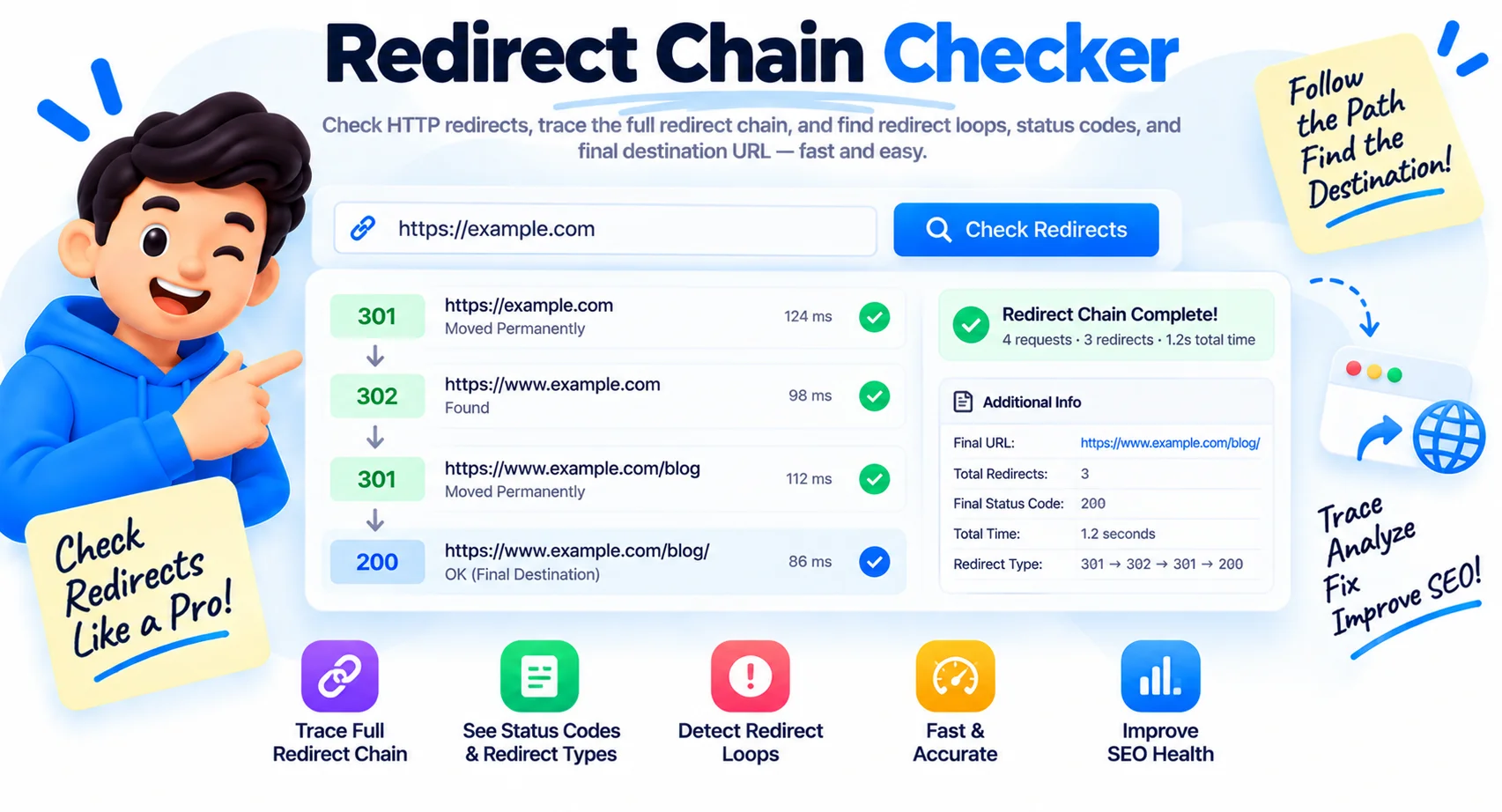
Check Any URL Redirect Chain, Hop by Hop
This redirect checker traces the full path a URL takes before it lands on its final page. Enter any URL and it follows every hop, so instead of guessing, you see whether a link goes straight through or bounces through two, three, or more redirects. Every extra step slows the page down and leaks a little more ranking signal on the way.
Why redirect chains hurt SEO
Search engines follow redirects to find the real page, but each hop adds delay and passes less link equity to the destination. Google recommends keeping chains short, and after about five hops Googlebot may stop following altogether, which can leave your final page unindexed. Long chains also add real load time for visitors, so they drag on Core Web Vitals too.
When redirect chains pile up
Chains usually appear after a site migration, an HTTP to HTTPS upgrade, a domain change, or a URL restructure. A new rule stacks on top of an older one months later, and nobody notices until a checker lays the whole path out. This URL redirect checker shows every 301, 302, 303, 307, and 308 hop in order, with the HTTP status at each step, so you can see exactly which redirect to remove.
How to fix a redirect chain
Point the first URL straight at the final destination in a single hop. Update the redirect rule in your server config, CMS, or redirect plugin so URL A goes directly to the final page instead of A to B to C. Then run the redirect check again to confirm the chain collapses to one clean 301.
What This Redirect Checker Shows
Full Redirect Chain
Traces the complete redirect path hop by hop, up to 10 hops, showing every intermediate URL and its HTTP status code (301, 302, 303, 307, 308).
Final Destination & Status
Shows the final URL the chain resolves to and its status code, so you can confirm it ends on a live 200 page and not a 404 or another redirect.
Loop Detection
Detects redirect loops, where a URL points back to one already in the chain, which would cause an infinite redirect error in the browser.
Mixed HTTP/HTTPS Detection
Flags chains that pass through both http:// and https:// URLs, which can trigger security warnings and waste link equity.
Long Chain Warning
Warns when a chain has 4 or more hops. Each extra redirect adds latency and reduces the ranking signal passed to the final page.
Free and Private
Check any public URL for free with no sign up and no limits. The tool runs the request for you and shows the result in seconds.
Similar Tools
More SEO tools you might find useful.
Frequently Asked Questions
Common questions about redirect chains and SEO.
How do I check a URL redirect?
Paste the URL into the box and click check. This redirect checker follows the link through every hop and shows each redirect, its HTTP status code, and the final destination. It works on any public URL, and it is free.
What is a redirect chain?
A redirect chain is when a URL passes through more than one redirect before reaching its final page, for example A goes to B, and B goes to C. Each hop adds delay and passes less ranking signal, so shorter is better.
Do redirect chains hurt SEO?
Yes. Each hop slows the page and passes less link equity to the destination. Google recommends short chains, and after about five hops Googlebot may stop following, which can leave the final page unindexed.
How do I fix a redirect chain?
Point the first URL straight at the final destination in one hop. Update the rule in your server config, CMS, or redirect plugin so A goes directly to the final page, then recheck to confirm it is a single 301.
What is the difference between a 301 and 302 redirect?
A 301 is a permanent redirect and passes almost all ranking signal to the new URL. A 302 is temporary and tells search engines to keep the original URL indexed. Use 301 for permanent moves.
How many redirects are too many?
Keep it to one hop where you can. Two is usually fine. Beyond about three to five, you risk slower loads and Googlebot giving up, so collapse long chains into a single redirect.
What causes a redirect loop?
A loop happens when redirects point back to each other, so A goes to B and B goes back to A, and the page never loads. The checker flags loops so you can break the cycle.
Is this redirect checker free?
Yes, it is completely free with no sign-up and no limits. Check as many URLs as you like.