
JSON to Java
Generate Java classes from JSON online, free and in your browser. Paste a JSON sample and get typed POJO classes you can copy straight into your project.
How to convert JSON to Java
Paste or upload your JSON
Drop a JSON sample into the left box, upload a .json file, or drag one in. The converter validates it and reports the line if anything is malformed.
Name the class and pick a style
Set the root class name and choose plain fields, getters and setters, or Lombok. The Java classes update on the right as you type, one class per nested object.
Copy or download
Copy the classes or download them as a .java file, ready to drop into your Spring, Android, or plain Java project.
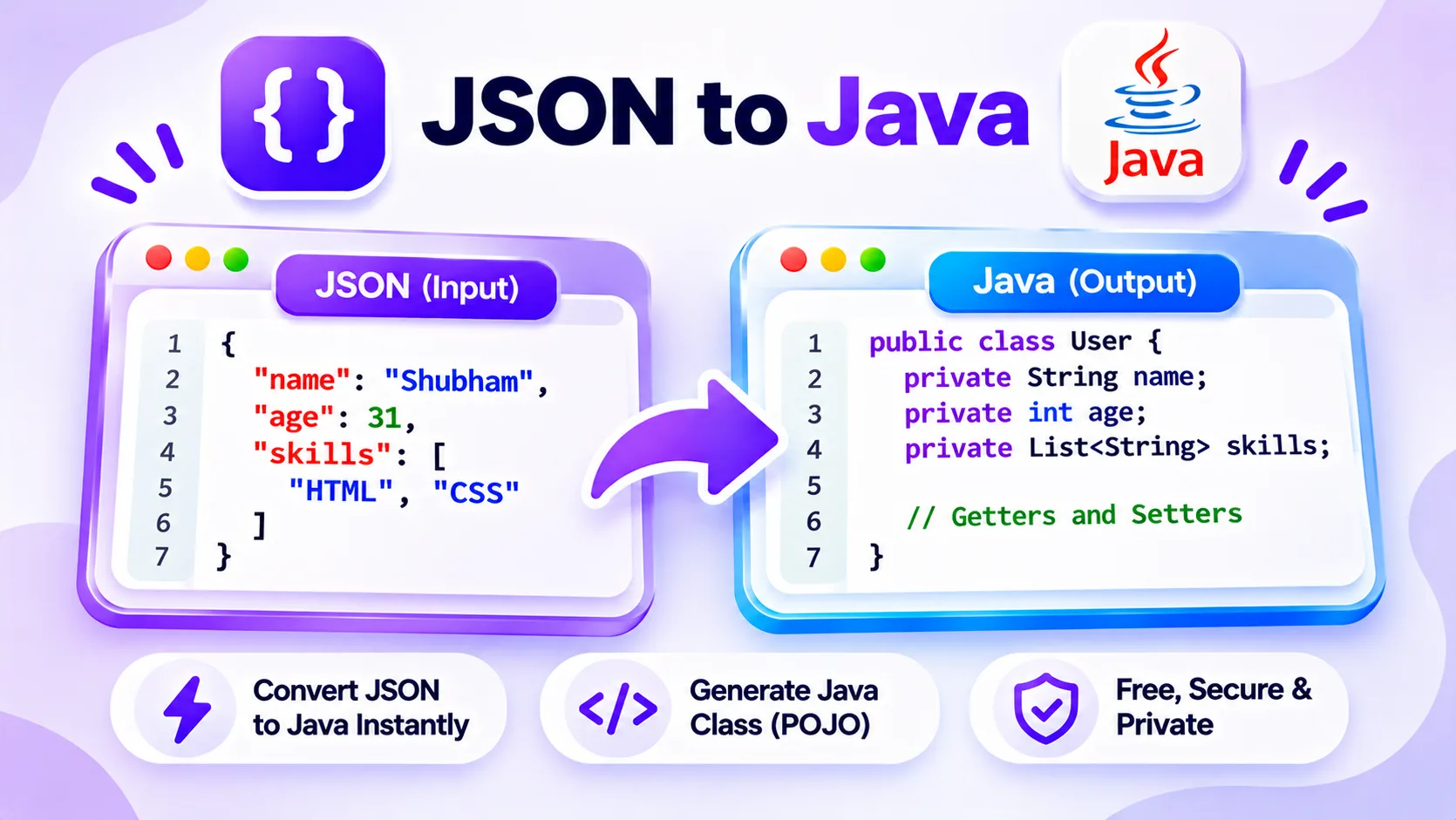
How JSON to Java class generation works
When you get a JSON response from an API, writing the matching Java classes by hand is slow and error prone. You have to read every field, guess the type, and spell out a class for each nested object. This JSON to Java converter reads a JSON sample and writes the POJO classes for you, with a field and a Java type for every key.
Paste a JSON object or array on the left and the Java classes appear on the right. Numbers become int, long, or double, text becomes String, true and false become boolean, and nested objects become their own classes. Arrays become a typed List, and when an array holds objects, the tool merges them so no field is missed. You can name the root class and choose plain fields, getters and setters, or Lombok.
Everything runs in your browser, so your JSON never leaves your device. Paste it, upload a .json file, or drag one in, then copy the classes or download them as a .java file ready to drop into your project.
Features
Infers Java types
Numbers map to int, long, or double, text to String, booleans to boolean, so the fields match your data.
Classes for nested objects
Each nested object becomes its own class, and arrays of objects are merged so every field is captured.
Fields, getters, or Lombok
Output plain fields, full getters and setters, or a Lombok @Data class, whichever your project uses.
Paste, upload, or drag
Load JSON by paste, by choosing a .json file, or by dropping one onto the editor.
Private by default
Every conversion runs in your browser, so your JSON is never uploaded to a server.
Safe, valid names, free
Java keywords and invalid characters in keys are fixed automatically. No sign up, no limits, no watermark.
Similar Tools
More Developer tools you might find useful.
JSON to Java FAQ
How do I convert JSON to Java classes?
Paste a JSON sample into the box on the left. The JSON to Java converter reads each key, picks a Java type, and writes a POJO class on the right, with a separate class for every nested object. It runs in your browser, so you can copy the classes in a second.
What Java types does it generate?
Whole numbers become int, or long when they are too large for int. Decimals become double, text becomes String, and true or false become boolean. Nested objects become their own classes, and arrays become a typed List such as List of String or List of a generated class.
Does it create classes for nested objects and arrays?
Yes. Each nested object becomes its own Java class, named after the key. When an array holds objects, the tool merges them so a field that appears in only some items is still included, and the array becomes a List of that class.
Can I add getters and setters or use Lombok?
Yes. Choose plain fields, full getters and setters, or a Lombok @Data class in the Style menu. Boolean getters use the isXxx form, and the needed imports, such as java.util.List, are added for you.
Is my JSON data safe in this tool?
Yes. The conversion runs entirely in your browser, so nothing you paste or upload is sent to a server. You can generate classes from a private API response without the data leaving your device.
What happens to invalid field names?
Keys that are Java keywords, like class or public, get a trailing underscore, and characters that are not valid in a Java name, such as a dash or a leading digit, are replaced so the class always compiles. You can rename them afterward to suit your style.