
JSON to YAML
Convert JSON to YAML online, free and in your browser. Paste your JSON and copy clean, correctly indented YAML.
How to convert JSON to YAML
Paste or upload your JSON
Drop your JSON into the left box, upload a .json file, or drag one in. The converter validates it and reports the line if anything is malformed.
Check the YAML output
Valid YAML appears on the right as you type. Choose 2 or 4 spaces of indentation. Strings that need it are quoted, and types are preserved.
Copy or download
Copy the YAML or download it as a .yaml file, ready for a config, a Kubernetes manifest, a GitHub Actions workflow, or any tool that reads YAML.
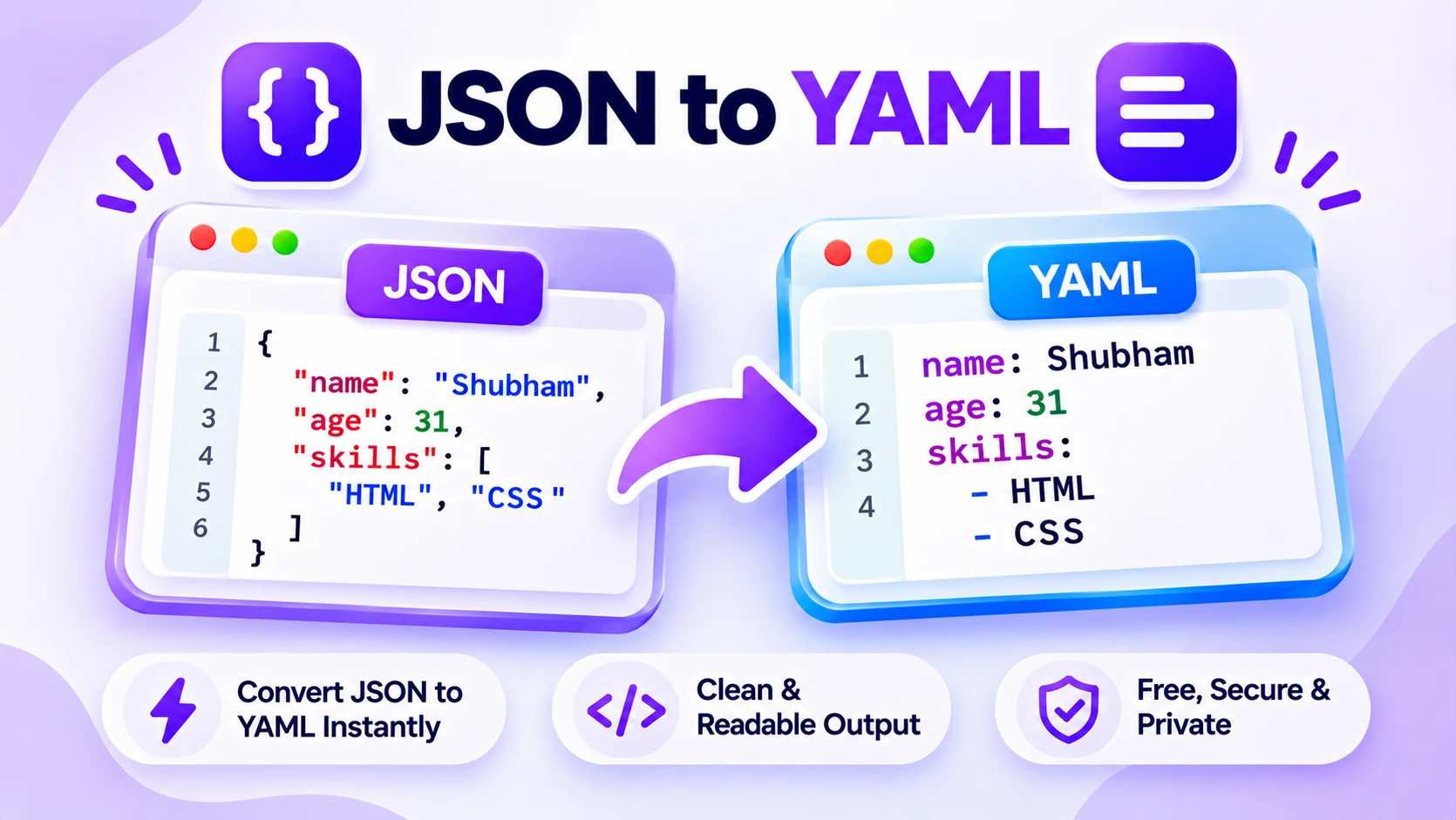
How JSON to YAML conversion works
JSON and YAML describe the same data, objects, arrays, strings, numbers, true, false, and null. JSON uses braces and quotes, while YAML uses indentation and is easier to read in a config file or a CI pipeline. This JSON to YAML converter reads your JSON and rewrites it as YAML, keeping the structure and the value types intact.
Paste valid JSON on the left and the YAML appears on the right as you type. Nested objects and arrays are indented, strings that would clash with YAML syntax are quoted automatically, and numbers, booleans, and null are written as real YAML values, not text. Pick 2 or 4 spaces of indentation to match your project.
Everything runs in your browser, so your JSON never leaves your device. Paste it, upload a .json file, or drag one in, then copy the YAML or download it as a .yaml file ready to drop into your config.
Features
Keeps your structure
Nested objects and arrays become indented YAML with the same shape as your JSON.
Preserves value types
Numbers, booleans, and null stay real YAML values, and only strings that need it are quoted.
Pick your indentation
Output with 2 or 4 spaces to match your project style. YAML never uses tabs, so neither does the output.
Paste, upload, or drag
Load JSON by paste, by choosing a .json file, or by dropping one onto the editor.
Private by default
Every conversion runs in your browser, so your JSON is never uploaded to a server.
Valid YAML, free
Special characters are quoted and escaped so the result parses cleanly. No sign up, no limits, no watermark.
Similar Tools
More Developer tools you might find useful.
JSON to YAML FAQ
How do I convert JSON to YAML?
Paste your JSON into the box on the left. The JSON to YAML converter validates it, then rewrites the same data as indented YAML on the right, keeping objects, arrays, numbers, booleans, and null intact. It runs in your browser, so you can copy the YAML in a second.
Is JSON valid YAML already?
Mostly yes. YAML is a superset of JSON, so most JSON parses as YAML without changes. This tool goes further and rewrites it in the indented, block style people actually use in config files, which is far more readable than inline JSON.
Does the converter keep my data types?
Yes. Numbers stay numbers, true and false stay booleans, and null stays null. Strings are written plainly, and only the ones that would clash with YAML syntax, such as a value that looks like a number or a reserved word like yes, are quoted automatically.
Can I choose the indentation?
Yes. Pick 2 or 4 spaces to match your project. YAML does not allow tabs for indentation, so the output always uses spaces. Nested objects and arrays are indented consistently so the result is clean and parseable.
Is my JSON data safe in this tool?
Yes. The conversion runs entirely in your browser, so nothing you paste or upload is sent to a server. You can convert private config or API data without it leaving your device.
Can I convert a whole JSON file?
Yes. Upload a .json file or drag it onto the editor and the tool converts it to YAML. You can then download the result as a .yaml file, ready for a Kubernetes manifest, a CI pipeline, or any app that reads YAML config.