
SQL to JSON
Convert SQL INSERT statements to a JSON array of row objects, free and in your browser. Paste your SQL and copy the JSON.
How to convert SQL to JSON
Paste or upload your SQL
Drop your INSERT statements into the left box, upload a .sql file, or drag one in. A CREATE TABLE above the inserts is used for column names when needed.
Check the JSON output
The JSON array appears on the right as you type. The status bar shows how many rows and tables were converted. Pick 2 spaces, 4 spaces, tab, or minified.
Copy or download
Copy the JSON or download it as a .json file, ready to drop into your code, an API mock, or test data.
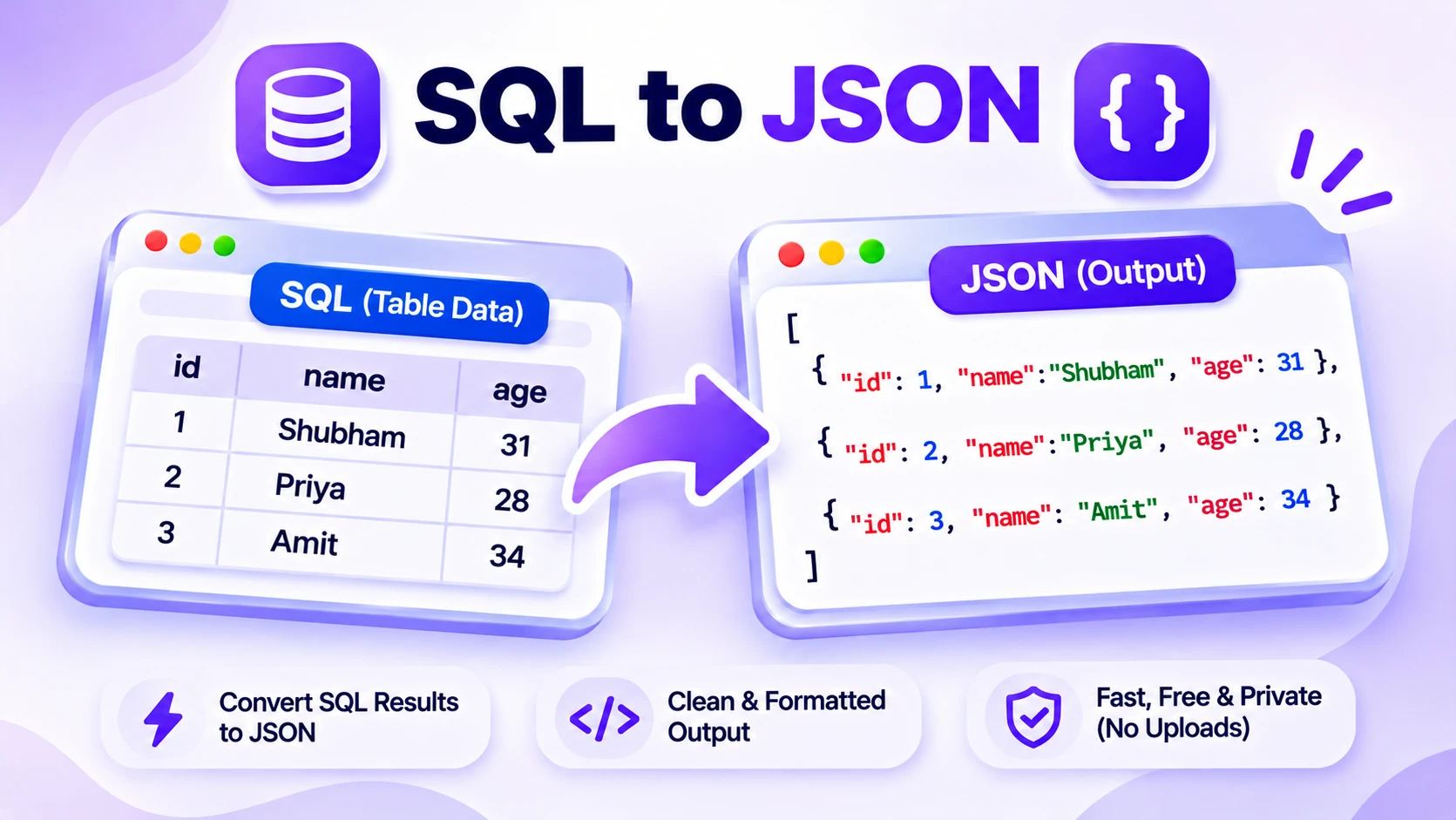
How SQL to JSON conversion works
SQL dumps and INSERT statements are easy to export but awkward to reuse in code. A JSON array of objects drops straight into JavaScript, a config file, or a test fixture. This SQL to JSON converter reads your INSERT statements and turns each row into an object, with the column names as the keys.
Paste one or more INSERT statements and the tool parses the values, matching them to the column list in the INSERT, or to a CREATE TABLE above it when the INSERT has no column list. It keeps quoted strings as strings, NULL as null, and numbers as numbers, and it handles escaped quotes and several value rows per statement.
Everything runs in your browser, so your SQL never leaves your device. One table gives you a plain JSON array, and several tables are grouped by table name. Paste it, upload a .sql file, or drag one in, then copy the JSON or download it.
Features
Reads your columns
Uses the column list in the INSERT, or a CREATE TABLE above it, so the JSON keys match your schema.
Keeps the right types
Numbers stay numbers, NULL becomes null, and quoted text stays a string, with escaped quotes handled.
Many inserts and tables
Converts several INSERT statements at once and groups rows by table when there is more than one.
Paste, upload, or drag
Load SQL by paste, by choosing a .sql file, or by dropping one onto the editor.
Private by default
Every conversion runs in your browser, so your SQL is never uploaded to a server.
Format your way, free
Output as 2 spaces, 4 spaces, tabs, or minified. No sign up, no limits, no watermark.
Similar Tools
More Developer tools you might find useful.
SQL to JSON FAQ
How do I convert SQL to JSON?
Paste your SQL INSERT statements into the box on the left. The SQL to JSON converter reads each row, matches the values to the column names, and builds a JSON array of objects on the right. It runs in your browser, so you can copy the result in a second.
Does it read column names from CREATE TABLE?
Yes. If your INSERT lists columns, those become the JSON keys. If the INSERT has no column list, the tool reads column names from a CREATE TABLE for that table above it. Without either, it falls back to column_1, column_2, and so on.
What SQL does the converter support?
It converts standard INSERT INTO ... VALUES statements, including several rows per statement and multiple tables at once. It keeps strings, numbers, NULL, and booleans as the right JSON types. It does not run INSERT ... SELECT or stored procedures.
Is my SQL data safe in this tool?
Yes. The conversion runs entirely in your browser, so nothing you paste or upload is sent to a server. You can convert a production dump or private data without it leaving your device.
Can I convert a whole SQL dump file?
Yes. Upload a .sql file or drag it onto the editor and the tool converts every INSERT in it. Rows are grouped by table name when the file has more than one table, so a multi-table dump stays organized.
How are numbers and NULL handled?
Numbers are output as JSON numbers, NULL becomes null, and TRUE or FALSE become booleans. Quoted values stay strings, with doubled or escaped quotes unescaped. Very large integer IDs are kept as text so they do not lose precision.