
RAR to ZIP Converter
Convert RAR to ZIP online, free, with no WinRAR or software to install. Upload your RAR file, watch the live progress, and download a ready ZIP in seconds. Works on Windows, Mac, and phones.
How to Convert RAR to ZIP Online
Upload Your RAR File
Drag and drop your RAR, RAR5, or CBR file, or click to choose it from your device.
Let It Convert
The tool unpacks the archive and repackages the contents as a ZIP. A progress bar shows each step.
Download the ZIP
Click Download to save your new ZIP file. Open it on any device with no extra software.
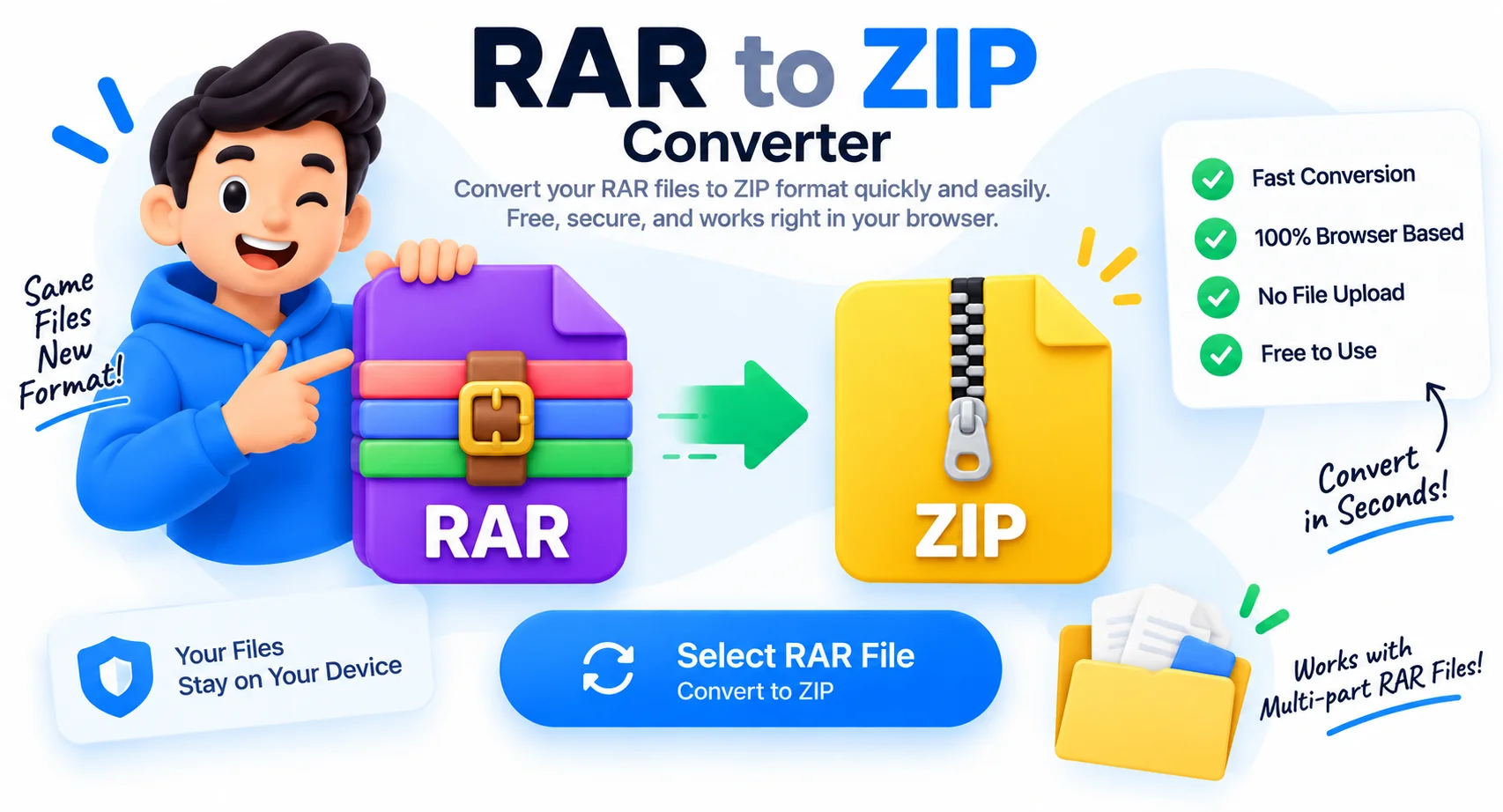
Convert RAR to ZIP Online Without WinRAR
RAR files still show up in downloads, client deliverables, and comic archives, but most people no longer keep WinRAR or 7-Zip installed. This converter changes a RAR into a ZIP that Windows, macOS, Chromebooks, and phones open on their own, with no extra app to download.
Pick your RAR file, and the tool unpacks it and repackages the contents as a standard ZIP in a few seconds. Nothing is uploaded to a server, so your files stay on your device. It handles RAR4, RAR5, and CBR comic archives, and keeps the original folders intact inside the ZIP.
Why Use This RAR to ZIP Converter
No WinRAR or Software Needed
Change RAR to ZIP without installing WinRAR, 7-Zip, or any app. Everything runs in your browser, so there is nothing to download or set up.
100% Private, Nothing Uploaded
Your RAR file is never sent to a server. The whole conversion happens on your own device, so private archives stay private.
RAR4, RAR5 and CBR Support
Works with legacy RAR4 archives, modern RAR5 files, and CBR comic book archives, converting each one to a clean, standard ZIP.
Works on Any Device
Convert RAR to ZIP on Windows, Mac, Linux, Chromebook, or a phone. If it runs a modern browser, it runs this tool, no OS-specific software required.
Keeps Your Folder Structure
All folders and subfolders inside the RAR are recreated inside the ZIP exactly as they were, so nothing gets flattened or lost.
Free and Instant
No sign-up, no watermark, and no limits. A live progress bar tracks each step, and most files finish in a few seconds.
Similar Tools
More File tools you might find useful.
Frequently Asked Questions
Common questions about converting RAR files to ZIP.
How do I convert a RAR file to ZIP?
Open this page, upload your RAR file, and it converts to ZIP automatically. When the progress bar finishes, click Download to save the ZIP. There is nothing to install, and it works right in your browser.
Can I convert RAR to ZIP without WinRAR?
Yes. This tool changes RAR to ZIP without WinRAR, 7-Zip, or any other program. It unpacks the RAR and repackages it as a ZIP entirely in your browser, so you do not need paid or extra software.
Is this RAR to ZIP converter free?
Yes, it is completely free with no sign-up, no watermark, and no file limits. You can convert as many RAR files to ZIP as you like.
Does it work on Mac, Windows, and phones?
Yes. Because it runs in the browser, you can convert RAR to ZIP on Windows, macOS, Linux, Chromebook, iPhone, and Android. No OS-specific app is required.
What is the difference between RAR and ZIP?
RAR and ZIP are both compressed archive formats. ZIP is opened natively by Windows, macOS, and phones, while RAR usually needs extra software like WinRAR. Converting RAR to ZIP makes the file easier for anyone to open.
Does this work for password-protected RAR files?
No. Password-protected RAR files cannot be converted here. Remove the password first with a local application, then upload the unprotected RAR to convert it to ZIP.
Are my files private and kept intact?
Yes. Your RAR never leaves your device, and every folder and subfolder inside it is recreated in the ZIP exactly as it was, so nothing is uploaded and nothing is lost.