
Unzip Files Online Free
Open and extract any ZIP archive right in your browser. Browse every file inside, check compressed and original sizes, then pull out single files or the whole archive in one click. No upload, no software, no account.
How to Unzip Files Online
Open the ZIP
Drag and drop your ZIP file onto the page, or click to choose one from your device. Nothing uploads, the archive opens instantly in your browser.
Browse the Contents
See every file inside the ZIP in a clean tree view, with the compressed size and original size for each entry, so you know what is inside before you extract.
Extract Your Files
Click any file to save just that one, or choose Extract All Files to download the entire archive. Each file keeps its original name.
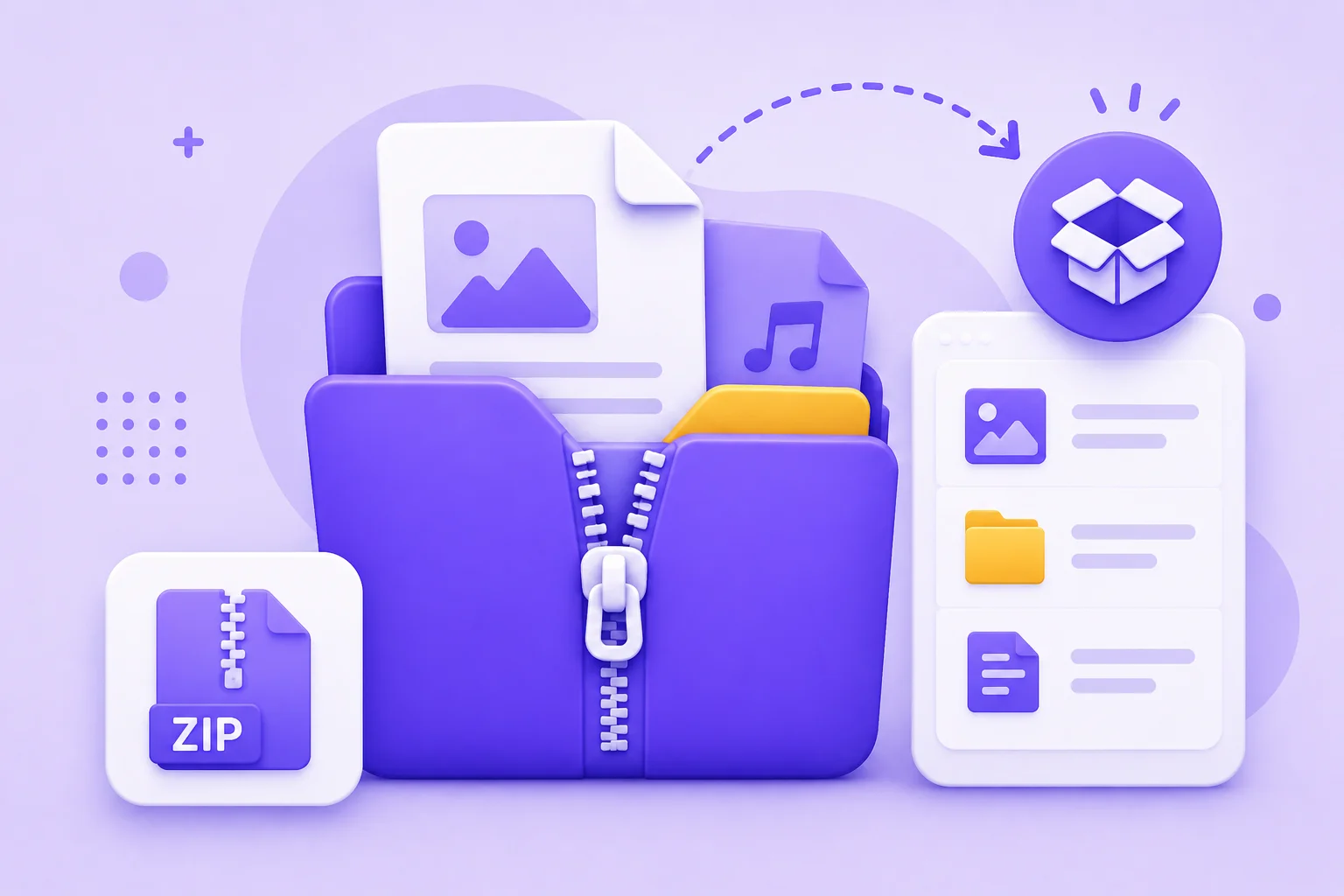
Open ZIP Files Online Without Installing Software
You get a ZIP from a client and the laptop you are on has no extraction software, or you are on a work machine where you cannot install anything. This is where an online zip extractor earns its place. You can open a ZIP file online in seconds, browse every file inside the archive, and pull out only the ones you actually need, without ever leaving your browser.
There is nothing to install and no account to create. Drop in a .zip and the tool reads it right on your device, so nothing is uploaded to a server. You can extract a single file, extract the whole archive at once, or just preview what is inside before you commit. Password protected archives work too: enter the password and the zip opener unlocks the contents like any other file.
Because it runs entirely in the browser, this zip file extractor works the same on Windows, Mac, Chromebook, and phones. No WinZip, no 7-Zip, no software update. Whether you need to unzip files online for a quick download, open a zip a coworker sent, or extract one document from a large archive, it is free and instant every time.
Why Use This Online ZIP Extractor
Browse Archive Contents
Open a ZIP and the tool lists every entry inside, the full file path, the compressed size, and the original size, so you can see the whole archive before you extract anything.
Extract Single Files
Every entry has its own download button. Pull just the one file you need out of a large archive, without extracting everything else.
Extract the Whole Archive
Click Extract All Files and every entry saves to your downloads folder with its original filename, ready to use straight away.
100% Private, No Upload
Your ZIP is read and extracted entirely on your device. Nothing is sent to a server and nothing is stored, so it is safe for confidential files you cannot upload elsewhere.
Works on Any Device
The extractor runs in the browser, so it works the same on Windows, macOS, Linux, a Chromebook, an iPhone, or an Android phone. No app to download.
No Install, No Signup
There is nothing to install and no account to create. Open the page, drop in a ZIP, and extract. It is free with no usage limits.
Similar Tools
More File tools you might find useful.
Frequently Asked Questions
Common questions about extracting ZIP archives in the browser.
How do I open a ZIP file online?
Drop your .zip file onto this page or click to select it. The tool reads the archive right in your browser and shows every file inside. From there you can preview the contents, download a single file, or extract the whole ZIP. Nothing is uploaded and no software is needed.
How do I extract a ZIP file for free?
This online zip extractor is completely free with no limits or signup. Open your ZIP, then click Extract All Files to save everything, or use the download button next to any single entry to pull out just that file. It works instantly because the extraction happens on your own device.
Is it safe to unzip files online?
Yes, because your ZIP never leaves your computer. Unlike many online tools that upload your file to a server, this extractor reads and unzips the archive locally in your browser. Nothing is sent anywhere, stored, or logged, so even private or work files stay on your device.
Can I unzip a password-protected ZIP file?
Yes. If your archive is encrypted, the tool will ask for the password before it shows the contents. Enter the correct password and you can browse and extract the files normally. Without the password the archive stays locked, which is exactly how a secure ZIP should behave.
Does this ZIP extractor work on a phone?
Yes. Because it runs in the browser, it works the same on Android and iPhone as it does on a computer. Open the page in Chrome, Safari, or any modern mobile browser, select your ZIP file, and extract what you need. No app install is required.
Do I need WinZip or 7-Zip to open a ZIP?
No. This tool replaces desktop software like WinZip and 7-Zip for the common case of opening and extracting a ZIP. There is nothing to download or install, which is useful on work machines, Chromebooks, or any device where you cannot add new programs.
What is the file size limit for unzipping?
There is no fixed upload cap because the file is never uploaded. The practical limit is your own device memory, since the ZIP is read in the browser. Small and medium archives open instantly, and most everyday ZIP files extract in a second or two.