
Text to Binary Translator
Convert text to binary and binary back to text in one click. This binary translator is UTF-8 ready, handles emoji and non-English letters, and runs 100% in your browser. Free, no signup, nothing uploaded.
How to Convert Text to Binary
Pick the Direction
Choose Text to Binary to encode, or Binary to Text to decode. Swap flips it any time.
Type or Paste
Enter your text, or paste a string of ones and zeros. The result appears live in the second pane.
Set the Spacing
When encoding, turn Space between bytes on for readable groups or off for one continuous string.
Copy or Download
Copy the output to your clipboard or download it as a .txt file. Nothing is ever uploaded.
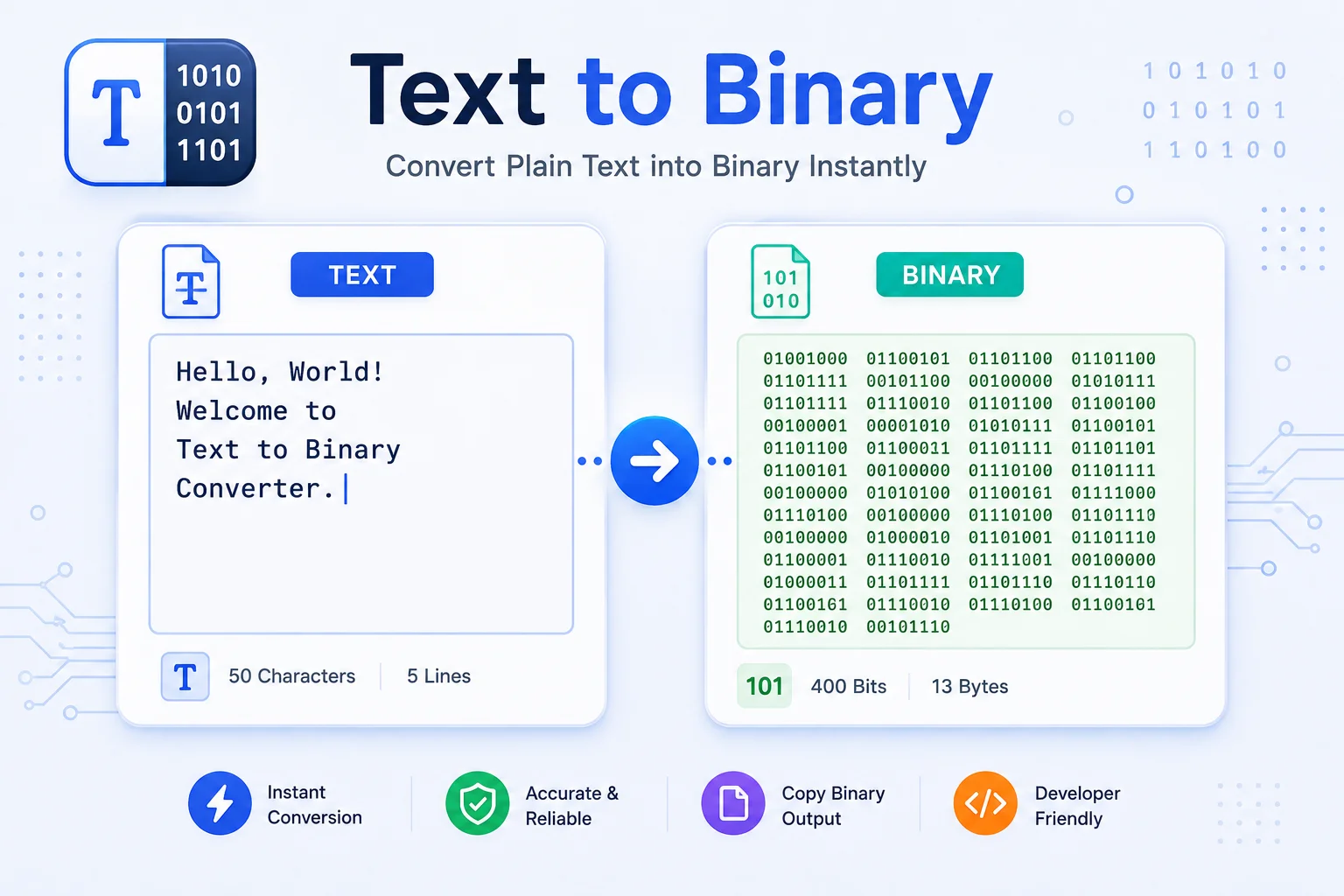
How Text Becomes Binary, Both Ways
Computers do not store letters. They store numbers, and every number is a run of ones and zeros called binary. When you type the letter A, your computer looks up its character code, 65, and writes it as eight bits: 01000001. This binary translator does that lookup for every character, both directions, so you can turn text into binary and read binary back into text.
How text to binary conversion works
Each character is first encoded to bytes with UTF-8, the same encoding the web runs on, and each byte becomes eight binary digits. Plain English letters are one byte, so eight bits each. Accented letters and symbols take two or three bytes, and a single emoji can be four bytes, which is why an emoji shows up as 32 bits on its own. The tool converts live as you type and lines the bytes up so the pattern is easy to read.
Binary to text, and English back again
Switch the direction, or press swap, and the tool reads each group of eight bits back into the character it stands for. Paste a string of ones and zeros, with or without spaces, and you get the original text. This is the half people mean when they search for a binary translator to English, and it works with the same UTF-8 rules, so emoji and accented text come back intact.
A quick text to binary reference
Here are a few common characters and their 8-bit binary, so you can spot-check a conversion by hand.
| Character | Decimal (ASCII) | Binary |
|---|---|---|
| A | 65 | 01000001 |
| H | 72 | 01001000 |
| i | 105 | 01101001 |
| space | 32 | 00100000 |
| 0 | 48 | 00110000 |
| ! | 33 | 00100001 |
Fixing common binary errors
Two things trip people up when decoding. First, binary text must be a multiple of eight bits, since every character is one or more whole bytes. If you paste 5 or 13 bits, the tool tells you the length is off instead of guessing. Second, binary only contains 0 and 1, so any stray letters break it, though spaces and line breaks between bytes are fine and simply ignored. Everything runs in your browser, so nothing you paste is uploaded.
Why Use Our Text to Binary Translator?
Text to Binary
Type or paste any text and see it as clean 8-bit binary, updated live as you type.
Binary to Text
Paste ones and zeros and read the original text back, the binary-translator-to-English direction.
UTF-8 and Emoji Safe
Accented letters, symbols, and emoji convert correctly using standard UTF-8, not just plain ASCII.
Space Between Bytes
Show each byte separated for readability, or turn it off for one continuous run of bits.
Swap Direction
Flip between text to binary and binary to text in one click, carrying the current result across.
Live Conversion
The result appears instantly with a running count of characters, bytes, and bits.
Copy or Download
Copy the output to your clipboard or save it as a .txt file in a single click.
Runs in Your Browser
Every conversion happens on your device. Nothing is uploaded, logged, or stored.
Similar Tools
More Developer tools you might find useful.
Frequently Asked Questions
Common questions about converting text to binary.
How do I convert text to binary?
Choose Text to Binary, then type or paste your text. Each character is encoded to UTF-8 bytes and shown as 8-bit binary, updating live. For example, A becomes 01000001. Copy or download the result when you are done.
How do I convert binary to text?
Switch to Binary to Text and paste your ones and zeros, with or without spaces. The tool reads each group of eight bits back into a character and shows the decoded text instantly.
How do I translate English to binary?
English to binary is the same as text to binary. Type your English text in Text to Binary mode and each letter, space, and punctuation mark is converted to its 8-bit binary form using UTF-8.
Does it support emoji and non-English characters?
Yes. The translator uses UTF-8, so accented letters, symbols, and emoji all convert correctly. These take more than one byte, so they produce more than eight bits, and they decode back cleanly.
What does "must be a multiple of 8" mean?
Every character is stored as one or more whole bytes, and each byte is eight bits. If your binary input is not a multiple of eight, a byte is incomplete, so the tool flags it instead of guessing. Check for a missing or extra digit.
What does the space between bytes option do?
It adds a space after every eight bits, so 01001000 01101001 is easy to read byte by byte. Turn it off to get one continuous string of bits. Either format decodes back to the same text.
Does my text get uploaded anywhere?
No. The whole conversion runs in your browser on your own device. Nothing is sent to a server, logged, or stored, so it is safe for private messages and data.
Is this binary translator free?
Yes, it is completely free with no signup and no limits. Everything runs in your browser, so your data stays on your device and is never sent to a server.