
7z Extractor Online
Open, browse, and pull files out of any .7z archive right in your browser. No install, no upload, works with password-protected files too.
How to Extract a 7z File Online
Open the 7z Archive
Drag your .7z file into the tool or click to select it. If it's password-protected, enter the password when asked.
Browse the Contents
Review the full file list with paths and sizes, and spot any encrypted entries by the lock icon next to them.
Extract Your Files
Download a single file with its row button, or click Extract All to get everything packaged as a ZIP.
Extract 7z Files Without Installing Anything
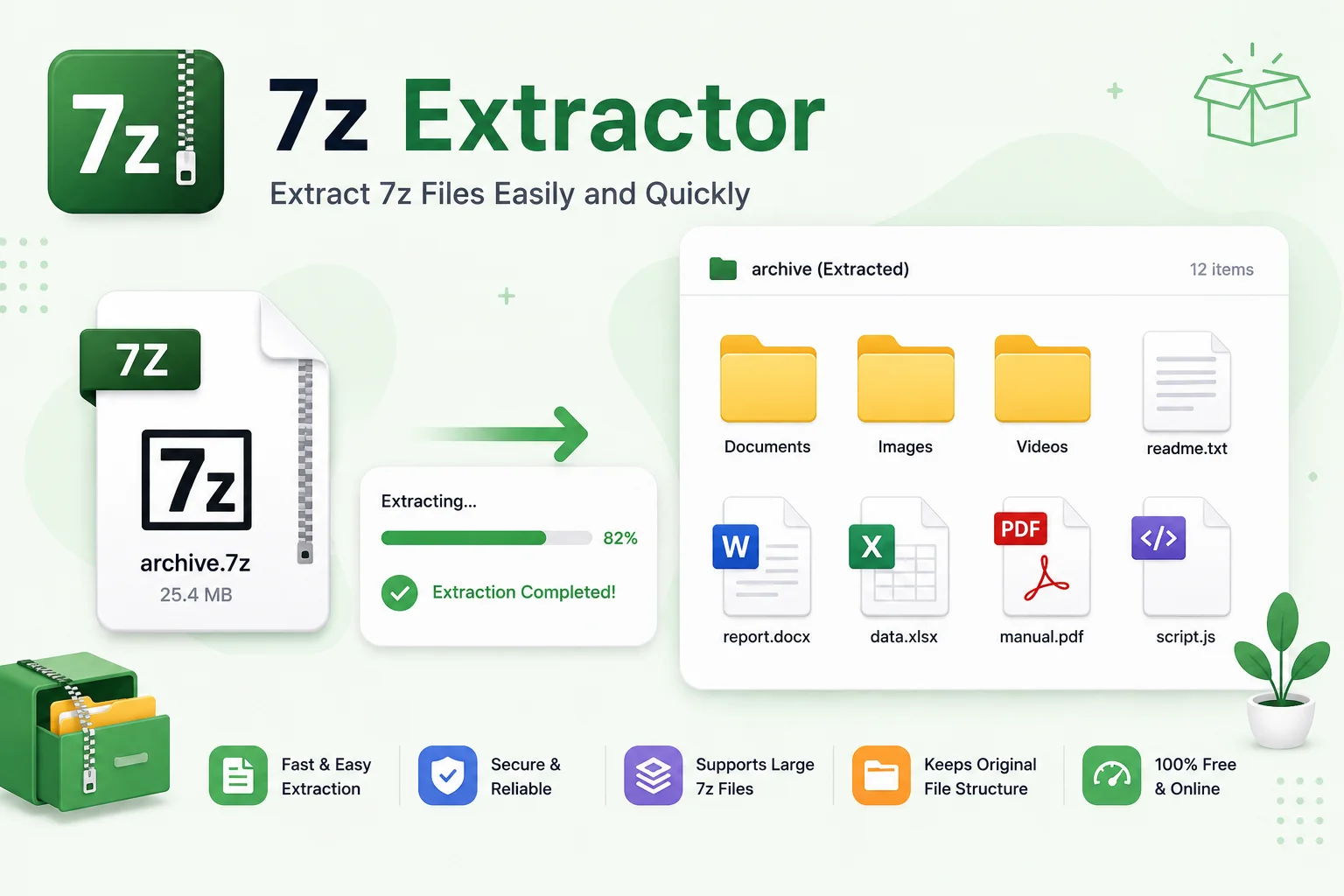
Someone sends you a .7z file and your computer has no idea what to do with it. That’s the usual problem, and this 7z extractor online tool solves it without asking you to install 7-Zip, WinRAR, or any other program. Open the archive in your browser, see what’s inside, and pull the files out in a few clicks.
If you deal with .7z files every week, installing a desktop 7z file opener still makes sense. But if this is a one-off archive someone emailed you, downloading and installing software for a single file is overkill. This tool lets you extract 7z without 7-Zip: no download, no admin rights needed, and it works the same way on Windows, Mac, Linux, a Chromebook, or your phone. It is the easiest way to unzip 7z online when you just need what is inside and nothing more.
It is also built for situations where installing anything is not an option: a locked-down work laptop, a shared computer, or a file you would rather not upload anywhere because it is confidential. The whole process runs in your browser on your own device, so nothing in the archive ever leaves it. Open the archive, browse the file list, and grab just the one file you actually need instead of extracting everything.
Password-protected 7z archives work too. If the archive needs a password to open, you will be prompted for it before the file list loads, and again if individual files inside are encrypted. Most archives work fine up to around 1 GB of uncompressed data, since extraction runs on your browser’s own memory rather than a server.
Why Use This Tool
Browse Before You Extract
See every file's path and size inside the archive before you decide what to pull out.
Grab a Single File
Download just the one file you actually need straight from the archive listing.
Extract Everything at Once
Use Extract All to package the whole archive into a ZIP and download it in one go.
Handles Password-Protected Archives
Enter the password when prompted to list and extract encrypted 7z files, no workaround needed.
100% Private, Nothing Uploaded
Your archive is processed on your device only, so confidential files never touch a server.
Works on Any Device
No install required, use it on Windows, Mac, Linux, Chromebook, or your phone.
Similar Tools
More File tools you might find useful.
Frequently Asked Questions
Common questions about extracting 7z files online.
Is this 7z extractor free to use?
Yes, it's completely free with no signup and no limit on how many archives you extract.
Does it upload my 7z file to a server?
No. The archive is opened and extracted entirely in your browser, on your own device. Nothing is sent anywhere.
Can I extract a password-protected 7z file?
Yes. Unlike many online extractors, this tool supports encrypted 7z archives. You'll be prompted for the password before the contents load.
Can I extract just one file instead of the whole archive?
Yes. Browse the file list and download individual files one at a time, or use Extract All if you want everything.
Is there a file size limit?
The tool can handle most archives, but extraction is capped at around 1 GB of uncompressed data because it relies on your browser's memory. You'll see a warning if an upload is close to that limit.
Does this work on my phone?
Yes, it runs in any modern mobile browser on iPhone and Android, no app needed.
Can I use this for RAR, ZIP, or ISO files too?
No, this tool only handles .7z archives. Use Pixellize's ZIP or RAR extractor tools for those formats instead.