
MP4 to MP3 Converter
Pull the audio out of an MP4 video and save it as an MP3, right in your browser. Pick the bitrate, convert, and download. Free, no signup, nothing uploaded.
How to convert MP4 to MP3
Upload Your Video
Drag in or choose an MP4, MOV, WebM, or M4A. It loads in your browser, not on a server.
Pick The Bitrate
Choose 128, 192, or 320 kbps and stereo or mono to balance quality against file size.
Convert And Download
Click Convert to MP3, listen to the preview, then download the audio file.
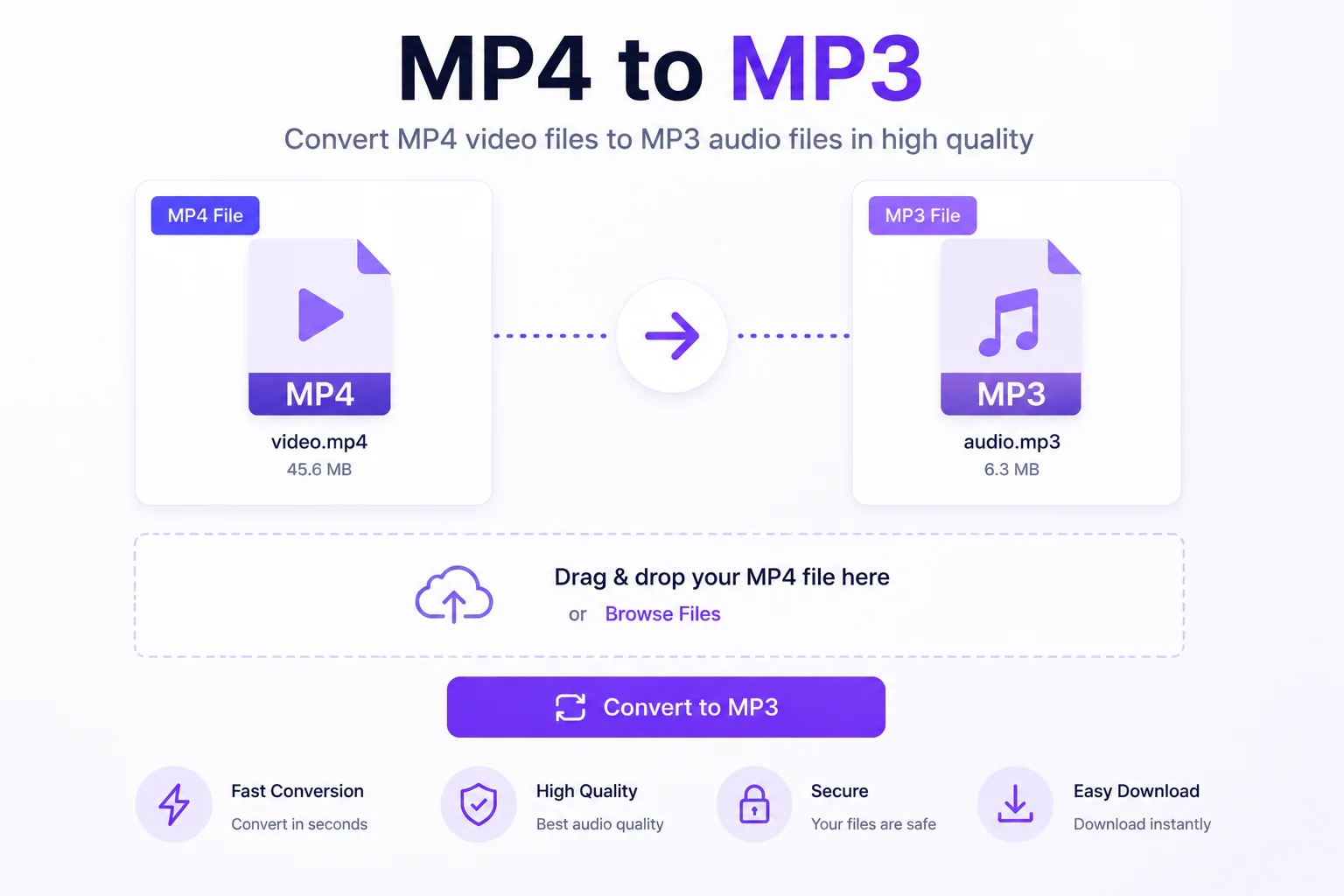
Turn A Video Into An Audio File
Sometimes you only want the sound. A lecture, a podcast recording, a song from a music video, an interview, all of it sits inside a video file that is far bigger than it needs to be and will not play in a music app. Converting MP4 to MP3 pulls the audio out into a small, standard file that plays on any phone, speaker, or player.
This converter does the whole job in your browser. Drop in an MP4, or a MOV, WebM, or M4A, and it reads the audio track, then encodes it to MP3 at the bitrate you choose. Use 320 kbps when quality matters, 128 kbps for the smallest file, or mono for spoken word. You can preview the result with the built-in player before you download, so you know it sounds right.
Because everything runs locally, your file is never uploaded, there are no limits or queues, and there is no watermark. It is handy for savingaudio from screen recordings, grabbing a track for offline listening, or pulling voice notes out of a clip.
Why Use Our MP4 to MP3 Converter?
Audio From Any Video
Take the sound out of an MP4, MOV, WebM, or M4A and turn it into a clean MP3 you can play anywhere.
Bitrate Choice
Pick 128, 192, or 320 kbps so you can trade a smaller file against higher audio quality.
Stereo Or Mono
Keep full stereo sound, or switch to mono for podcasts and voice to make the file smaller.
Preview Before You Save
Listen to the converted audio right in the page before you download it.
No Upload, No Wait
The file is processed on your device, so there are no upload times, queues, or watermarks.
In Your Browser
Your video and its audio never leave your device, and there is no signup.
Similar Tools
More File tools you might find useful.
Frequently Asked Questions
Common questions about converting MP4 to MP3.
How do I convert MP4 to MP3?
Upload an MP4, choose a bitrate like 192 or 320 kbps and stereo or mono, then click Convert to MP3. The tool reads the audio track in your browser, encodes it, and gives you a player to preview and a button to download. No account is needed.
What bitrate should I choose?
For music, 320 kbps gives the best quality and 192 kbps is a good balance of quality and size. For speech, podcasts, or voice notes, 128 kbps or mono keeps the file small without losing much. You can convert again with a different setting if you want to compare.
What file types can I convert?
Any video or audio your browser can decode, which usually means MP4, MOV, WebM, and M4A. The tool reads the audio track from the file and encodes it to MP3, so as long as the audio plays in your browser, it can be converted.
Is there a file size limit?
Files up to 100 MB are supported. The conversion happens in memory on your device, so very long recordings use more memory. If a large file struggles, trim it shorter first or convert it in parts.
Is my file uploaded to a server?
No. The video is read and the audio is encoded entirely in your browser. Nothing is uploaded, logged, or stored on a server, and there is no signup, so your recordings stay private.
Is the MP4 to MP3 converter free?
Yes, it is completely free with no watermark and no signup. Convert as many videos to MP3 as you need.