
How to Tell if a Website Is Built on WordPress (5 Ways)
You land on a site with a layout you love, or a competitor you want to size up, and one question follows:…
Read articleThe best free WordPress themes for 2026 compared: ten fast picks, what each does well, and how to find the theme any site runs.

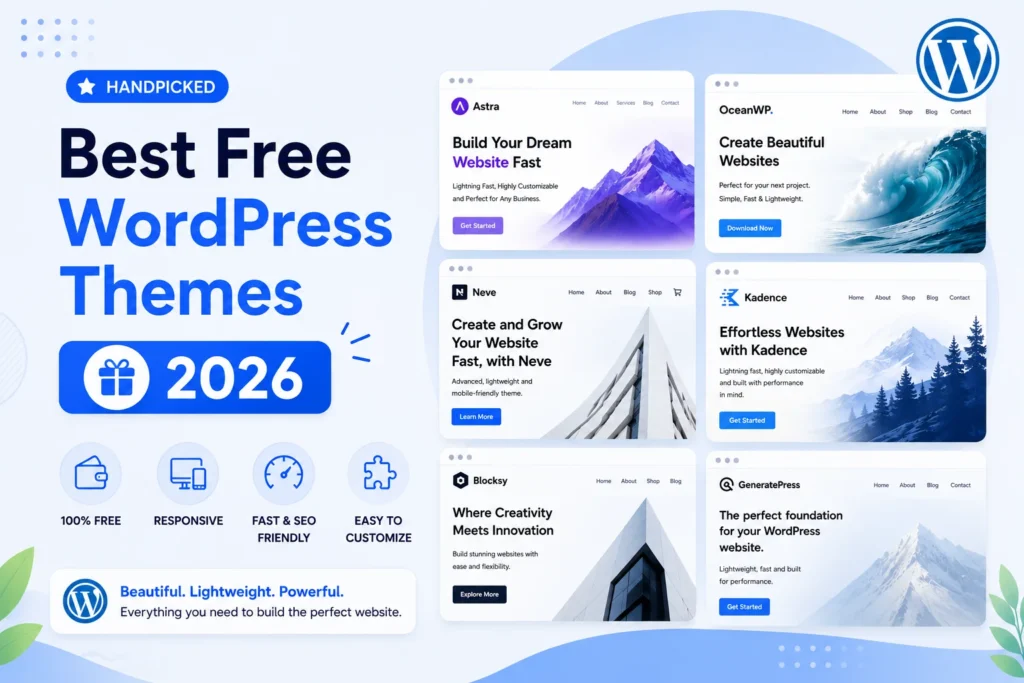
Picking a theme is the first real design decision you make on a new site, and you do not need a budget for it. The best free WordPress themes in 2026 are fast, flexible, and close to the polish of paid options, so most sites can launch and grow without ever paying for a template. This guide compares ten free themes worth your time, what each one does well, where the free version stops, and who should pick it. If you spotted a design you liked on another site, there is also a quick way to find the exact theme behind it with the Pixellize WordPress theme detector.
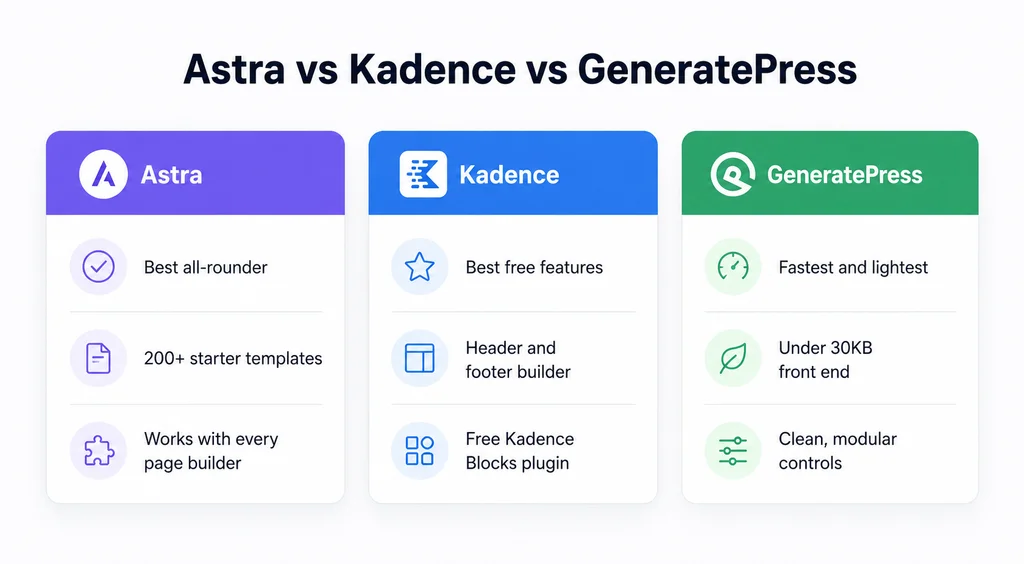
Here is a quick summary before the detail. Every theme below is free on the official WordPress.org theme directory, and each one has a strong free version rather than a demo that pushes you to upgrade on day one.
| Theme | Active installs | Best for | Notable free feature | Lightweight? |
|---|---|---|---|---|
| Astra | 1+ million | General purpose sites | Starter template library | Yes |
| Kadence | 500,000+ | Block editor builders | Header and footer builder | Yes |
| GeneratePress | 500,000+ | Speed and clean code | Very small page weight | Yes, very |
| Neve | 200,000+ | Fast agency starts | Ready made starter sites | Yes |
| OceanWP | 500,000+ | Feature rich stores | Deep WooCommerce options | Moderate |
| Blocksy | 300,000+ | Block editor plus WooCommerce | Content blocks and hooks | Yes |
| Hello Elementor | 1+ million | Elementor users | Blank, distraction free canvas | Yes, very |
| Twenty Twenty-Five | Core-bundled | Full site editing | Many style variations | Yes |
| Sydney | 80,000+ | Small business and portfolio | One page and multipage layouts | Moderate |
| Hestia | 70,000+ | Startups and one page sites | Material style one page design | Moderate |

Astra is the safe default for a reason. It stays light, loads fast, and works with the block editor as well as page builders like Elementor and Beaver Builder. The free version ships with a large starter template library, so you can import a full design and swap in your own text and images in an afternoon.
Active installations: 1+ million | Best for: General purpose sites and page builders
Pros:
Cons:
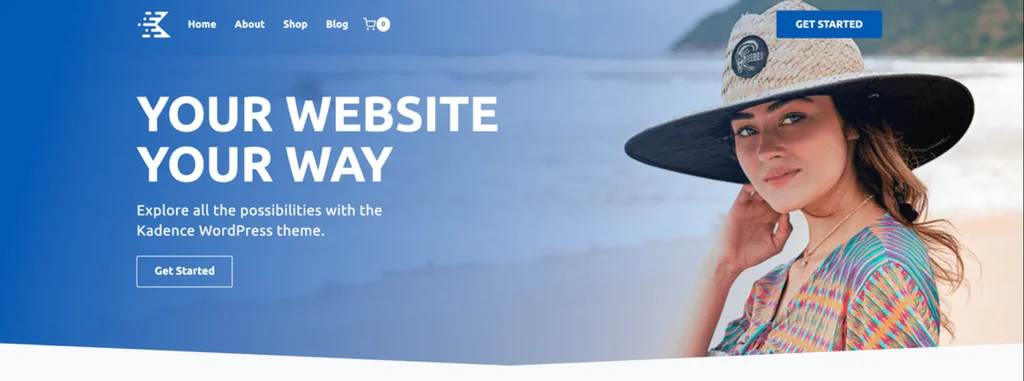
Kadence has become a favorite for people who build with the block editor. Even the free theme includes a full header and footer builder, global color and typography controls, and tight integration with the free Kadence Blocks plugin. WooCommerce stores look clean out of the box.
Active installations: 500,000+ | Best for: Block editor builders and small stores
Pros:
Cons:
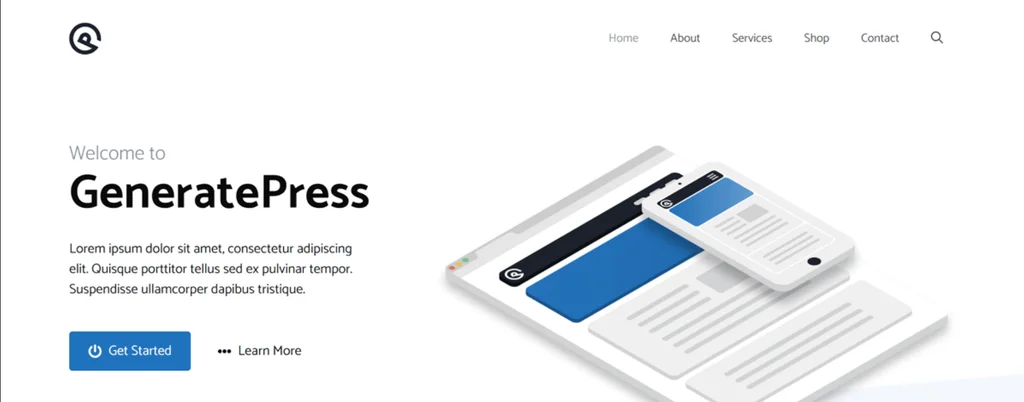
GeneratePress is the choice for people who care about speed above all else. The base theme is famously small and clean, which helps your Core Web Vitals and keeps pages quick even on cheap hosting. It stays out of your way and works with any builder.
Active installations: 500,000+ | Best for: Speed and clean code
Pros:
Cons:
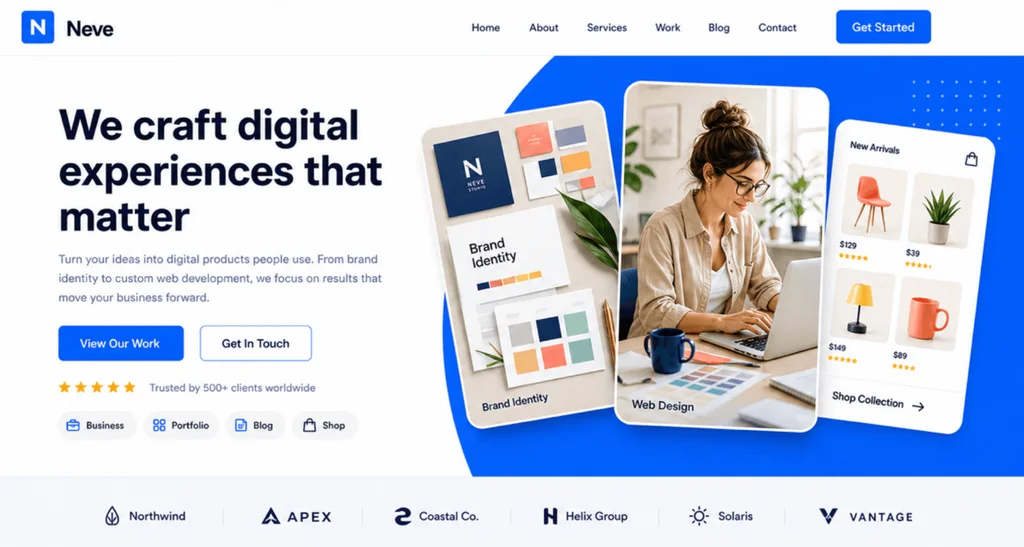
Neve is built for fast starts. It is lightweight, mobile first, and ships with a set of ready made starter sites you can import in a click. It pairs nicely with page builders, which makes it a common pick for agencies that need to spin up client sites quickly.
Active installations: 200,000+ | Best for: Fast agency starts
Pros:
Cons:

OceanWP packs the most features into its free version of any theme on this list. It has extensive WooCommerce controls, a library of demos, and a set of free extensions that add sticky headers, popup logins, and more. If you want lots of options without touching code, OceanWP delivers.
Active installations: 500,000+ | Best for: Feature rich stores
Pros:
Cons:
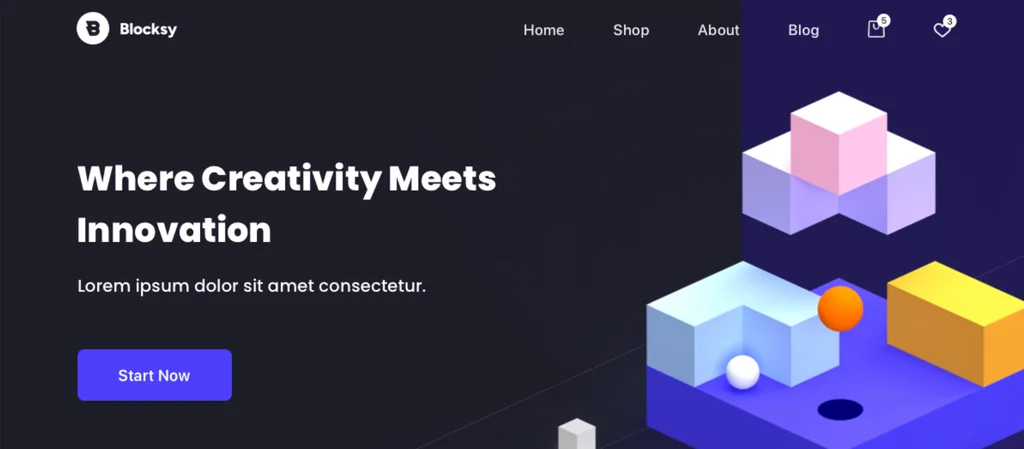
Blocksy is a modern theme built around the block editor and WooCommerce. Its free version is generous, with a header and footer builder, content blocks for custom headers and hooks, and fast performance. It feels current and is a strong fit for stores that want a native block experience.
Active installations: 300,000+ | Best for: Block editor plus WooCommerce
Pros:
Cons:
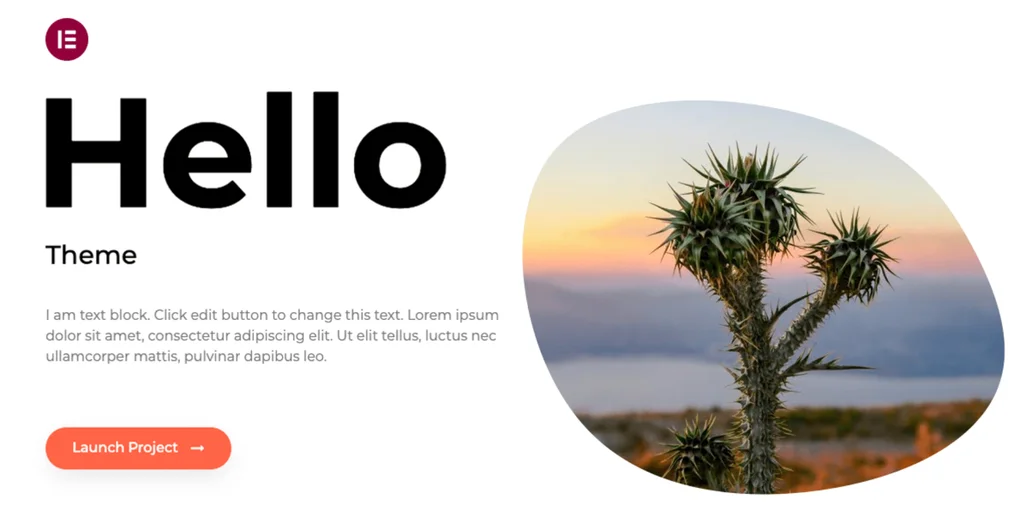
Hello Elementor is a deliberately blank canvas. It strips styling down to almost nothing so that Elementor controls the entire design. That keeps the base load tiny and avoids the theme and builder fighting over the same styles.
Active installations: 1+ million | Best for: Elementor users
Pros:
Cons:

Twenty Twenty-Five is the default theme that ships with WordPress, and it is a proper block theme built for full site editing. You edit headers, footers, and templates visually with no page builder, and it comes with many style variations so you can restyle the whole site in a click.
Active installations: Bundled with WordPress core | Best for: Full site editing
Pros:
Cons:
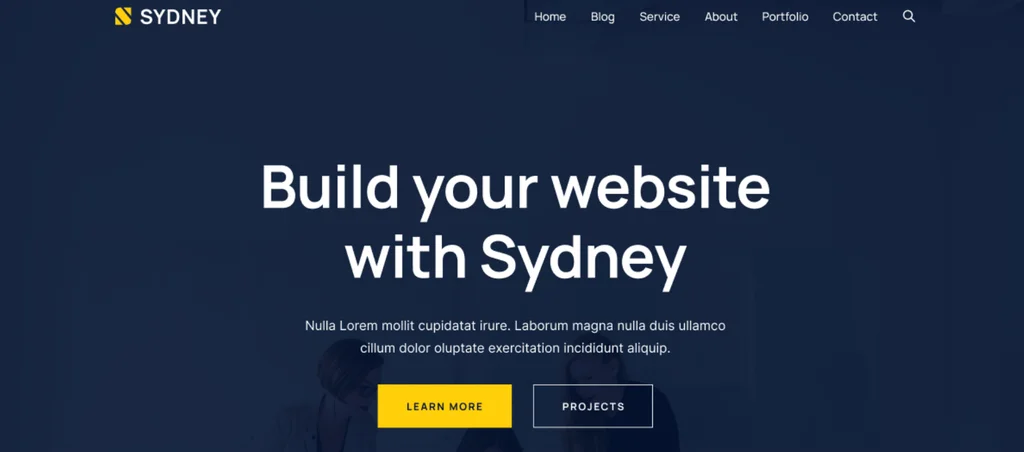
Sydney is aimed at small businesses and freelancers who want a professional look fast. The free version includes both one page and multipage layouts, header customization, and Elementor support, which makes it easy to build a tidy company or portfolio site.
Active installations: 80,000+ | Best for: Small business and portfolio sites
Pros:
Cons:

Hestia brings a material design style one page layout that suits startups, agencies, and small product sites. It supports WooCommerce and the major page builders, and the free version is enough to launch a clean, modern landing page.
Active installations: 70,000+ | Best for: Startups and one page sites
Pros:
Cons:
For most sites the best free WordPress theme is Astra, because it is fast, works with every builder, and ships with a large starter library. If raw speed matters most, choose GeneratePress. If you build with the block editor, Kadence is the strongest free pick. The right answer depends on how you plan to build.
Yes, when you install them from the official WordPress theme directory. Every theme there passes a code review before it is listed, and updates arrive through the dashboard. The real risk is nulled or pirated premium themes from random sites, which often hide malware. Stick to trusted sources and keep everything updated.
Start with how you want to build. If you like the block editor, Kadence, Blocksy, or Twenty Twenty-Five fit naturally. If you rely on Elementor, Hello Elementor or Sydney make sense. If speed is the goal, GeneratePress and Astra lead. Then check that the theme is updated often, has good support and reviews, and lists a clear privacy and licensing page. If you want to match a theme you saw on a real site, run it through the Pixellize detector first. WordPress itself powers more than 40 percent of all websites according to W3Techs, so almost any theme you pick has a large community behind it.
Sometimes the fastest way to choose a theme is to copy one you already admire. If a competitor or a site in your niche has the exact layout you want, you can find the theme it runs in seconds. Paste the address into the Pixellize WordPress theme detector and it reads the site’s public theme files, then reports the theme name, version, author, and any child theme, plus the plugins that add the features you noticed.
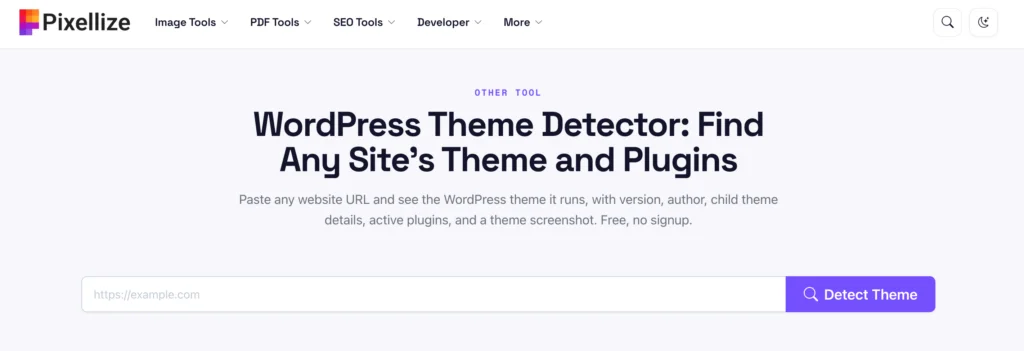
From there you can search that theme name on the directory and, if it is free, install it and start from the same base. To learn the manual signals behind the tool, read our guide on how to tell if a website is built on WordPress, and for a full walkthrough see how to find the WordPress theme a website is using.
Paste any URL and Pixellize reveals the WordPress theme, version, author, and active plugins in seconds. Free, no signup.
Open the WordPress Theme DetectorThree mistakes trip up beginners with free themes. First, downloading a premium theme for free from a shady site, which is where most WordPress malware comes from. Second, picking a heavy, feature stuffed theme when a lean one would load faster and rank better. Third, switching themes constantly, which resets your customization each time. Choose one solid free theme, learn it, and build. If you are unsure which theme a site you admire uses, the Pixellize detector will name it.
You do not need to spend anything to get a fast, professional WordPress site in 2026. Astra, Kadence, and GeneratePress cover most needs, while OceanWP, Blocksy, and the rest fill in specific jobs like stores and one page sites. Start with the one that matches how you build, and if you ever want to match a design you saw elsewhere, the Pixellize WordPress theme detector will name the theme so you can find it and use it too.
For most sites the best free WordPress theme is Astra, since it is fast, works with every builder, and ships with a large starter library. If speed is your top priority, choose GeneratePress. For block editor fans, Kadence is the strongest free pick.
Yes, when you install them from the official WordPress theme directory, where every theme passes a code review. The real risk is nulled or pirated premium themes from random sites, which often carry malware. Stick to trusted sources and keep everything updated.
GeneratePress is widely regarded as the fastest free theme because its base is very small and clean. Astra, Neve, and Blocksy are also lightweight. A light theme plus good hosting and few heavy plugins gives you the best Core Web Vitals.
Astra, Kadence, and the default Twenty Twenty-Five all make excellent free blogging themes. They offer clean typography, fast load times, and easy layout control, so your posts stay readable on every device without any paid upgrade.
No, a well coded free theme does not hurt SEO. Themes like GeneratePress and Astra are built for speed and clean markup, which helps rankings. SEO depends far more on your content, site speed, and structure than on whether the theme was free.
Paste the site address into the Pixellize WordPress theme detector. It reads the public theme files and reports the theme name, version, author, any child theme, and the active plugins, so you can find and use the same free theme yourself.
Founder and CEO of Pixellize.io, building AI-powered web tools and digital products with a focus on user experience and automation. M.Sc. Zoology, working at the intersection of technology, data analytics, and life sciences.