
Meme Generator Online Free, No Watermark
Upload any image, add bold Impact captions and emoji stickers, drag everything into place, and download a clean PNG. Free, no sign up, no watermark, and nothing is uploaded to any server.
How to make a meme in your browser
Upload your image
Drag and drop any image onto the upload area, or click "Choose Image". JPG, PNG, and WebP all work. The image stays in your browser, nothing is uploaded.
Edit the default text
Two text boxes (top and bottom) appear with placeholder copy. Click either one, then type your real text in the sidebar Text field. Change the font, size, color, and outline width as you go.
Drag to position
Click any text box on the image and drag it where you want. Each box moves independently. Click "Add Text Box" in the sidebar if you need more captions.
Style it
Pick Impact for the classic look, or switch to Anton, Bebas Neue, Oswald, or Arial. Adjust the size and outline so the text reads on any background, and drop in emoji stickers for extra punch.
Download
Click "Download Meme" and you get a full-resolution PNG with crisp text and no watermark, saved straight to your downloads folder.
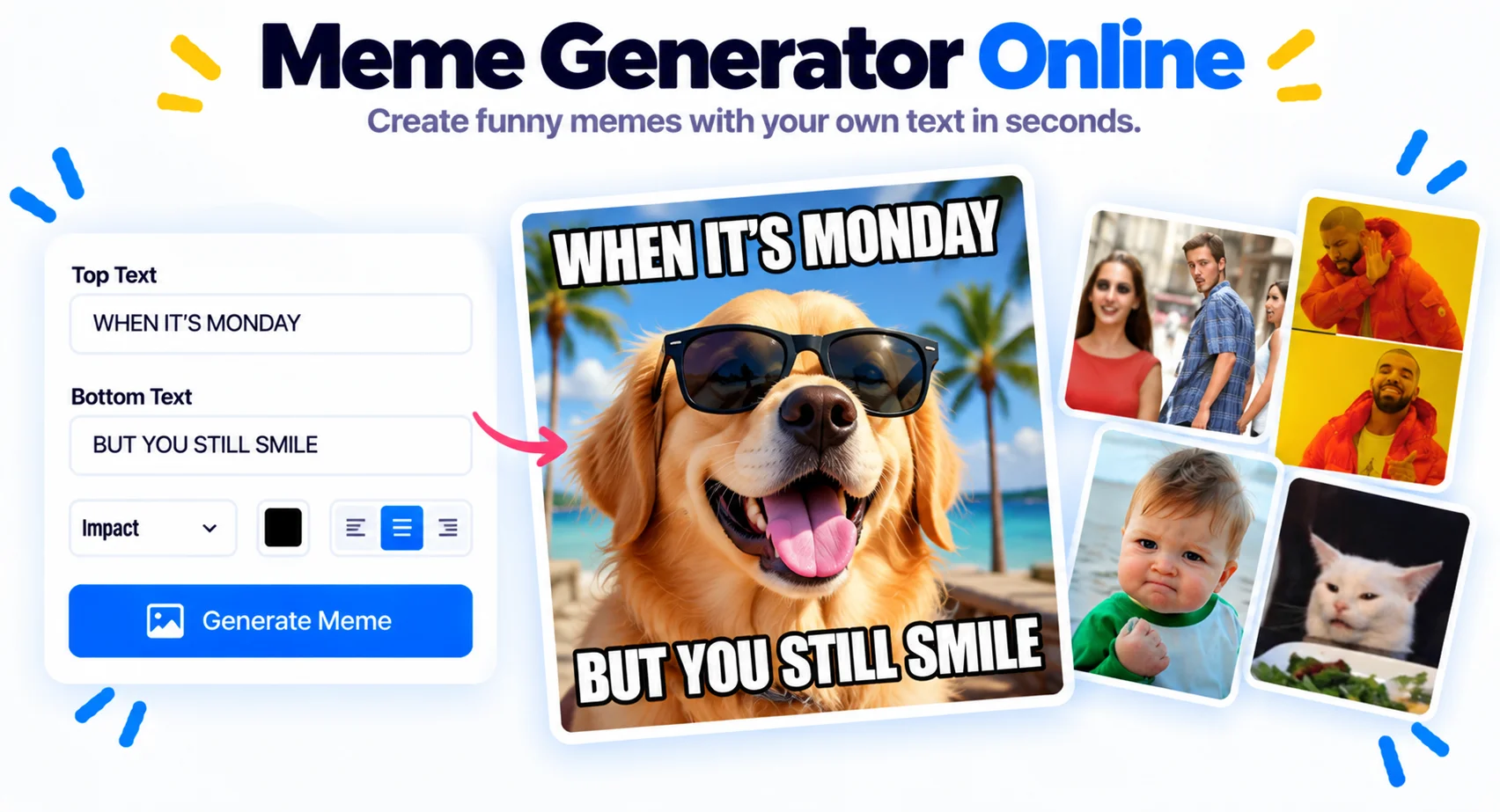
Meme generator no watermark, free and private
A free meme generator with no watermark
Most free meme makers stamp a logo across your work or hide the clean export behind a paid plan. This one does not. You get a full-resolution PNG with no watermark, no sign up, and no daily limit. Upload your own image, add the text, and download. That is the whole flow.
Classic Impact text, emoji stickers, and full control
Type your top and bottom text in the classic Impact font, or switch to Anton, Bebas Neue, Oswald, Arial, or Comic Sans. Set the fill color, outline color, and outline width so the caption reads on any background. Drop in emoji stickers from the built-in grid or upload your own, then drag every element exactly where you want it.
Private by design, nothing uploaded
The meme is drawn in your browser from your own image, and nothing is uploaded to a server. Private photos stay on your device. It is a meme generator online you can use for free, on desktop or mobile, as many times as you like. Make one meme or a hundred, each one clean and watermark free.
Why Use This Meme Generator
Your image never leaves the browser
No upload, no temporary storage on a server. Open the dev tools network panel and watch, you will see zero outgoing requests.
Impact and five more meme fonts
Impact, Anton, Bebas Neue, Oswald, Arial, and Comic Sans. Font and outline color are fully customizable.
Drag any text anywhere
Place top and bottom text the classic way, or drag captions anywhere on the image. Add as many text boxes as you want.
Color and outline control
Set fill color, outline color, and outline width separately. Bright text on dark backgrounds, or dark text on light, with the readability of a thick outline.
Clean PNG, no watermark
Download a full-resolution PNG with sharp text edges. No watermark, no logo, and no signup, ever.
Unlimited memes, no sign up
No daily caps, no signup, no email. Make one meme or a hundred, the tool does not care.
Emoji stickers and custom uploads
Drop in emoji stickers from the built-in grid, or upload your own image or logo. Drag, resize, and rotate each one.
Similar Tools
More Image tools you might find useful.
Frequently Asked Questions
Quick answers about watermarks, sign up, fonts, formats, and privacy.
Is this meme generator really free with no watermark?
Yes. It is a free meme generator with no watermark on the output, no sign up, and no daily limit. Your downloaded meme has only your image and your text, with nothing else stamped on it.
Do I need to sign up or make an account?
No. There is no sign up, no email, and no login. Open the meme generator online, add your text, and download. Everything works for free right away.
Can I make a meme from my own image?
Yes. Upload any photo from your device, or drag it onto the tool, then add top and bottom text, captions, and stickers. You are not limited to preset templates.
How do I get the classic Impact font meme look?
Pick Impact as the font and type in uppercase. The tool adds the white fill with a black outline automatically, which is the traditional top text and bottom text meme style.
Can I add emoji and stickers to my meme?
Yes. Open the stickers panel and drop in emoji from the built-in grid, or upload your own sticker image. Drag each one to position and resize it right on the meme.
Is my image uploaded to a server?
No. The meme is drawn in your browser and nothing is uploaded or stored anywhere. Your image stays on your device, which keeps private photos private.
What format does the meme download in?
Your meme saves as a full-resolution PNG with sharp text, and you can also export JPG. The file is watermark free, with no quality drop.
Can I use the meme generator on my phone?
Yes. It works in any modern mobile browser. Upload from your camera roll, add text and stickers with touch, drag to position, and download the meme, all free with no app to install.