
JSON to XML
Convert JSON to XML online, free and in your browser. Paste your JSON and copy clean, indented XML with your own root element.
How to convert JSON to XML
Paste or upload your JSON
Drop your JSON into the left box, upload a .json file, or drag one in. The converter validates it and reports the line if anything is malformed.
Set the root and indentation
Name the root element and choose 2 spaces, 4 spaces, or minified. The XML updates on the right as you type, with arrays repeated and values escaped.
Copy or download
Copy the XML or download it as a .xml file, ready for a SOAP request, an RSS feed, an Android layout, or any system that reads XML.
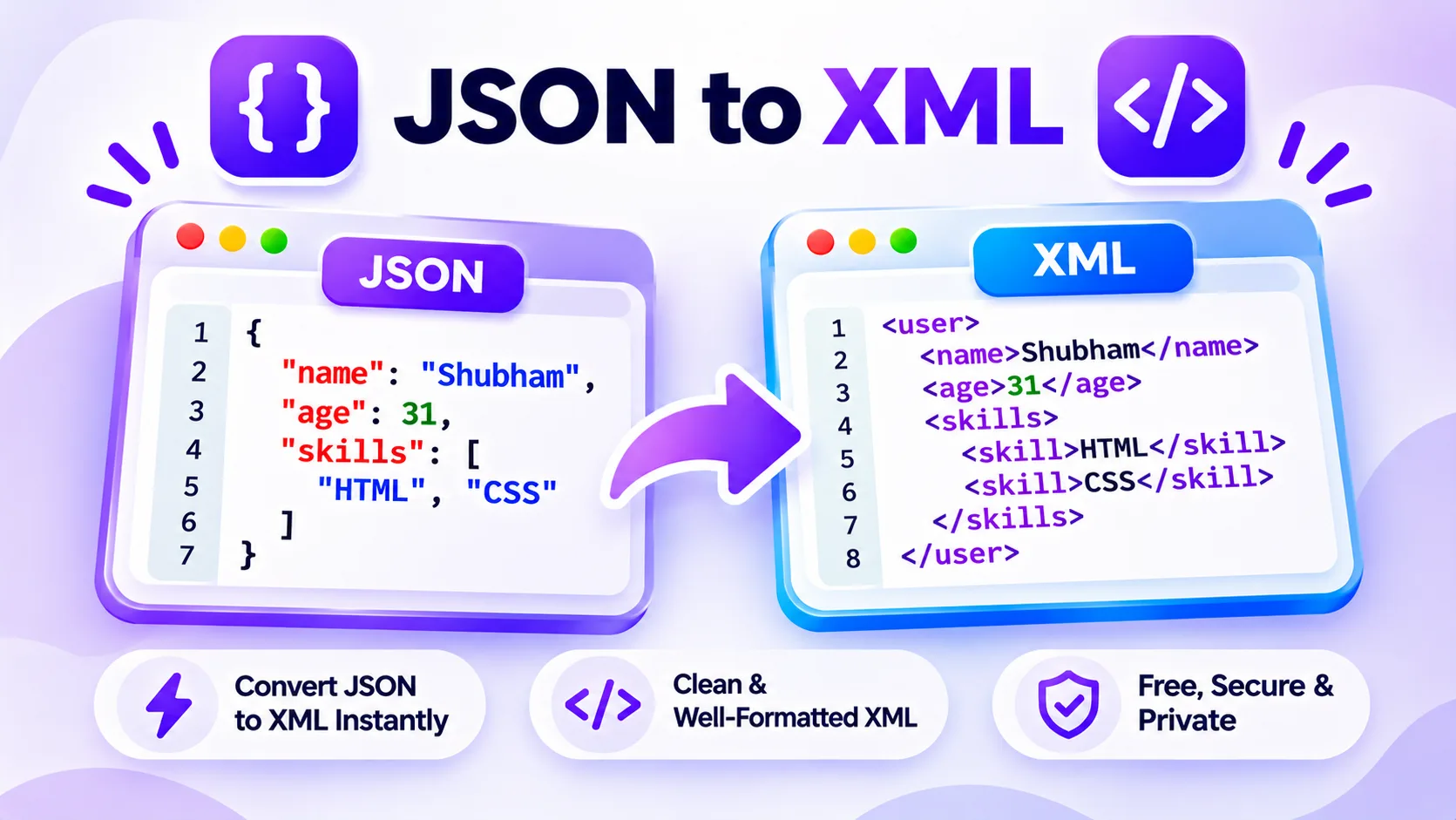
How JSON to XML conversion works
JSON and XML both describe structured data, but plenty of APIs, config files, and older systems still expect XML. Converting by hand is tedious and easy to get wrong, especially the escaping and the repeated tags for arrays. This JSON to XML converter reads your JSON and writes well-formed XML, with each key as an element and the values as text.
Paste valid JSON on the left and the XML appears on the right as you type. Objects become nested elements, arrays repeat the element once per item, and null becomes an empty self-closing tag. Special characters are escaped, invalid element names are cleaned up, and you can set the root element name and pick 2 spaces, 4 spaces, or minified output.
Everything runs in your browser, so your JSON never leaves your device. Paste it, upload a .json file, or drag one in, then copy the XML or download it as a .xml file ready to drop into your request or feed.
Features
Keeps your structure
Nested objects become nested elements and arrays repeat the element per item, so the XML mirrors your JSON.
Always well-formed
Special characters are escaped and invalid element names are cleaned up, so the output parses cleanly every time.
Set the root element
Name the wrapping root element yourself so the XML fits the schema you are targeting.
Paste, upload, or drag
Load JSON by paste, by choosing a .json file, or by dropping one onto the editor.
Private by default
Every conversion runs in your browser, so your JSON is never uploaded to a server.
Format your way, free
Output with 2 spaces, 4 spaces, or minified. No sign up, no limits, no watermark.
Similar Tools
More Developer tools you might find useful.
JSON to XML FAQ
How do I convert JSON to XML?
Paste your JSON into the box on the left. The JSON to XML converter validates it, then writes well-formed XML on the right, with each key as an element and each value as text. It runs in your browser, so you can copy the XML in a second.
How are JSON arrays converted to XML?
XML has no array type, so each array item is written as a repeated element with the same name. An array called tags with three values becomes three tags elements in a row. An array of objects repeats the wrapping element once per object.
Can I set the XML root element name?
Yes. XML needs a single root element, so the tool wraps your data in one. You can name it in the Root box, and the default is root. Setting it lets the output match the schema or system you are sending the XML to.
Does it escape special characters?
Yes. Characters that are not allowed in XML text, such as the ampersand and angle brackets, are escaped automatically so the result stays well-formed. Keys that are not valid XML element names, like ones with spaces or a leading digit, are cleaned up too.
Is my JSON data safe in this tool?
Yes. The conversion runs entirely in your browser, so nothing you paste or upload is sent to a server. You can convert private config or API data without it leaving your device.
Can I convert a whole JSON file to XML?
Yes. Upload a .json file or drag it onto the editor and the tool converts it to XML. You can then download the result as a .xml file, ready for a SOAP service, an RSS or sitemap feed, or any app that reads XML.