
SERP Snippet Preview
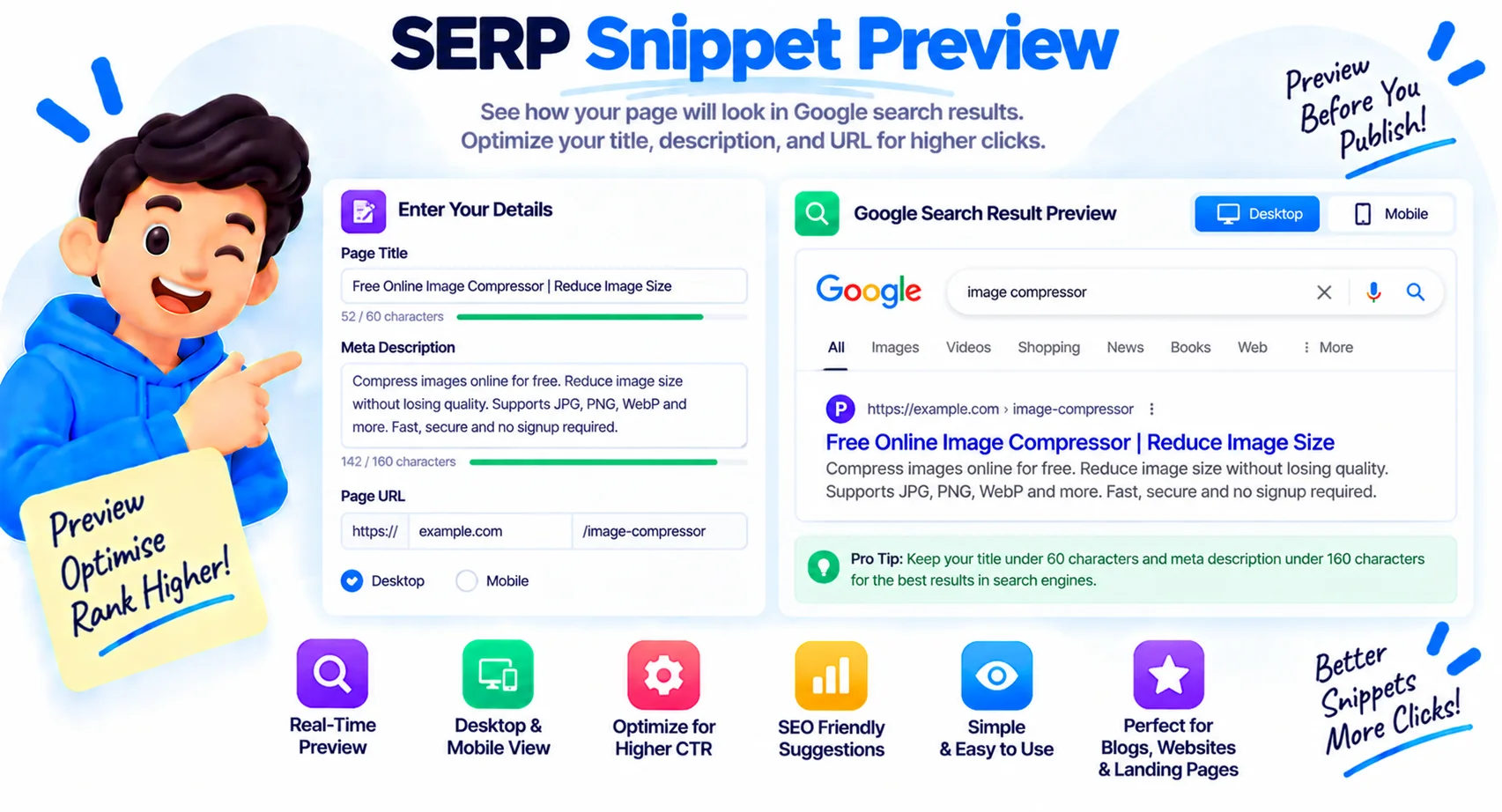
See how your title, URL, and meta description look in Google search before you publish. Live desktop and mobile preview with pixel and character counters, keyword bolding, and rating rows. Free, no signup, fully in your browser.
How to use the SERP snippet preview
Enter Your Title and Description
Type your title tag and meta description. The Google preview updates live as you go.
Watch the Counters
Keep the title and description within the pixel and character limits shown, before they turn red.
Check Desktop and Mobile
Switch devices and add a keyword, rating, or date to see how the snippet looks in each case.
Publish With Confidence
Once it fits and reads well, copy the wording into your page. Nothing is uploaded.
Write Titles and Descriptions That Fit
Your title tag and meta description are the first thing people read about your page in search. They decide whether someone clicks your result or scrolls past it, so they are worth getting right before you publish. This SERP snippet preview shows the real Google result as you type, so you can shape the title and description to fit and to earn the click.
What a SERP snippet preview does
It renders your page the way Google shows it: the site name and URL crumb, the blue title, and the grey description, on both desktop and mobile. As you edit, the preview updates live and the counters track how close you are to the limits. You can bold a keyword to see how matched words appear, and switch on a star rating or date to mimic a rich result.
Title and meta description length limits
Google trims snippets by width, not by a fixed character count, but these targets keep you safe on both devices.
| Element | Recommended length | Pixel limit |
|---|---|---|
| Title tag (desktop) | 50 to 60 characters | about 600 px |
| Title tag (mobile) | up to about 50 characters | about 500 px |
| Meta description (desktop) | 140 to 160 characters | about 960 px |
| Meta description (mobile) | about 120 characters | about 680 px |
Why Google measures pixels, not characters
Two titles with the same character count can display at very different widths, because a W is far wider than an i or an l. That is why this tool counts pixels as well as characters, and warns you when either passes the limit. A title packed with wide letters runs out of room sooner, so the pixel counter is the one that decides whether your snippet gets cut off.
Desktop, mobile, and when Google rewrites your title
Switch between desktop and mobile to check both, since mobile shows fewer characters and wraps the title over more lines. Keep in mind that Google does not always use your exact title. It may rewrite it to better match a query, so treat this preview as your best case and make the important words count. Descriptions are shown more often as written, which is why a clear, benefit-led description is worth the effort.
Why Use Our SERP Snippet Preview?
Live Google Preview
See the real search result with your title, URL crumb, and description, updated as you type.
Desktop and Mobile
Switch devices to check how the snippet wraps and truncates on each, since mobile shows less.
Pixel and Char Counters
Track both pixel width and character count for the title and description against Google's limits.
Over-Limit Warnings
The counters turn red the moment your title or description passes a safe length, so nothing gets cut off.
Keyword Bolding
Enter a keyword to see how Google bolds matching words in your title and description.
Rating and Date Rows
Toggle a star rating or a date to preview how a rich result would look in search.
Site Name and Crumb
Set the site name and page URL to see the breadcrumb Google shows above your title.
Runs in Your Browser
The preview is built on your device. Nothing you type is uploaded, logged, or stored.
Similar Tools
More SEO tools you might find useful.
Frequently Asked Questions
Common questions about search snippets and meta tags.
What is a SERP snippet preview?
A SERP snippet preview shows how your page will appear in Google search, with its title, URL, and meta description, before you publish. It helps you optimize those elements to fit the display limits and earn more clicks.
What is the ideal title tag length?
Aim for 50 to 60 characters, or about 600 pixels on desktop. On mobile, keep it under roughly 50 characters. This tool counts both, so you can see exactly when a title risks being cut off.
What is the ideal meta description length?
Around 140 to 160 characters, or about 960 pixels, on desktop, and closer to 120 characters on mobile. Descriptions that run longer are trimmed to the nearest whole word with an ellipsis.
Why does the tool count pixels, not just characters?
Google trims snippets by width, not character count. A W is much wider than an i, so two titles of the same length can display very differently. The pixel counter is the one that decides whether your snippet fits.
Can I preview the mobile snippet?
Yes. Switch to the mobile view to see how the title wraps over more lines and where it truncates. Mobile shows fewer characters than desktop, so checking both is worth it.
Will Google use my exact title?
Not always. Google sometimes rewrites the title to better match a search query. Treat this preview as your best case, put the important words first, and write a clear description, which Google shows as written more often.
Does this tool change my website?
No. It only previews how your title and description would look. To apply them, copy the wording into your page or your SEO plugin. The tool never touches your live site.
Is this SERP preview tool free and private?
Yes, it is completely free with no signup. Everything runs in your browser, so the titles and descriptions you type are never uploaded, logged, or stored.