
URL Encode and Decode
A free URL decoder and encoder. Decode any URL online back to readable text, or encode text for safe use in a link, live in your browser. Component and whole-URL modes, Unicode safe, nothing uploaded.
How to encode and decode a URL
Pick Encode or Decode
Choose Encode to make text safe for a URL, or Decode to turn a percent-encoded URL back into plain text. The output updates as you type.
Choose the Mode
Use Component to encode a single value like a query parameter, or Whole URL to encode a full address while keeping the slashes and separators.
Copy the Result
Copy the output, or use Swap to send it back to the input and flip the direction in one click.
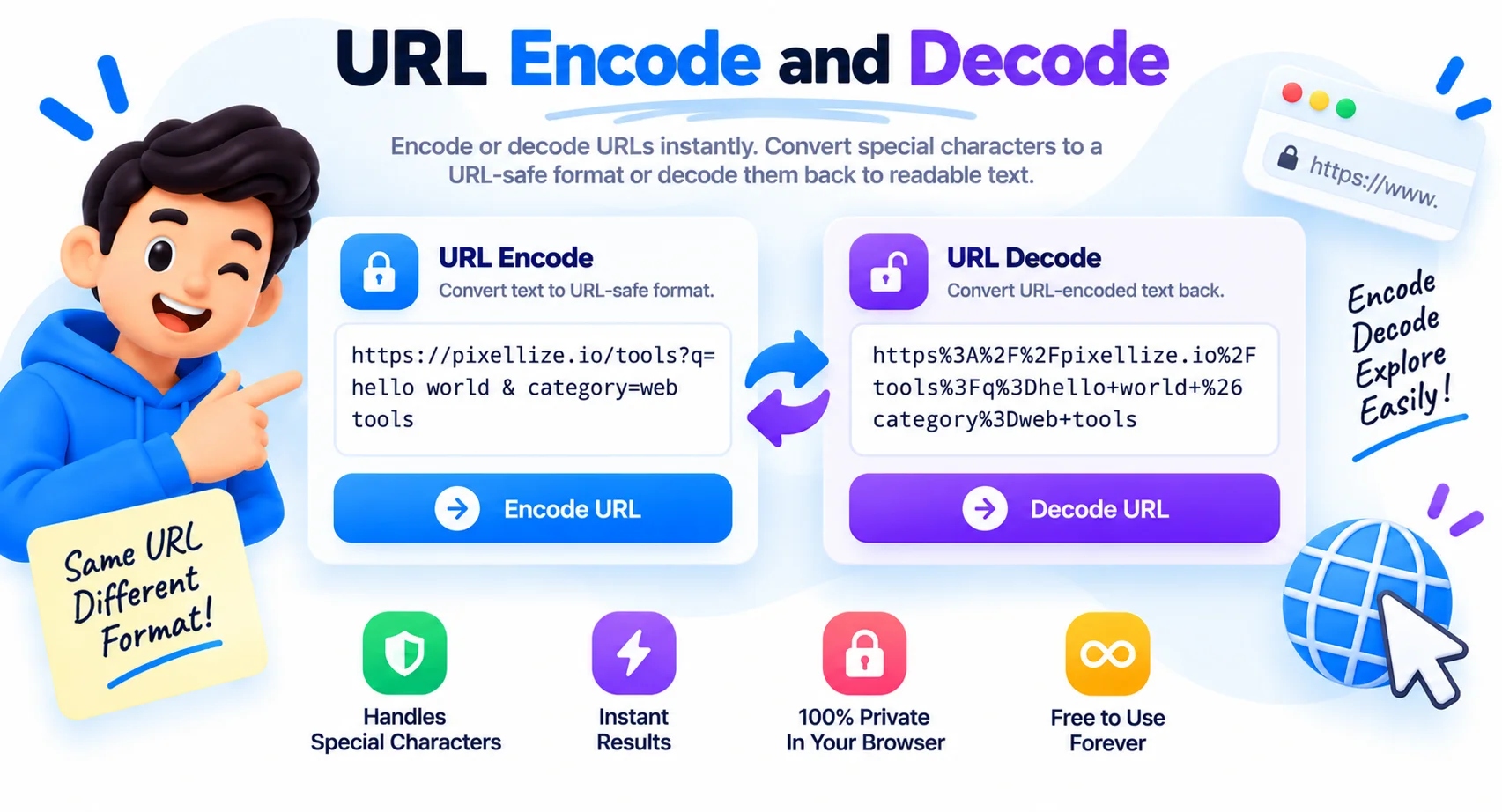
Decode or Encode Any URL Online, Instantly
URLs can only safely carry a limited set of characters. The moment a value contains a space, an ampersand, a question mark, or a non-Latin letter, it has to be percent-encoded, turned into sequences like %20 and %26, so the address is read correctly and not split in the wrong place.
Get it wrong and a query parameter ends early, a redirect breaks, or a search term loses its accent. Encoding by hand means remembering which characters are reserved and what each one becomes, which is exactly the kind of detail that is easy to miss.
This tool does it for you in both directions. Encode a single value or a whole URL, decode an encoded address back to something you can read, and switch between component and whole-URL modes so you only encode what needs it. Because it runs in the browser, URLs with private tokens or data stay on your machine.
Why Use This URL Encoder and Decoder
URL Encoder and Decoder
Convert text to percent-encoding and back again, both directions in one tool with live output.
Component or Whole URL
Encode a single query value, or a complete URL while keeping the slashes, question marks, and separators intact.
Unicode Safe
Accents, emoji, and non-Latin characters are encoded as proper UTF-8 percent sequences and decode back cleanly.
Clear Error Messages
If a URL has a broken percent sequence, you get a plain explanation instead of a silent failure.
One-Click Swap
Send the output back to the input and flip encode to decode without retyping anything.
Runs Locally
Everything happens in your browser. Your text and URLs are never uploaded or stored.
Similar Tools
More Developer tools you might find useful.
Frequently Asked Questions
Common questions about URL encoding and decoding.
How do I decode a URL online?
Paste the encoded URL into the box and choose Decode. It converts codes like %20 and %26 back to spaces and symbols instantly, online and free, with nothing to install. Everything runs in your browser.
How do I encode a URL?
Type or paste your text and choose Encode. The tool turns spaces, accents, and reserved characters into a URL-safe form (for example %20) that you can drop straight into a link or query string.
Is there a free URL decoder and encoder online?
Yes, this one. It decodes and encodes URLs online for free, with no sign-up, no limits, and no watermark. It works on any device with a browser, and your text is never uploaded.
What is the difference between component and whole URL mode?
Component mode encodes everything, including : / ? & = #, so it is right for a single value like a query parameter. Whole URL mode keeps those structural characters intact, so it is right for encoding a full address.
Does it handle emoji and accents?
Yes. The decoder and encoder are Unicode safe, so emoji, accents, and non-Latin scripts round-trip correctly without getting mangled.
What does %20 mean in a URL?
%20 is an encoded space. URLs cannot contain raw spaces, so each one is written as %20. Decode the URL here and every %20 turns back into a normal space, along with other codes like %26 for &.
Why does decoding show an error?
Decoding fails when the input has an invalid sequence, such as a stray % or %2 without a second hex digit. Fix or remove the broken part and it will decode.