
Meta Tags Analyzer
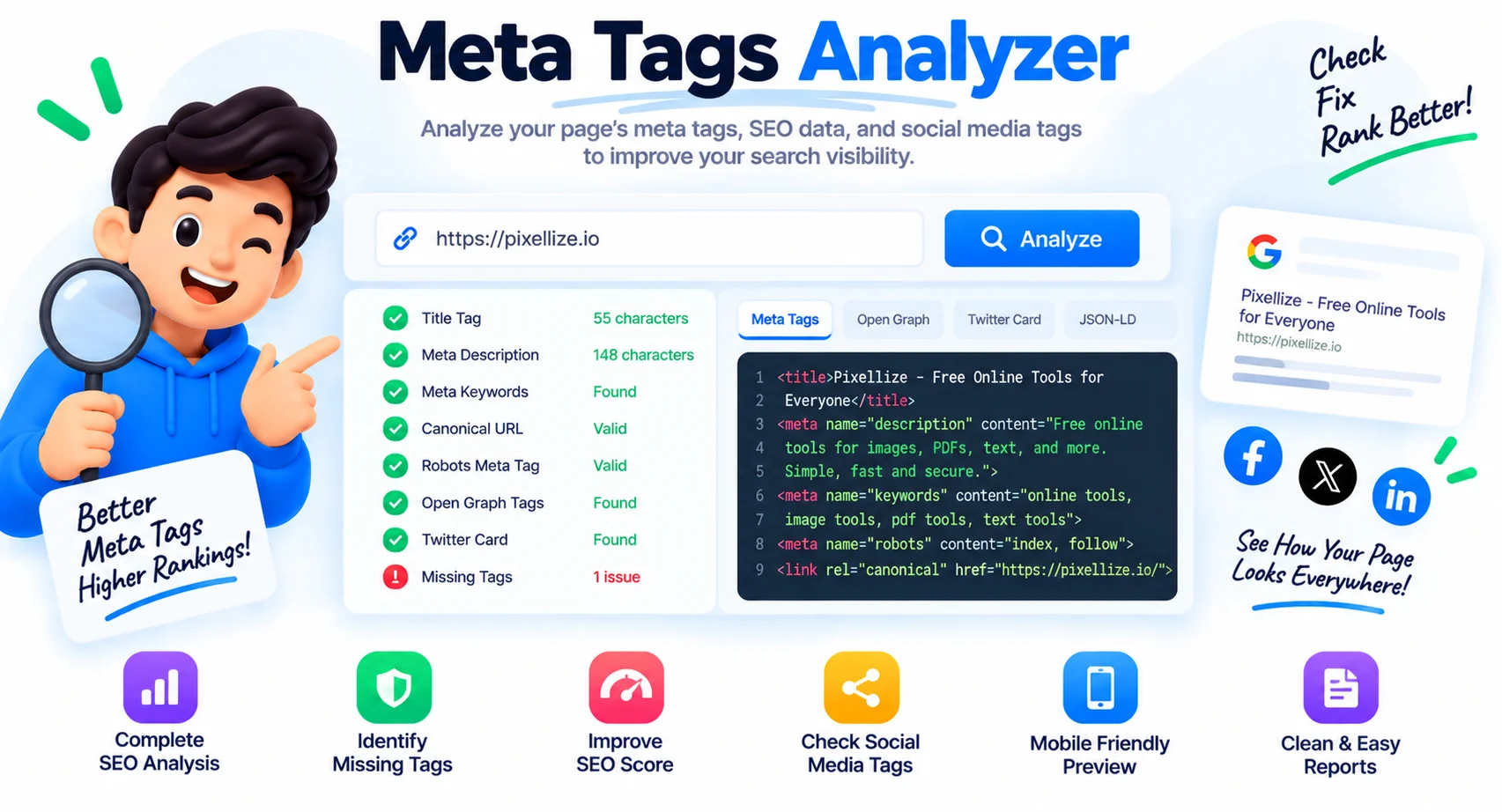
A free meta tag checker and analyzer. Enter any URL and it fetches the page, extracts every meta tag, and previews how the page looks in Google search and on social media. Check title, description, Open Graph, and Twitter tags in one run.
Title, description, Open Graph, Twitter cards and page info, with live Google and social previews. Nothing is stored.
How to Analyze Meta Tags
Enter the Page URL
Paste any webpage URL into the input field.
Click Analyze
Click Analyze to fetch the title, description, and Open Graph tags.
Review the Previews
Preview how the page looks on Google, Facebook, Twitter, and LinkedIn.
Check the Tag Tables
Scroll through the General Meta, Open Graph, Twitter Card, and Page Information sections. Each missing or empty field is a potential SEO improvement opportunity.
Check and Analyze Any Page's Meta Tags
A single page can carry a dozen meta tags: title, description, keywords, canonical, robots, Open Graph, and Twitter Card. This meta tag checker fetches any URL and pulls them all in one run, then previews exactly how the page looks in a Google search result and in a Facebook, X, or LinkedIn share. No more guessing whether your og:image is set or your title is getting cut off at 60 characters.
Use it as a quick meta tag analyzer before you publish, or to check the meta tags on a competitor page. It shows what is missing, what runs too long, and what is malformed, so you can fix the tags that shape your search snippet and social previews without digging through the page source by hand.
What This Meta Tag Checker Shows
Google Search Preview
See exactly how your page title and description appear in Google search results before publishing, spot truncation issues and improve click-through rate.
Open Graph Preview
Preview how your page looks when shared on Facebook and other social networks. Checks og:title, og:description, og:image, and og:site_name tags.
Twitter Card Tags
Extracts all twitter: meta tags so you can verify your Twitter Card configuration and ensure rich previews appear when your content is shared on X.
All General Meta Tags
Displays title, meta description, keywords, robots directive, canonical URL, viewport tag, and charset, the complete set of general meta tags for any page.
Page Structure Check
Counts H1, H2, and H3 headings, total images, and images with alt text, a quick way to spot common on-page SEO and accessibility gaps.
Favicon Detection
Detects and displays the page favicon, resolving relative paths to absolute URLs so you can verify the icon is correctly referenced in the HTML.
Similar Tools
More SEO tools you might find useful.
Frequently Asked Questions
Common questions about analyzing meta tags.
How do I check the meta tags of a website?
Paste the page URL into the box and click Analyze. The tool fetches the page and lists every meta tag, title, description, Open Graph, and Twitter, with previews of how it looks in Google and on social media. It works on any public URL.
What is a meta tag analyzer?
A meta tag analyzer reads a page's HTML and shows the meta tags search engines and social platforms use, such as the title, description, canonical, Open Graph, and Twitter Card tags. It helps you spot missing or too-long tags before they hurt your SEO or link previews.
What meta tags does the analyzer check?
It checks the title tag, meta description, meta keywords, canonical URL, robots, viewport, and charset, plus all Open Graph (og:) and Twitter Card tags, and it detects the favicon.
How long should a meta description be?
Aim for about 120 to 155 characters. Google truncates longer descriptions in search results. The analyzer shows your description length so you can tell at a glance whether it fits.
Can I check any website, not just my own?
Yes. Enter any public URL and the checker fetches and analyzes its meta tags. It is useful for auditing competitors as well as your own pages.
Why are Open Graph or Twitter tags not showing?
If a page has no og: or twitter: tags in its HTML, there is nothing to show, that is often the issue itself. Some sites also add these tags with JavaScript, which a server-side fetch may not see.
Is this meta tag checker free?
Yes, it is completely free with no sign-up and no limits. Check as many URLs as you like.