
HTML Formatter
Beautify messy HTML with clean indentation, or minify it down to one line, right in your browser. Line numbers, wrap, and syntax highlighting make the output easy to scan. The contents of script, style, and pre stay intact. Free, no signup, nothing uploaded.
How to use the HTML formatter
Paste or Upload HTML
Drop in your HTML, or upload an .html file. The formatted result appears right away.
Pick Format or Minify
Choose Format to indent the markup cleanly, or Minify to strip it down to a single compact line. Set the indent size when formatting.
Copy or Download
Copy the result or download it as an .html file, ready to drop back into your project.
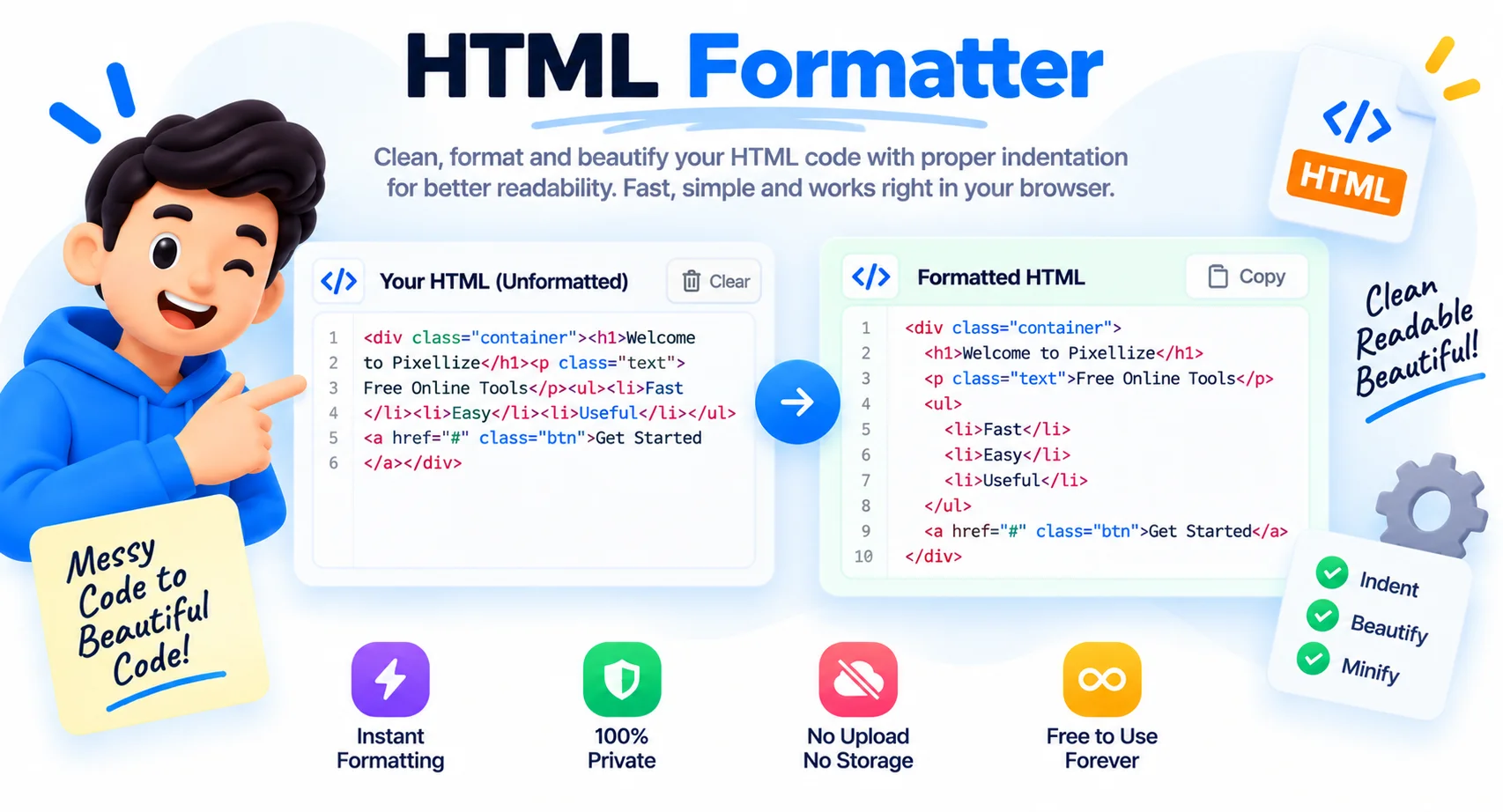
Beautify or Minify HTML Online, No Hand Editing
HTML has a way of turning into one long unreadable line. Markup copied from a page source, output from a builder, or pasted from a minified file all arrive squashed together, with no indentation to show what sits inside what. Reading it, or finding a bug in it, becomes a chore.
This formatter fixes that. It walks the markup tag by tag and rebuilds it with clean, consistent indentation, so the nesting is obvious and the structure is easy to scan. Void tags like img and br are handled correctly, and the contents of script, style, pre, and textarea are left exactly as they are so nothing breaks.
When you need the opposite, switch to minify and the same markup collapses to a single compact line for production. Pick your indent size, paste your HTML, and copy the result. It all runs in the browser, so even private templates stay on your machine.
Why Use This HTML Formatter
Beautify or Minify
Prettify messy markup with clean, consistent indentation, or minify it to one line to shrink file size for production.
Line Numbers and Wrap
Read the output with line numbers and syntax highlighting. Toggle line wrapping on or off to suit long lines.
Keeps Your Code Intact
The contents of script, style, pre, and textarea are preserved, so your JavaScript and CSS are never mangled.
Choose Your Indent
Format with 2 spaces, 4 spaces, or tabs to match your project style, and optionally remove comments.
Paste, Upload, or Type
Paste from your clipboard, load an .html file, or type directly. Copy or download the result in one click.
Runs in Your Browser
Your markup is formatted on your device. Nothing is uploaded, logged, or stored, and it is completely free.
Similar Tools
More Developer tools you might find useful.
Frequently Asked Questions
Common questions about formatting HTML.
How do I beautify HTML?
Paste your HTML into the box and it beautifies automatically with clean indentation. Pick 2 spaces, 4 spaces, or tabs, then copy or download the result. It works instantly in your browser with nothing to install.
What is the difference between beautify and minify HTML?
Beautify adds indentation and line breaks so HTML is easy to read and edit. Minify strips whitespace and comments to shrink the file to one line for faster loading. This tool does both, switch with the Format menu.
What is HTML prettify?
Prettify means the same as beautify, reformatting cramped or minified HTML into a clean, indented, readable layout. Paste your code and this formatter prettifies it instantly with syntax highlighting and line numbers.
Does formatting change my JavaScript or CSS?
No. The contents of script, style, pre, and textarea tags are left exactly as they are. Only the HTML structure around them is re-indented, so your code keeps working.
Can I choose the indent size?
Yes. Format with 2 spaces, 4 spaces, or tabs, whichever matches your project. You can also toggle line numbers and line wrapping, and remove comments from the output.
Will it fix broken HTML?
It re-indents and cleans the markup you give it, but it does not repair invalid or broken tags. For best results, paste HTML that is already structurally valid.
Is this HTML formatter free?
Yes, it is completely free with no sign-up, no limits, and no watermark. Everything runs in your browser, so your markup stays private.