
DOCX Image Extractor
Pull every picture out of a Word .docx file in seconds. Preview them, then save one image or all of them as a ZIP. Free, no signup, nothing uploaded.
How to extract images from a Word document
Select Your DOCX
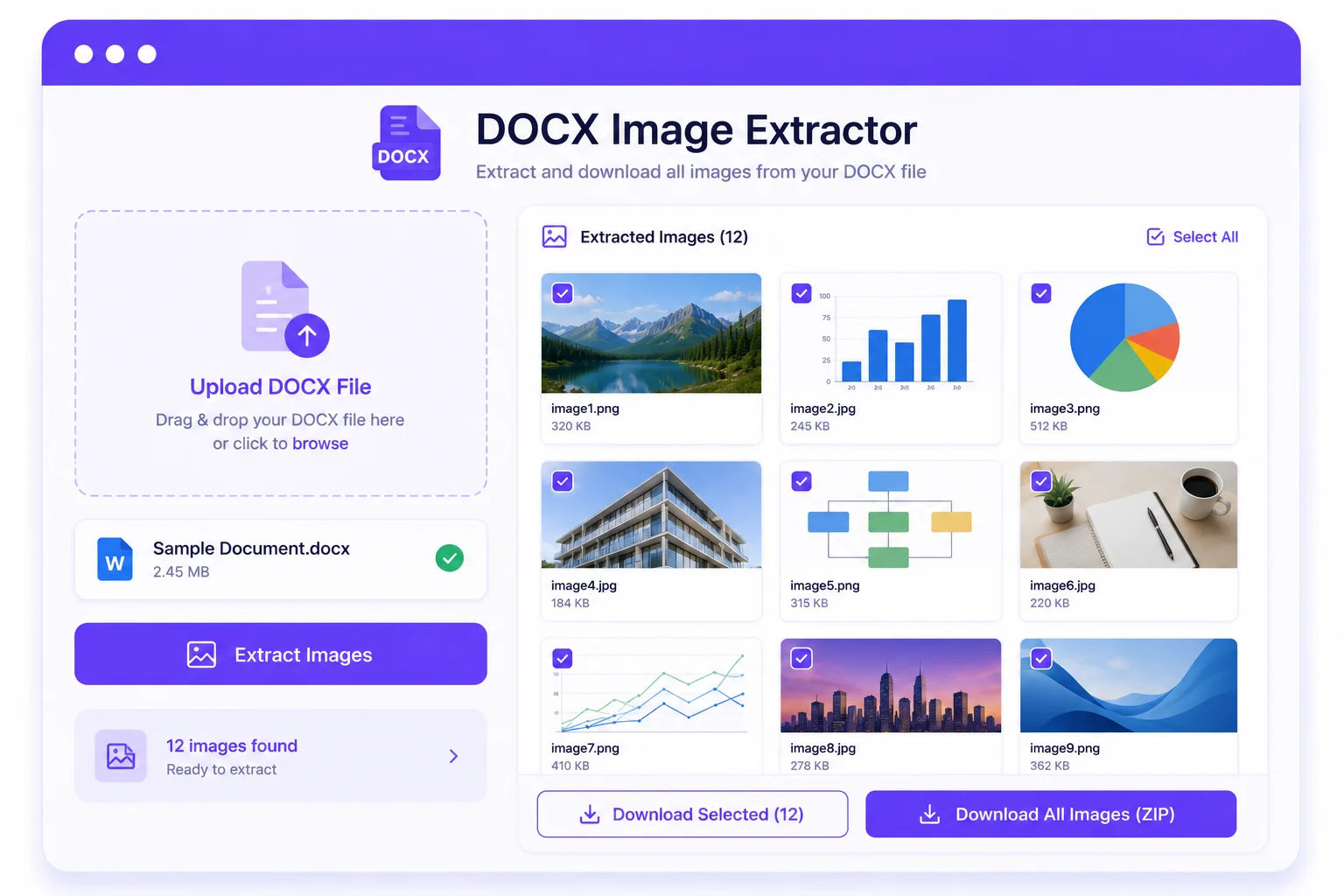
Drag and drop a .docx file or click to choose one. The tool reads it and finds every image inside.
Review the Images
See each picture as a thumbnail with its name, type, size, and dimensions laid out in a grid.
Save What You Need
Download a single image, or grab all of them at once in a single ZIP file.
Get the Pictures Out of Any Word File
A Word document keeps every picture you add tucked away inside the file itself. Getting them back out by hand means saving each one, or digging through the file in ways most people never try. This tool does it for you in one step.
Open a .docx file and every image is pulled out and shown as a thumbnail grid, each with its name, format, size, and dimensions. From there you can save a single picture or download all of them at once in a ZIP, with the original quality kept intact, no recompression.
It reads the document right in your browser, so nothing is uploaded and the file never leaves your computer. That makes it a quick, private way to reuse photos, logos, charts, and screenshots from a report, a resume, or any Word file.
Why Use Our DOCX Image Extractor?
Every Image at Once
Find and pull out all the pictures in a Word file, however many it holds, in one pass.
Preview Before Saving
See each image as a thumbnail with its name, format, size, and dimensions before you download.
Download as a ZIP
Save every image in one click, bundled into a single ZIP file with their original names.
Keeps Full Quality
Images come out exactly as they were stored in the document, with no recompression or quality loss.
Handles Many Formats
Works with PNG, JPG, GIF, BMP, WebP, SVG, and more, including the less common picture types.
Runs in Your Browser
Your document is read on your device. Nothing is uploaded, logged, or stored on a server.
Similar Tools
More File tools you might find useful.
Frequently Asked Questions
Common questions about extracting images from Word files.
How do I get images out of a Word document?
Open your .docx file in the tool and it finds every picture inside, shown as thumbnails. Then download a single image or all of them as a ZIP.
Does it work with .doc files too?
It works with the modern .docx format. Older .doc files use a different structure, so save or export them as .docx first, then extract.
Will the images lose quality?
No. Each image is saved exactly as it was stored in the document, with no recompression, so the quality stays the same.
Which image formats are supported?
Common ones like PNG, JPG, GIF, BMP, WebP, and SVG preview right away. Less common types such as EMF or WMF are still extracted and can be downloaded.
Is my document uploaded to a server?
No. The file is read entirely in your browser. Nothing is uploaded, logged, or stored anywhere.
Is this DOCX image extractor free?
Yes, it is completely free with no signup and no limits. Everything runs on your device.