
Meta Viewport Checker: Test Mobile Rendering Instantly
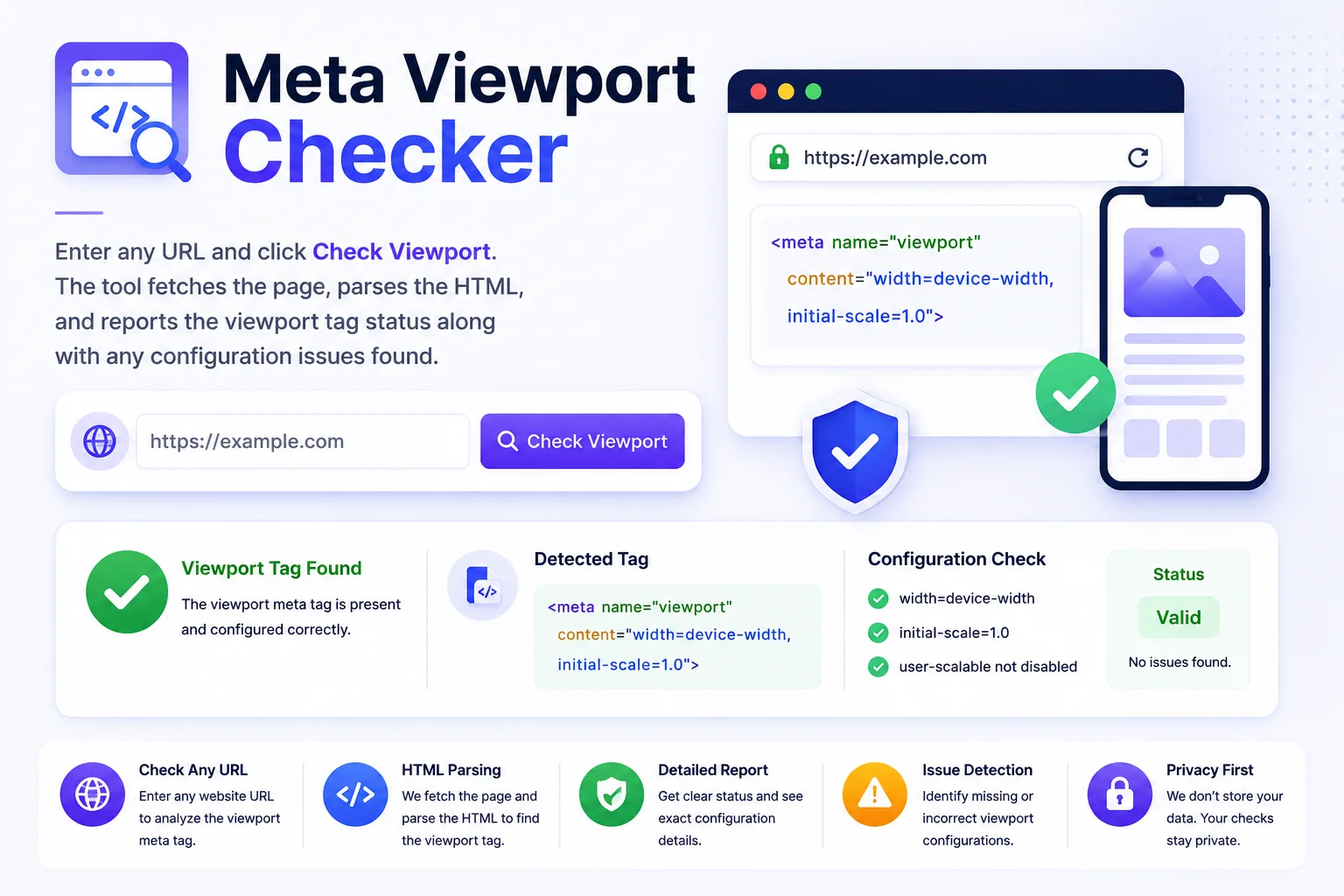
Enter any URL and click Check Viewport. The tool fetches the page, parses the HTML, and reports the viewport tag status along with any configuration issues found.
How to Use the Viewport Checker
Enter the Page URL
Paste any webpage URL into the input field.
Click Check Viewport
Click Check and the tool reads the viewport meta tag.
Review the Status
See if your page is properly set up for mobile responsive viewing.
Fix Any Issues
If issues are listed, each one explains what is wrong and why it matters. Add or correct the viewport tag in your HTML head section and re-check to confirm the fix.
A Missing Viewport Tag Breaks Mobile
One missing line of HTML can make an entire site unusable on mobile. Without a viewport tag, phones render the page at desktop width and shrink it to fit, text becomes unreadable, buttons untappable, and Google’s mobile-first indexing sees exactly that broken version. The checker pulls any URL and tells you whether the tag exists, what it sets, and whether mobile rendering will respect it.
It also catches the subtle misconfigurations: a tag without width=device-width still renders desktop-wide, a missing initial-scale=1 causes zoom quirks on rotation, and user-scalable=no blocks pinch-zoom, an accessibility failure that locks out low-vision users. Run the check after every theme update or page builder change, those are the moments this one line silently disappears.
Viewport is one of the head tags worth auditing together. The meta tags analyzer reads the full head in one pass, the Open Graph generator builds the social-sharing tags that live beside it, and the display type checker shows your own device’s viewport and pixel ratio, handy for understanding what your visitors actually see.
Why Use Our Viewport Checker?
Instant Results
Enter a URL and get the viewport status in seconds, no setup, no extensions, no browser devtools required.
Deep Tag Analysis
Goes beyond detecting the tag, checks for width=device-width, initial-scale=1, and flags accessibility issues like user-scalable=no and maximum-scale=1.
Mobile-First Indexing
Google uses mobile-first indexing. A missing or broken viewport tag can hurt your rankings. Use this tool to verify any page is properly configured.
Googlebot User-Agent
Pages are fetched using a Googlebot user-agent so you see the HTML exactly as Google sees it, not a cached or redirected version shown only to humans.
Accessibility Warnings
Flags viewport settings that block users from zooming in, a WCAG accessibility requirement, so you can fix issues before they affect your users.
Check Any URL
Works on any publicly accessible URL, your own site, a competitor, a client site, or any page you need to audit. No login or API key needed.
Similar Tools
More SEO tools you might find useful.
Frequently Asked Questions
Common questions about meta viewport tags and mobile-friendliness.
What is a meta viewport tag?
The meta viewport tag tells browsers how to scale a page on different screen sizes. Without it, mobile browsers render the page at desktop width and then shrink it down, making text too small to read.
What is the correct viewport tag?
The recommended value is: <meta name="viewport" content="width=device-width, initial-scale=1">. This tells the browser to match the screen width and start at 1x zoom.
Why is user-scalable=no flagged as an issue?
user-scalable=no disables pinch-to-zoom on touch devices. This is a WCAG 1.4.4 accessibility violation that prevents users with low vision from zooming in to read content.
Does a missing viewport tag affect SEO?
Yes. Google uses mobile-first indexing and considers mobile-friendliness a ranking factor. Pages without a viewport tag typically fail the mobile-friendly test in Google Search Console.
Can I check pages that require login?
Only publicly accessible pages can be checked, the tool fetches the URL the same way a search engine would. Password-protected or login-gated pages will return an error or show the login page HTML instead.
How do I check if my website has a viewport tag?
Paste your page URL into the viewport checker and run it. The tool fetches the HTML and reports whether a meta viewport tag exists, its exact content, and any issues like a missing width=device-width or blocked zoom. Each problem comes with the corrected tag to paste in.
How do I add a viewport meta tag to my site?
Add this line inside the head section of your HTML: meta name="viewport" content="width=device-width, initial-scale=1". In WordPress, well-built themes include it automatically; if the checker says yours is missing, add it to header.php or via your theme's hooks rather than a plugin.