
CSV Compressor
Shrink a CSV file by cleaning it up and compressing it to a .gz or .zip, with a clear before and after size. Free, no signup, nothing uploaded.
How to compress a CSV file
Open Your CSV
Drag and drop a .csv file or click to choose one. It is read right in your browser.
Pick the Options
Choose a format, .gz, .zip, or a cleaned CSV, and turn on the clean-up steps you want.
Download the Smaller File
See how much smaller it gets, then download the compressed file.
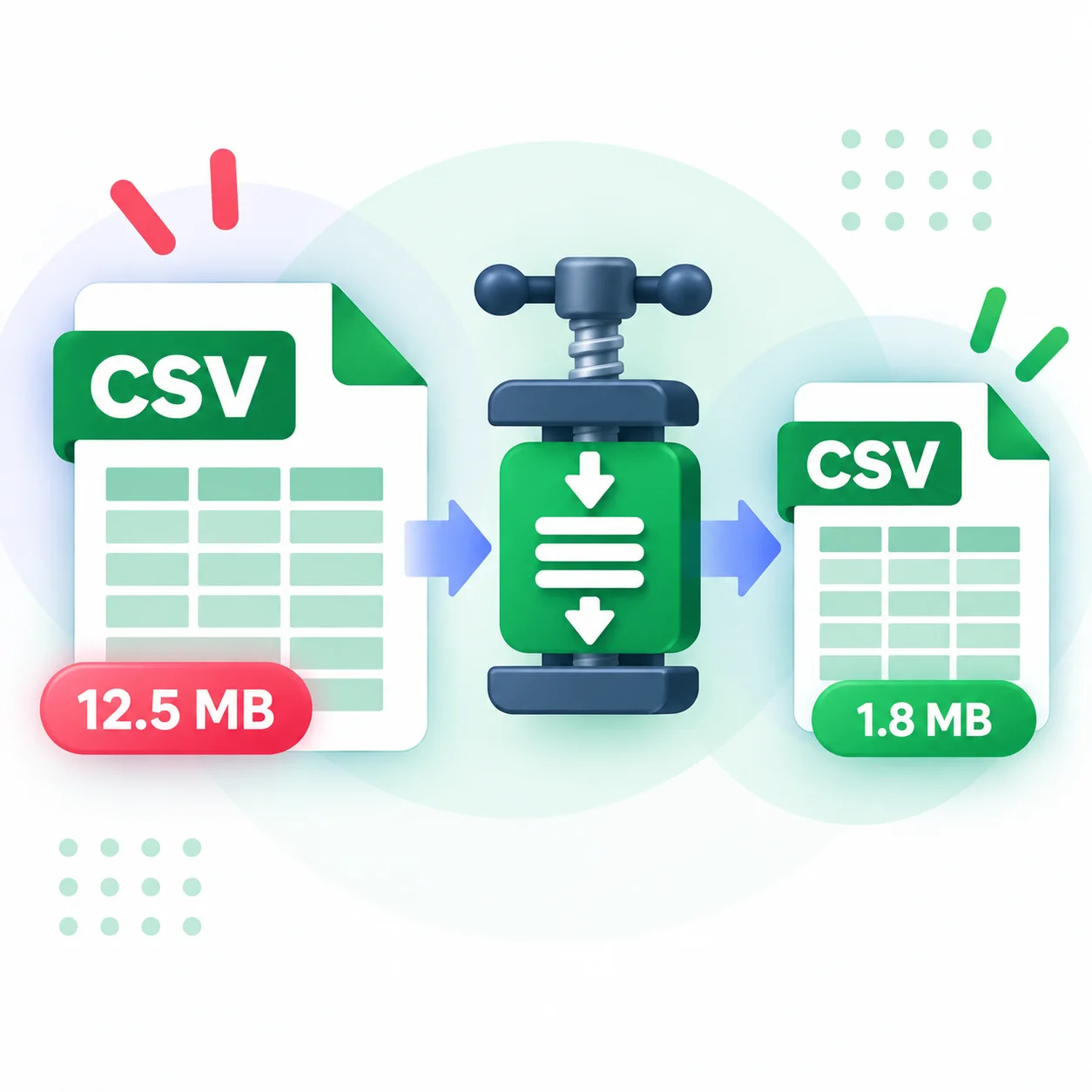
Make a Big CSV Much Smaller
CSV files are plain text, which makes them easy to work with but also larger than they need to be, especially when there is repeated data, extra spaces, or empty rows and columns. That adds up fast with exports that run into thousands of rows.
This compressor tackles it in two ways. First it can clean the file, trimming spaces, dropping empty rows and columns, and removing duplicate rows. Then it compresses what is left into a gzip or zip file. Because CSV is text, that compression often shrinks the file dramatically, which is great for storage, email, or staying under upload limits.
You see the original, cleaned, and compressed sizes as you adjust the options, so you can pick the best result. It all runs in your browser, so the file never leaves your device.
Why Use Our CSV Compressor?
Real Compression
Pack the file into a .gz or .zip, which can cut a text-heavy CSV down by a large amount.
Clean Up First
Trim spaces, drop empty rows and columns, and remove duplicate rows before compressing.
See the Savings
A clear before and after shows the original, cleaned, and compressed sizes side by side.
Your Choice of Format
Export as gzip for the smallest file, zip for easy sharing, or a cleaned CSV.
Instant Result
The size updates as you change options, so you can find the best result fast.
Runs in Your Browser
Your file is compressed on your device. Nothing is uploaded, logged, or stored.
Similar Tools
More File tools you might find useful.
Frequently Asked Questions
Common questions about compressing CSV files.
How much smaller will my CSV get?
It depends on the data, but text compresses well, so gzip or zip often cuts a CSV by a large amount. Cleaning the file first saves even more.
What is the difference between gzip and zip?
Gzip usually makes the smallest single file and is common for data. Zip is widely supported and easy to open on any computer. Both are offered.
What does the clean-up do?
It can trim spaces from cells, remove rows and columns that are completely empty, and drop duplicate rows, all before compressing.
Will the data still be correct?
Yes. Cleaning only removes empty or duplicate content and extra spaces. The compressed file unpacks back to a normal CSV with your data intact.
Is there a size limit?
There is no fixed limit, but very large files use more memory since everything is processed in the browser.
Is my file uploaded anywhere?
No. The file is cleaned and compressed entirely in your browser. Nothing is uploaded, logged, or stored on a server.