
Merge PDF Files Online Free, Right in Your Browser
Combine multiple PDFs into one document. Drag files into the exact order you want, preview the result, and download. Your files never leave your device.
How to Merge PDF Files Into One
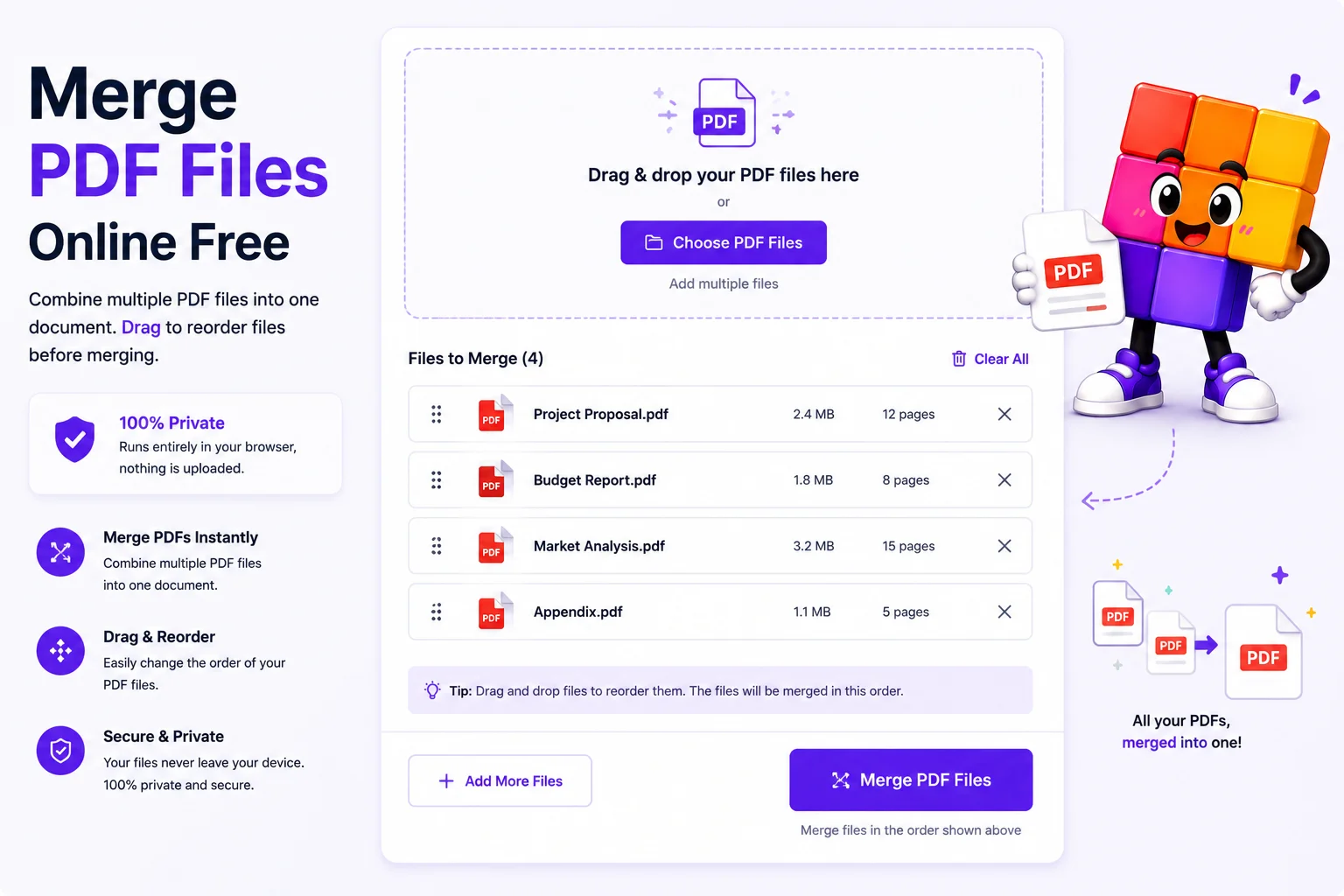
Add Your PDFs
Drag and drop all the files at once, or add them one by one. There is no meaningful limit on count.
Drag Into Order
Rearrange the file cards until they sit in the sequence the final document should follow.
Preview the Result
The live preview shows the combined document page by page, so you catch a wrong order before downloading.
Download the Merged PDF
One click, one file. Original formatting, links, and page sizes stay exactly as they were.
One Document Beats Five Attachments
Nobody wants to open five attachments in the right order. Job applications want the resume, cover letter, and certificates as one file. Client deliverables read better as a single report than a zip of fragments. Court and visa submissions often require it outright. Merging PDFs is one of those small tasks that shows up constantly, and it should not require installing software or trusting a stranger’s server with your documents.
This merger runs entirely in your browser. Add the files, drag them into order, check the live preview, download. Pages are copied without recompression, so a 300-page merge keeps every font, link, and image exactly as the originals had them. Password-protected files need their password removed first, encryption blocks any merger from reading the pages.
Merging is usually one step in a longer chain. Split out just the pages you need first with the split PDF tool, fix page order inside a single file with the organize PDF pages tool, add page numbers to the finished document with the page number tool, and if the merged file lands over an upload limit, the compress PDF tool brings it down to the exact KB you type.
Why Use This PDF Merger
100% Browser-Based
Merging happens on your device, not on a server. Contracts, invoices, and reports never upload anywhere, which is the safest possible model for documents.
Drag-to-Reorder
Drop files in any order and rearrange them visually. The merged PDF follows exactly the sequence you set, no re-uploading to fix a mistake.
Live PDF Preview
See the combined document before you download it. Wrong file, wrong order, missing pages, you catch it in the preview, not after sending.
Unlimited Files
Merge two PDFs or twenty. No file-count caps, no daily quotas, no premium tier holding the real features hostage.
Original Quality Kept
Pages are copied into the new document as-is. No recompression, no quality loss, fonts, links, and layouts stay identical.
Works on Mobile
The whole flow, adding, reordering, previewing, downloading, works in mobile browsers too. Merge from your phone when the deadline is now.
Similar Tools
More PDF tools you might find useful.
Frequently Asked Questions
Common questions about merging PDF files online.
How do I merge PDF files into one for free?
Add your PDFs to the merger, drag the file cards into the order you want, and click merge. The combined document downloads as one file with all pages in sequence. It is free, needs no account, and runs entirely in your browser without uploading anything.
Does merging PDFs reduce their quality?
No. Pages are copied into the merged document exactly as they are, with no recompression. Fonts, images, links, and page dimensions stay identical to the originals, and the merged file size is roughly the sum of its parts.
Are my PDF files safe when I merge them?
Yes. The entire merge runs in your browser, your files never reach a server. There is no upload, no cloud copy, and nothing to auto-delete later, close the tab and everything is gone. For contracts and financial documents, that beats any server-side merger.
Can I merge password-protected PDFs?
Not directly, encryption blocks the merger from reading the pages. Remove the password first with the unlock PDF tool on this site (you need to know the password), merge the files, and re-protect the result if needed.
Is there a limit on how many PDFs I can merge?
No fixed limit. Practically, your device's memory sets the ceiling, and merging dozens of normal documents works fine. Extremely large batches on an older phone may run slowly, split the job in two if that happens.
Can I change the order of the files before merging?
Yes, that is the core of the workflow. Drag the file cards into any sequence, and the merged document follows it exactly. The live preview shows the combined result so you can verify before downloading.
Can I merge only certain pages from each PDF?
Extract the pages you need first with the extract pages tool, then merge the extracted files. That two-step keeps the merger simple while giving you page-level control over the final document.