
Meta Robots & Noindex Checker
A free meta robots tag checker that tells you in seconds whether Google can index a page. Paste any URL and it reads the meta robots tag, the X-Robots-Tag HTTP header, and googlebot directives, flags noindex and nofollow, and shows the canonical URL, then gives a plain indexable or blocked verdict.
How to Check If a Page Is Noindexed
Enter the Page URL
Paste any webpage URL into the input field.
Click Check Indexability
Click Check Indexability and the tool reads robots and X-Robots tags.
Review the Results
See whether Google can index the page and the canonical URL detected.
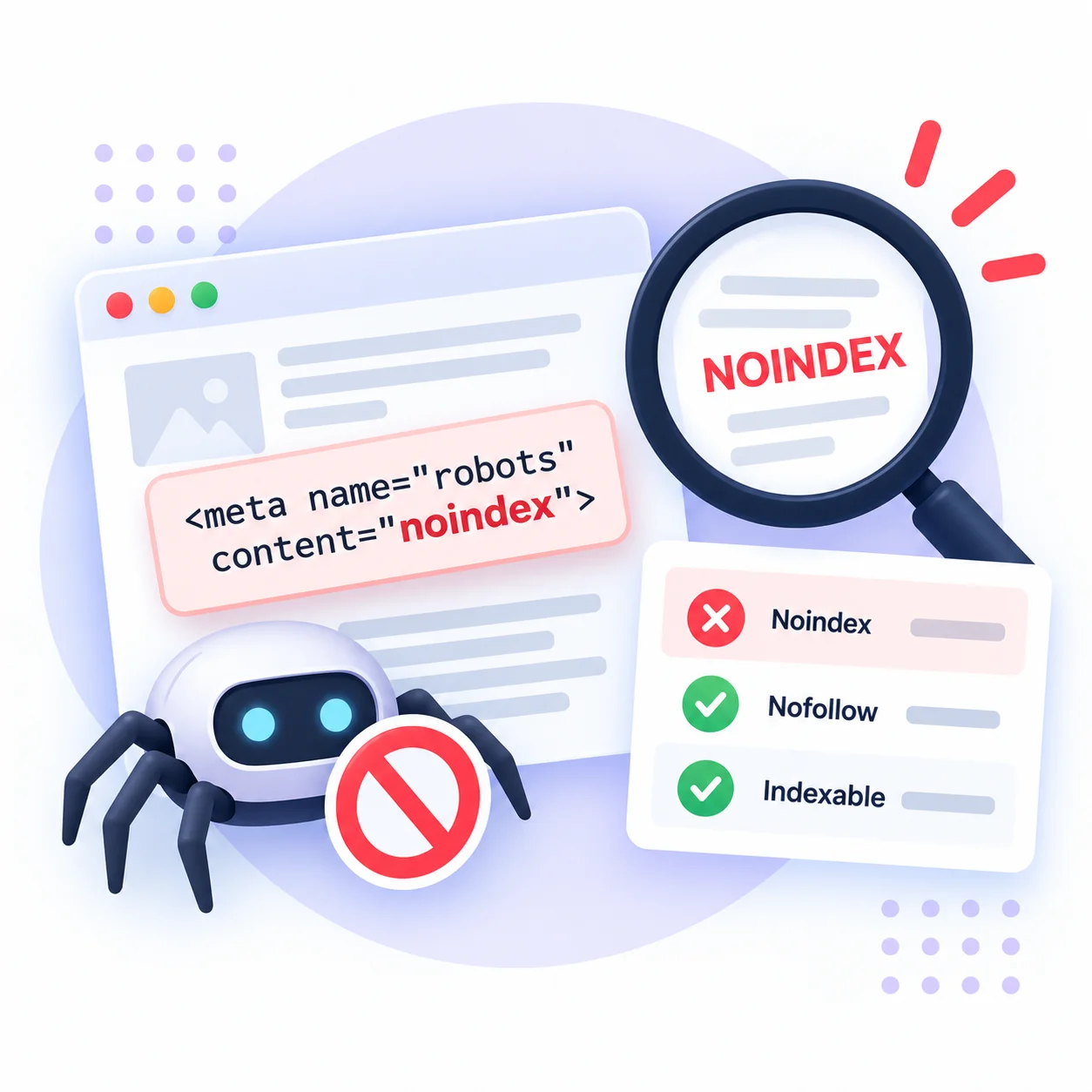
How to check a page's meta robots tag
A meta robots tag checker reads the small piece of code that decides whether Google is allowed to index a page. Paste a URL and this tool reports every robots directive it finds, in the HTML meta tag and in the X-Robots-Tag HTTP header, then gives a plain verdict: indexable or blocked.
Here is why it matters. A single noindex left on a live page will drop it from Google within days, and nothing in the content or backlinks can override it. Staging sites ship with noindex by default, and it is easy for that setting to leak into production after a launch or a plugin update. This checker catches it before your traffic does.
The tool looks in both places search engines do. The HTML meta name=”robots” tag is the common one, but a noindex can also sit in the X-Robots-Tag response header, which you cannot see in the page source. It also reads bot-specific tags like googlebot, flags nofollow, and shows the canonical URL, since a canonical pointing elsewhere changes which page Google keeps.
Read the result like a checklist. Indexable means Google can list the page. Noindex means it is blocked, on purpose or by accident. When you spot an unwanted noindex, remove it in your SEO plugin or template, then re-check. Pair this with the robots.txt checker and the canonical URL checker to cover every signal that controls indexing.
What this meta robots checker catches
Meta robots tag
Reads the HTML meta name="robots" tag, the directive most SEO plugins write, and shows exactly what it says.
X-Robots-Tag header
Catches noindex set in the HTTP response header, the hidden one you cannot spot by viewing page source.
Googlebot-specific rules
Detects bot-specific tags like googlebot that can block Google even when the general robots tag looks fine.
Noindex and nofollow
Flags both directives clearly, so you know whether a page is blocked from indexing, from link-following, or both.
Canonical and verdict
Shows the canonical URL and a plain indexable or blocked verdict, so the result takes no guesswork.
Free and private
Runs server-side with a Googlebot-style fetch, no signup, and nothing you check is stored anywhere.
Similar Tools
More SEO tools you might find useful.
Frequently Asked Questions
Common questions about noindex directives and how to check if a page is blocked from Google.
How do I check a page's meta robots tag?
Paste the page URL into the meta robots tag checker and it fetches the page like Googlebot does. It reads the HTML meta robots tag and the X-Robots-Tag header, then shows the exact directives and a plain indexable or blocked result. You can also check by hand: view page source and search for meta name="robots".
What is a noindex tag?
A noindex tag is a directive that tells search engines to render a page but never include it in their index, so it can never appear in search results. It lives in the HTML meta robots tag or the X-Robots-Tag HTTP header. Use it on purpose for thank-you pages or admin screens, but an accidental noindex on a key page will remove it from Google.
What is the difference between noindex and nofollow?
Noindex keeps a page out of the search index, so it will not rank. Nofollow tells search engines not to pass link authority through the links on that page. They are separate directives and often appear together as "noindex, nofollow". A page can be noindex but still followable, or indexable but nofollow, so this checker shows each one on its own.
How do I check the X-Robots-Tag header?
You cannot see the X-Robots-Tag by viewing page source, because it lives in the HTTP response header, not the HTML. This tool reads the header for you and reports any noindex or nofollow it finds there. That matters because a header noindex silently blocks a page even when the HTML meta robots tag looks completely fine.
Why is my page not showing up in Google?
The most common cause is an accidental noindex directive in the meta robots tag or X-Robots-Tag header, which this checker finds instantly. Other causes include a blocking rule in robots.txt, a canonical tag pointing to a different URL, or the page simply not being crawled yet. Start by confirming the page is indexable here, then check robots.txt and the canonical.
Does a noindex remove a page from Google right away?
No, it takes effect the next time Google recrawls the page, which can be a few days to a few weeks depending on how often the page is crawled. To speed it up, request indexing in Google Search Console after adding the tag. Removing an accidental noindex works the same way: the page returns once Google recrawls it.
Is this meta robots checker free?
Yes, it is completely free with no signup, no limits, and no watermark. You can check as many URLs as you want, your own site or a competitor's. The page is fetched on our server with a Googlebot-style request so the result matches what Google sees, and nothing you enter is stored.