
Broken Image Checker: Find 404 Images on Any Website
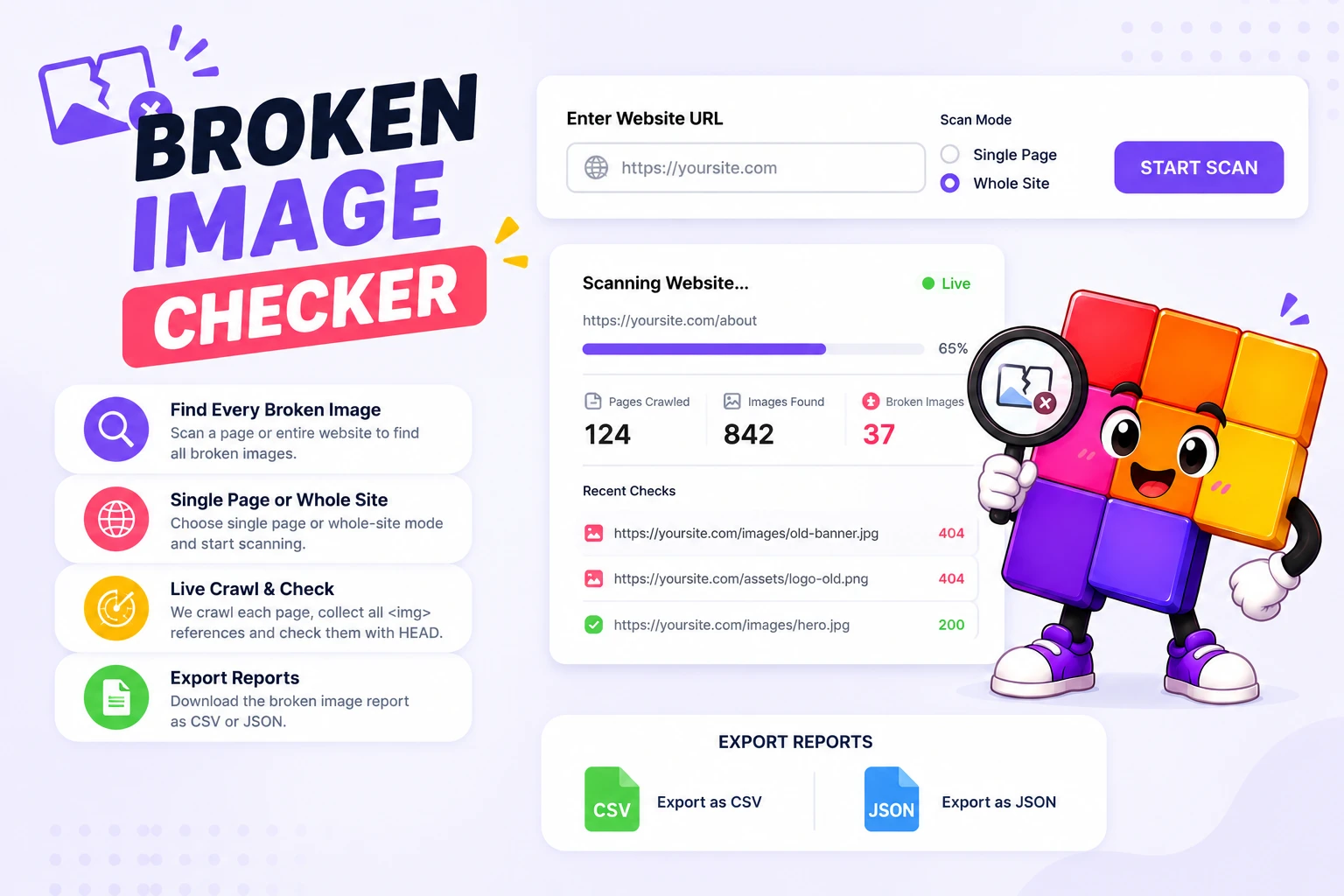
Scan a single page or an entire site and catch every image that fails to load. Live progress while it runs, results with alt text and status codes, CSV and JSON export.
How to Find Broken Images on a Website
Enter the URL
Paste a page address, or the homepage if you want the whole site scanned.
Pick Single Page or Whole Site
Single page checks one URL in seconds. Whole-site mode crawls internal links and checks every image it finds, with live progress.
Fix What the Report Shows
Each broken image lists its URL, the page it sits on, its alt text, and the HTTP status code. Export to CSV or JSON and work through the list.
Broken Images Cost Trust, Sales, and Rankings
A missing product photo can end a sale faster than a slow page. Broken images creep in quietly: a renamed file, a deleted media upload, a CDN that moved, an HTTP link on an HTTPS site. Visitors see the gray broken-image icon and quietly leave, and Google’s crawler notices the 404s too. Image results are a real traffic source, and a page full of dead image URLs sends the wrong quality signal.
Manual checking does not scale. A 50-page site can easily reference 500 images across galleries, sliders, and lazy-loaded sections, and a browser only shows you the page you are looking at. The checker does the boring part: it crawls your internal links, collects every unique image URL, HEAD-checks each one in parallel, and reports exactly which file failed, on which page, with which status code.
Run it monthly and after any migration, redesign, or CDN change, those are the moments images break in bulk. Pair it with the broken link checker for dead hyperlinks and the image alt checker for accessibility gaps. WordPress site? The step-by-step guide on finding broken images on a WordPress site walks through the common causes and fixes.
Why Use This Broken Image Checker
Single Page or Whole Site
Check one landing page before a launch, or crawl the entire site through its internal links. Same tool, one toggle.
Smart Image Discovery
Finds images in src, srcset, and lazy-load attributes, the places where broken references usually hide from a quick visual check.
Fast Parallel Checks
Every unique image URL gets a HEAD request, run in parallel, so a full site scan finishes in minutes, not hours.
Alt Text Included
Each result carries the image's alt text, so you can locate the exact spot on the page and spot missing alt attributes while you are at it.
Live Progress
Watch pages and images being checked in real time. No waiting on a black box, and you can stop as soon as you have what you need.
CSV and JSON Export
Download the full report and hand it to a developer, paste it into a ticket, or diff it against last month's scan.
Similar Tools
More SEO tools you might find useful.
Frequently Asked Questions
Common questions about checking websites for broken images.
How do I find broken images on my website?
Paste your homepage URL into the broken image checker, select whole-site mode, and start the scan. It crawls your internal links, collects every image URL, and HEAD-checks each one. Broken images appear in the report with their page, alt text, and HTTP status code, exportable as CSV.
What causes broken images on a website?
The usual causes: a renamed or deleted file, a media library cleanup that removed an image still in use, a moved CDN or domain, an HTTP image URL on an HTTPS page, or a typo in the file path. Migrations and redesigns break images in bulk, which is why scanning after each one pays off.
Do broken images hurt SEO?
Yes, in two ways. Dead image URLs return 404s that waste crawl budget and signal neglect, and the images themselves stop ranking in Google Images, which is a real traffic source for product and tutorial content. Fixing them is one of the cheaper SEO wins available.
How does the broken-image check actually work?
The tool fetches each page, parses out every image reference including srcset and lazy-load attributes, and sends a HEAD request to each unique URL. A HEAD request asks the server for status only, no download, which keeps the scan fast and light on your server.
Why are some images marked broken when they look fine in my browser?
Usually caching: your browser shows a stored copy while the server now returns 404 for fresh visitors. Some servers also block HEAD requests or automated checks, which can flag a working image. Verify in an incognito window before fixing, and treat 403 results as "check manually".
What is the page limit for a whole-site scan?
The crawler follows internal links up to a sensible cap so scans finish quickly. Very large sites are best checked section by section, start the scan from a category or subdirectory URL and the crawler stays within it.
Is my scan data stored anywhere?
No. Results exist only in your browser session, and nothing is saved after you leave the page. Export the CSV or JSON before closing the tab if you want to keep the report.